DigitalOcean Managed PostgreSQL HA: Minimal Cluster Design and Operational Guardrails
Architecture note for DigitalOcean Managed PostgreSQL high availability: primary-standby design, trust boundaries, monitoring checks, failure modes, and redesign triggers.
28 Jun 2026, 06:23 UTC
Problem and Takeaway
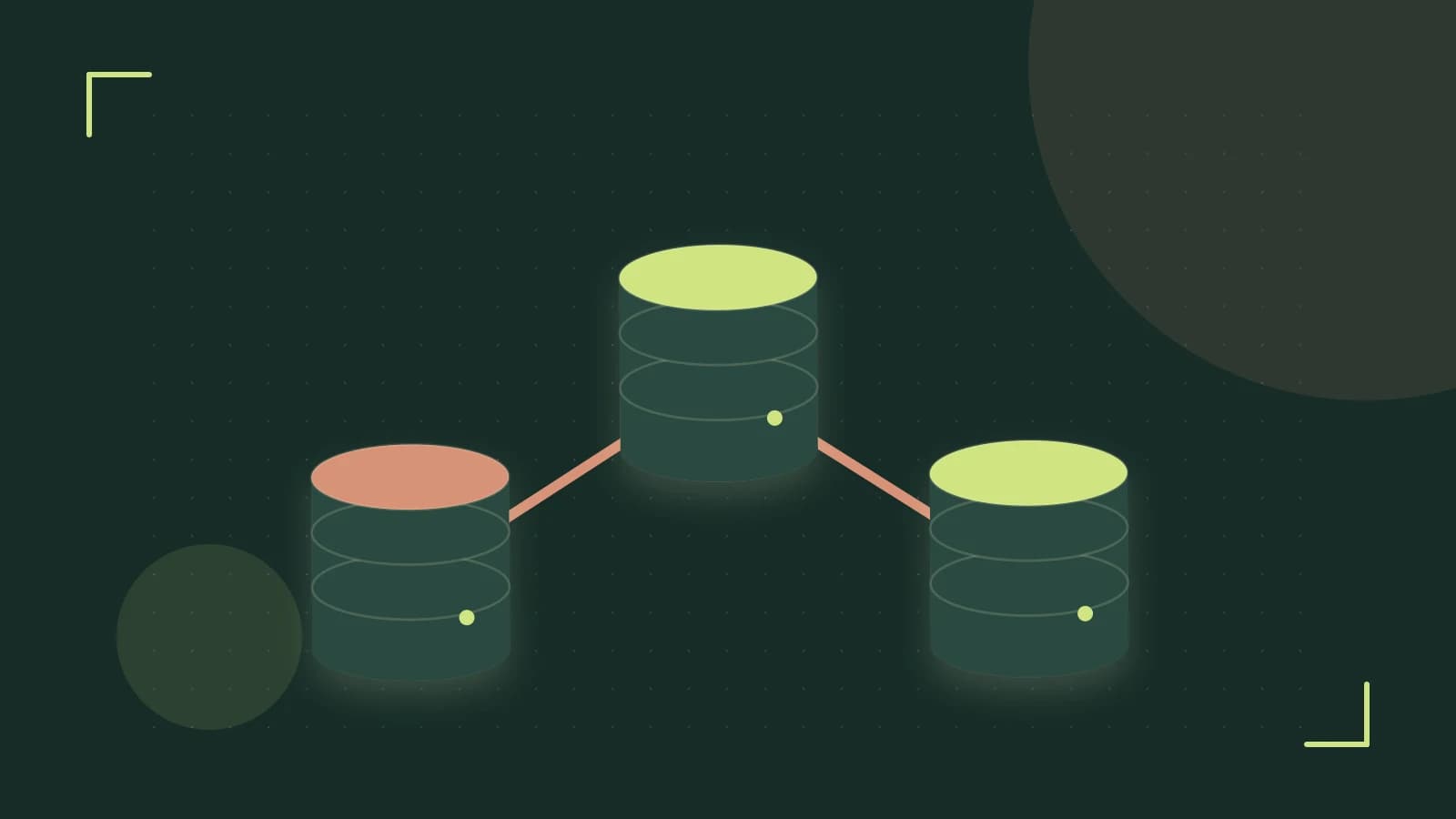
Teams that provision DigitalOcean Managed PostgreSQL with high availability often assume the standby node can serve read traffic and that automatic failover preserves every committed transaction. For the standard managed HA configuration, neither assumption is safe without verification. The smallest dependable design is a primary node and a standby node in different availability zones (isolated data centers within one region) in the same region, with failover orchestrated by DigitalOcean, plus separate asynchronous read replicas only when read scaling is required. DigitalOcean owns provisioning, patching, backups, and failover decisions; you own schema, queries, connection pooling, firewall rules, and application reconnection logic.
Requirements
- Survive the loss of one availability zone in a single region.
- Automatic failover to a standby without manual intervention.
- A clear understanding of the possible data-loss window on failover (recovery point objective, or RPO, may be greater than zero because unreplicated writes might not survive).
- Read scaling off the primary without using the failover standby as a read node.
- No direct OS or SSH access; all lifecycle actions through the control panel, API, or
doctl.
Smallest Suitable Design
| Component | Placement | Role | Managed By |
|---|---|---|---|
| Primary PostgreSQL node | Availability zone 1, same region | Read/write; accepts application connections | DigitalOcean control plane |
| Standby node | Availability zone 2, same region | Streaming-replication target (continuous copy of primary changes); promoted automatically on primary failure | DigitalOcean control plane |
| Connection pooler | Same VPC or peered VPC as the application | Client connection pooling; mode and size configured by the customer | DigitalOcean (service), customer (configuration) |
| Read replica (optional) | Same or different region | Asynchronous read-only traffic offload | DigitalOcean (provisioning), customer (query routing) |
Use the private endpoint and run the application in the same VPC or a peered VPC. DigitalOcean provides a public hostname by default; for production, restrict trusted sources to known application IP ranges and do not allow broad internet access. Encryption at rest and TLS for connections are managed by DigitalOcean; confirm certificate handling and available TLS settings in the current dashboard.
Trust and Data Boundaries
- DigitalOcean control plane: node provisioning, operating-system and PostgreSQL minor patching, automated failover, daily backups, encryption at rest, and TLS for connections.
- Customer: data, schema, indexes, query tuning, connection pooler mode and size, application retry logic, trusted-source firewall rules, and interpreting failover events.
- No SSH or root access: you cannot install arbitrary extensions or change low-level PostgreSQL configuration; only the provider-supported extension set is available.
Verify plan-specific details before relying on them: backup retention, point-in-time recovery (PITR; restoring to a specific past moment) window, available metrics, pooler defaults, and maintenance-window behavior can differ by plan and region.
Operational Checks
| Check | Where to Look | Alert Condition | Why It Matters |
|---|---|---|---|
| Failover events | DigitalOcean control panel database history or API event list | Any unexpected failover | Indicates primary health-check flapping or availability-zone/network issues. |
| Backup completion | Backups tab in cluster details | Any missed or failed daily backup | Loss of restore points. |
| Replication streaming state | pg_stat_replication on the primary (standby rows) | Standby not in streaming state or growing replication lag | Standby may not be ready to take over. |
| Standby replay freshness | pg_last_xact_replay_timestamp() on the standby, if directly accessible | Timestamp significantly behind the current time | A failover would resume from an older point. |
| Connection pooler saturation | Pooler statistics in the control panel or SQL, if privileges allow | Persistent high usage or rejected client connections | Application connection errors. |
| CPU, memory, storage | DigitalOcean metrics graphs | Above 80 percent sustained | Reduced headroom during failover and maintenance. |
Privilege note: the managed database user (commonly doadmin) may not have permission to query pg_stat_replication or connect to the standby. Verify which views are available in your cluster before building dashboards on them.
Concrete Diagnostic Example
Run these from a machine authenticated with doctl and from a host inside the same VPC (or a peered VPC) as the database. Replace every placeholder in angle brackets. Exact --format field names and available subcommands vary by doctl version; check doctl databases get --help before copying these commands.
# 1. Inspect the cluster (run locally)
doctl databases get  \
  --format ID,Name,Engine,Version,Region,Size,HighAvailability

# 2. List recent backups (run locally)
doctl databases backups list

# 3. Show connection details (run locally)
doctl databases get  \
  --format PrivateHost,Port,User,Database

# 4. Check replication state from the primary (run from VPC host)
PGPASSWORD= psql "host= port= dbname= user= sslmode=require" \
  -c "SELECT application_name, client_addr, state, sync_state FROM pg_stat_replication;"

# 5. Check standby replay freshness, only if the standby is directly addressable (run from VPC host)
PGPASSWORD= psql "host= port= dbname= user= sslmode=require" \
  -c "SELECT pg_is_in_recovery(), pg_last_xact_replay_timestamp();"
Permissions: doctl requires a token with databases read access. psql requires a managed database user and password, and the client IP must be in the cluster's trusted sources. The standby hostname may not be exposed to customers; if step 5 fails, rely on primary-side replication views and control-panel health indicators instead.
Risk: Do not attempt to force a failover on a production cluster to test it. DigitalOcean manages failover automatically; validate by reviewing failover event history and replica health during normal operation or in a dedicated development cluster.
Failure Modes and Mitigations
- Data loss on failover. Streaming replication may not have copied every committed transaction to the standby when the primary fails. Treat the failover data-loss window as greater than zero unless DigitalOcean documents a stronger guarantee for your cluster. Mitigation: design applications to retry and reconcile after reconnection.
- Standby cannot serve reads. The HA standby is a failover target, not a read replica. Sending analytical queries to it will not work. Mitigation: add a separate asynchronous read replica for read scaling, and expect replication lag.
- Repeated failovers. Network instability or health-check flapping can trigger promotion cycles. Mitigation: alert on failover events and investigate primary node and network metrics.
- Regional failure affecting both nodes. Same-region high availability does not survive a region-wide outage. Mitigation: add a cross-region asynchronous replica and write a manual promotion runbook.
- Logical corruption or bad DDL. Failover replicates the corruption. Mitigation: use backups or point-in-time recovery to fork a new cluster from before the damaging change, within the provider's retention window.
- Control-plane outage. The existing primary continues serving, but new automated failovers may be unavailable. Mitigation: accept temporary loss of HA automation and monitor primary health directly.
- Connection pooler incompatibility. The configured pooler mode may break prepared statements, advisory locks, or session-scoped temporary tables. Mitigation: test the application under the active pool mode before production traffic and change the mode if required.
Design-Change Triggers
| Trigger | Possible Action | Trade-off |
|---|---|---|
| Cross-region disaster recovery required | Add an asynchronous read replica in another region; document manual promotion. | Higher cost; replica may lag; failover is not automatic. |
| Near-zero data loss required on failover | Evaluate self-managed PostgreSQL on Droplets or Kubernetes with customer-controlled synchronous replication. | Lose managed patching, backups, and failover; higher operational overhead. |
| Compliance requires customer-managed encryption keys | Migrate to self-managed PostgreSQL. | Managed encryption and patching no longer apply. |
| Read traffic exceeds replica capacity | Add read replicas, tune the connection pooler, or shard; native replica autoscaling is not a managed feature. | Application routing changes; more nodes to monitor. |
| Cost exceeds budget | Resize the cluster, remove unused read replicas, or move lighter workloads to a smaller managed database plan. | Less headroom; re-run capacity checks after resizing. |
Limitations and Verification Notes
- DigitalOcean does not publish a universal failover RPO or recovery time objective (RTO; the target time to restore service) for managed databases; do not design to a specific seconds target without current documentation.
- The HA standby is not a user-addressable read replica; read replicas are a separate feature where available.
- There is no documented customer command to force failover; do not assume a command such as
doctl databases failoverexists. Failover is automatic. - Exact backup retention, PITR window, available metrics, pooler defaults, and maintenance-window behavior vary by plan and region; confirm in the control panel before relying on them.
- The public hostname exists by default; restrict it with trusted sources rather than assuming it can be disabled entirely.
Practical Verification Checklist
- Create a development cluster with high availability enabled in a test VPC.
- Confirm the cluster details show a standby node and note its availability zone if listed.
- Review the backups list for recent completed backups and check the documented retention window.
- Connect from a VPC host to the primary and query replication state; confirm the standby appears and is streaming.
- Open the connection pooler settings in the dashboard and test the application's prepared statements under the active pool mode.
- Review failover event history and configure alerting on database events if the platform supports it.
- Confirm trusted sources include only application IP ranges; remove any broad rules such as
0.0.0.0/0.
If these checks pass, the minimal primary-plus-standby design meets single-zone availability for managed PostgreSQL on DigitalOcean. Revisit the design when any design-change trigger fires, and re-verify plan-specific limits after any DigitalOcean platform update.
 digitalocean
 postgresql
0 replies
A thoughtful contribution can make all the difference. Be the first to share one.