Read Scaling with DigitalOcean Managed PostgreSQL Read-Only Replicas
Scale read traffic on DigitalOcean Managed PostgreSQL using a private VPC read-only replica, accepting asynchronous lag and separate read/write connection pools.
01 Feb 2026, 02:16 UTC
The problem and the practical takeaway
A web application’s primary database becomes a bottleneck when report queries, dashboard refreshes, and search lookups compete with writes for the same connections. The practical takeaway is to add one read-only replica in the same DigitalOcean region, keep all database traffic on a private VPC, and route read-only queries to the replica endpoint while accepting that the replica may trail the primary by seconds or minutes.
Requirements
- The application can separate read and write traffic at the connection-pool or data-access layer.
- Affected features can tolerate stale reads; for example, a listing page may show data that is slightly behind, but a checkout confirmation cannot.
- All nodes remain in one DigitalOcean region; this design does not cover cross-region replicas.
- You have permission to create managed databases and modify VPC and firewall rules in the DigitalOcean account.
Smallest suitable design
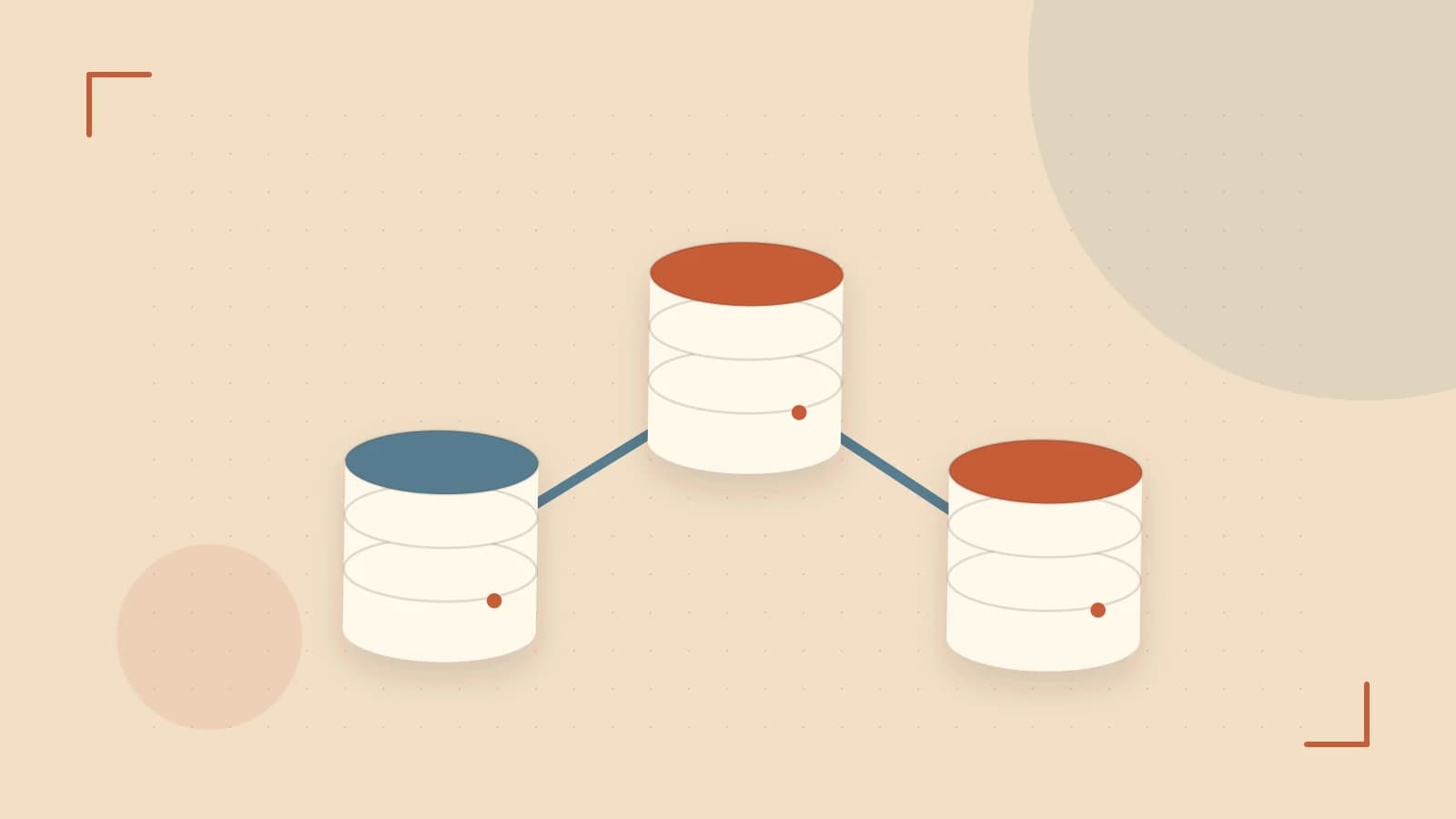
Provision one primary node and one read-only replica, both attached to a private VPC network. The application uses two connection pools: one to the primary endpoint for INSERT, UPDATE, and DELETE, and one to the replica endpoint for SELECT. Replication is asynchronous, so the replica does not provide read-after-write consistency.
Trust and data boundaries
Database traffic should not cross the public internet. Disable public network access for the managed database cluster, or restrict it to specific trusted IP ranges using firewall rules. Place application servers and the database in the same VPC. Create dedicated database roles with least privilege: the write role modifies application tables, while the read role is limited to SELECT on the tables needed by read-only features.
Configuration example
Connection strings differ by host and intended use. Replace PASSWORD with the credential shown in the DigitalOcean control panel, and inject secrets at runtime rather than hard-coding them.
# Write pool, run on an application server inside the VPC
DATABASE_WRITE_URL="postgres://doadmin:[contact removed]:25060/defaultdb?sslmode=require"

# Read pool, run on an application server inside the VPC
DATABASE_READ_URL="postgres://readonly:[contact removed]:25060/defaultdb?sslmode=require"
To verify connectivity from a host inside the same VPC:
# Run on an application server or Droplet inside the VPC
psql "$DATABASE_READ_URL" -c "SELECT 1;"
psql "$DATABASE_READ_URL" -c "INSERT INTO test_table (id) VALUES (1);"
Expected checks: the SELECT returns a result row. The INSERT is rejected because the replica is read-only; the exact error text depends on the PostgreSQL version and user privileges. Risk: shell history may capture the password. Use PGPASSWORD or a protected .pgpass file instead of embedding credentials in the command.
Operational checks
| Check | What to verify |
|---|---|
| Replica lag | Replication delay on the DigitalOcean Databases dashboard; alert when lag exceeds your application’s tolerance for stale data. |
| Primary health | CPU, memory, disk usage, and connection count on the primary node. |
| Backups | Automated backups are completing; replicas do not replace backups. |
| Connection pools | Separate limits for primary and replica so a read spike cannot exhaust write connections. |
Failure modes
- Stale reads: a user submits a form and immediately reloads a page served from the replica; the new data may not appear yet.
- Failover interruption: if the primary fails, DigitalOcean may promote the replica. Write traffic is briefly interrupted until the application reconnects to the new primary endpoint. Applications must implement retry logic.
- Network partition: if connectivity between primary and replica breaks, replication stops until the link is restored; lag grows during the outage.
Conditions that change the design
- Multi-region read requirements: a single-region replica does not reduce latency for users in another region.
- Synchronous replication or zero-lag reads: this architecture is asynchronous only. Do not use it for financial ledgers or inventory checks that require immediate consistency.
- Write throughput exceeding a single primary: read replicas do not scale writes. Consider sharding, partitioning, or a different database platform.
Limitations and verification
DigitalOcean managed database plans, replica limits, and available PostgreSQL versions vary by region and tier. This note assumes a standard managed PostgreSQL cluster on a plan that supports at least one read replica. Before provisioning, confirm current pricing and node specifications for your region in the DigitalOcean control panel or product documentation.
Practical verification: create a test cluster, attach it to a private VPC, confirm the replica endpoint accepts SELECT and rejects INSERT, then review the Databases dashboard for replication status and firewall rules. Treat this as a draft for review until you verify against your region’s current offering.
 digitalocean
 postgresql
0 replies
A thoughtful contribution can make all the difference. Be the first to share one.