DigitalOcean Managed PostgreSQL with a Standby Node: Failover Reality Check
Add a standby node to DigitalOcean Managed PostgreSQL, but plan for dropped connections and retry logic during failover.
29 Jul 2025, 09:55 UTC
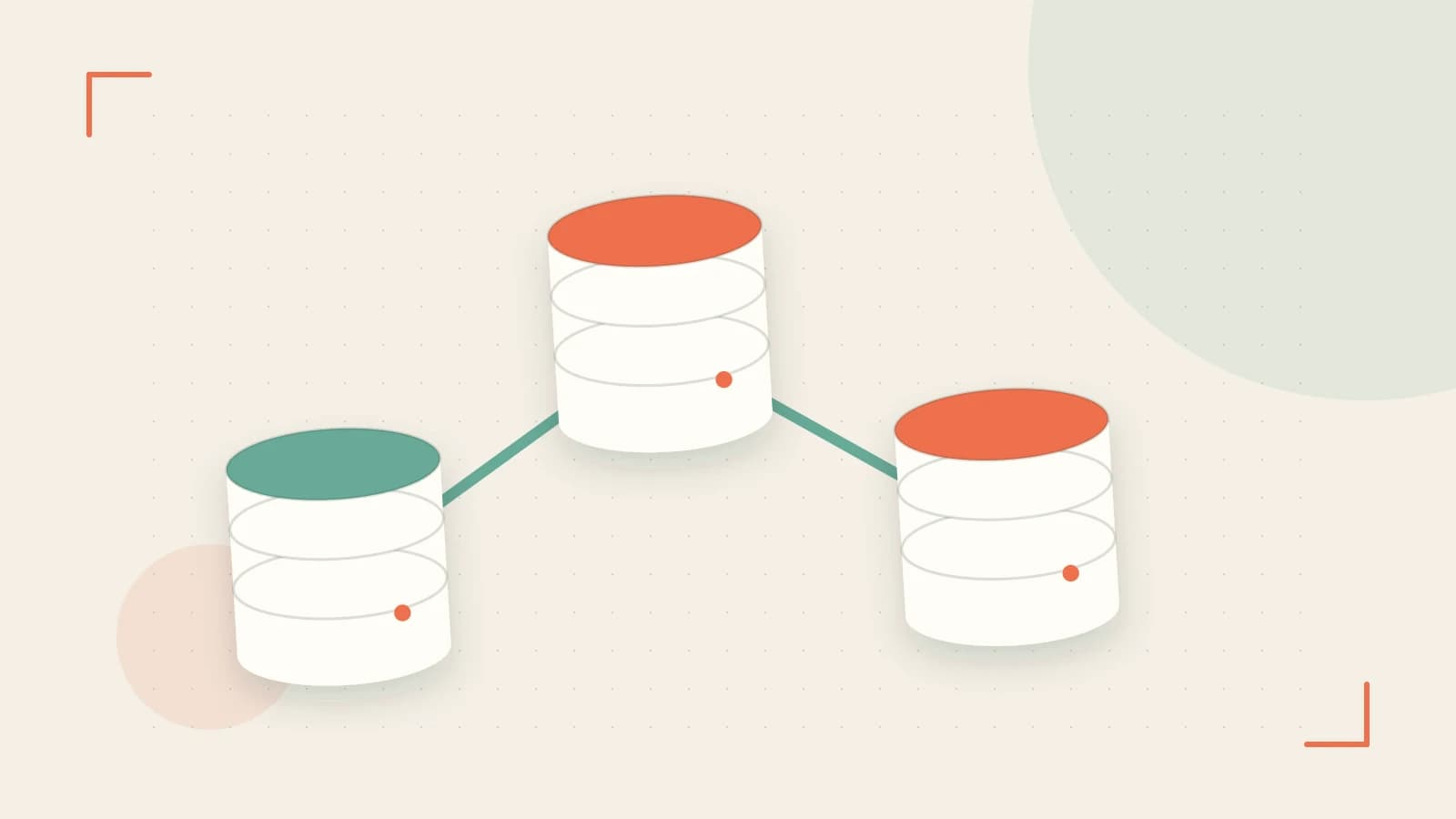
A failed primary node is still downtime unless your application expects it
If your production PostgreSQL database runs on a single node, a hardware failure or maintenance event means an outage until you provision a replacement and restore from backup. DigitalOcean Managed Databases can reduce that window by adding a standby node, but the database cluster staying online does not mean your application stays connected without changes.
This piece covers what the standby node actually does, how to provision it, and what to verify before you rely on it for high availability.
What the standby node provides
DigitalOcean Managed PostgreSQL can run a standby node in the same cluster. The service handles replication and, if the primary becomes unhealthy, promotes the standby. Your application continues to use the cluster’s stable connection hostname; the platform updates that hostname to point at the new primary after failover.
This is not the same as zero-downtime. Failover can take tens of seconds to a few minutes. Existing connections are usually dropped, and DNS or connection pooler caching can delay redirection even after the hostname is updated. Applications need retry logic and, ideally, connection pooling that can refresh stale connections.
Worked example: provision a cluster with a standby
Run the following on your local machine or CI runner, not inside the database cluster. You need a DigitalOcean personal access token with read and write access, exported as DO_TOKEN.
# Authenticate once
doctl auth init

# Create a PostgreSQL cluster with high availability.
# Flag names vary by doctl version; confirm with:
# doctl databases create --help
doctl databases create  \\
  --engine pg \\
  --version 15 \\
  --region  \\
  --size  \\
  --num-nodes 1 \\
  --high-availability \\
  --tag "production,postgres"
Replace placeholders with your values. --high-availability requests a standby node and adds its hourly cost to the cluster. Not every region supports standby nodes, so if the command fails, check region availability before choosing a different size or engine version.
After creation, verify the cluster state:
doctl databases get Look for an online status and evidence that a standby node exists. The exact field names depend on the API version, so compare the output against doctl databases --help and the current API reference.
Confirm backups are present:
doctl databases backups list Daily backups are retained for a limited window commonly cited as seven days. Verify the retention window in your account’s current terms; older data is not recoverable through this feature unless you take manual snapshots or use point-in-time recovery where available.
Connecting your application safely
Use the cluster’s connection string or hostname from the control panel, not the IP address of an individual node. After failover, the hostname resolves to the new primary. Configure your application to:
- Retry failed queries with exponential backoff
- Refresh pooled connections periodically instead of holding them indefinitely
- Catch connection errors during the failover window rather than surfacing them to users
Trade-offs and limitations
| Factor | Behavior to plan for |
|---|---|
| Cost | A standby node is billed as an additional database node. Compare single-node versus HA pricing before provisioning. |
| Region support | Standby nodes are not available in every DigitalOcean region. Verify your target region before designing around HA. |
| Failover time | Expect tens of seconds to minutes of interrupted connectivity. The platform automates promotion; your code must handle reconnection. |
| Backup retention | Automated backups are kept for a limited window. Data older than that window requires a separate retention strategy. |
| Extensions | Not all PostgreSQL extensions are supported on Managed Databases. Review the extension list if your schema depends on custom extensions. |
Because provisioning a standby node changes billing immediately, there is no simple “undo” for hours already used. You can remove the standby or destroy the cluster, but you will still pay for provisioned time.
Checklist before you rely on it
- Confirm your region supports standby nodes for PostgreSQL.
- Provision the cluster and verify
doctl databases getreports online with a standby. - Check
doctl databases backups listand note the oldest available backup. - Update your application’s connection settings to use the cluster hostname, not a node IP.
- Add or verify retry logic for database connection errors.
- Review the current backup retention window and extension support for your PostgreSQL version.
A standby node removes the operational burden of manual replication, but it does not remove the need to design your application for brief database interruptions. Provision the cluster, test reconnection behavior, and treat the stable hostname as the only reliable endpoint.
 digitalocean
 postgresql
0 replies
A thoughtful contribution can make all the difference. Be the first to share one.