Designing High‑Availability PostgreSQL on DigitalOcean with Managed Read Replicas
Deploy a single‑region DigitalOcean Managed PostgreSQL cluster with one read replica to achieve high availability. This guide covers the minimal architecture, trust boundaries, operational checks, failure modes, and when to expand the design.
10 Sept 2026, 20:26 UTC
Problem Statement
Web applications that grow beyond a few thousand requests per day often hit a bottleneck where a single PostgreSQL instance cannot handle the mix of read and write traffic. DigitalOcean’s Managed Databases provide built‑in logical replication and automatic failover, but the design choices around how to expose the primary and replica endpoints, monitor health, and trigger architectural changes are not obvious. This note walks through a minimal, production‑ready architecture that leverages a single‑region managed PostgreSQL cluster with one read replica, defines trust boundaries, and outlines operational checks and failure scenarios.
Requirements
- Read/write separation: writes only to the primary; reads to the replica.
- Automatic failover with less than 5 s of downtime.
- Replication lag < 1 s under normal load.
- Cost‑effective: one primary + one replica is the smallest viable high‑availability setup.
- Simple operational monitoring using DigitalOcean’s API and standard PostgreSQL tools.
Smallest Suitable Design
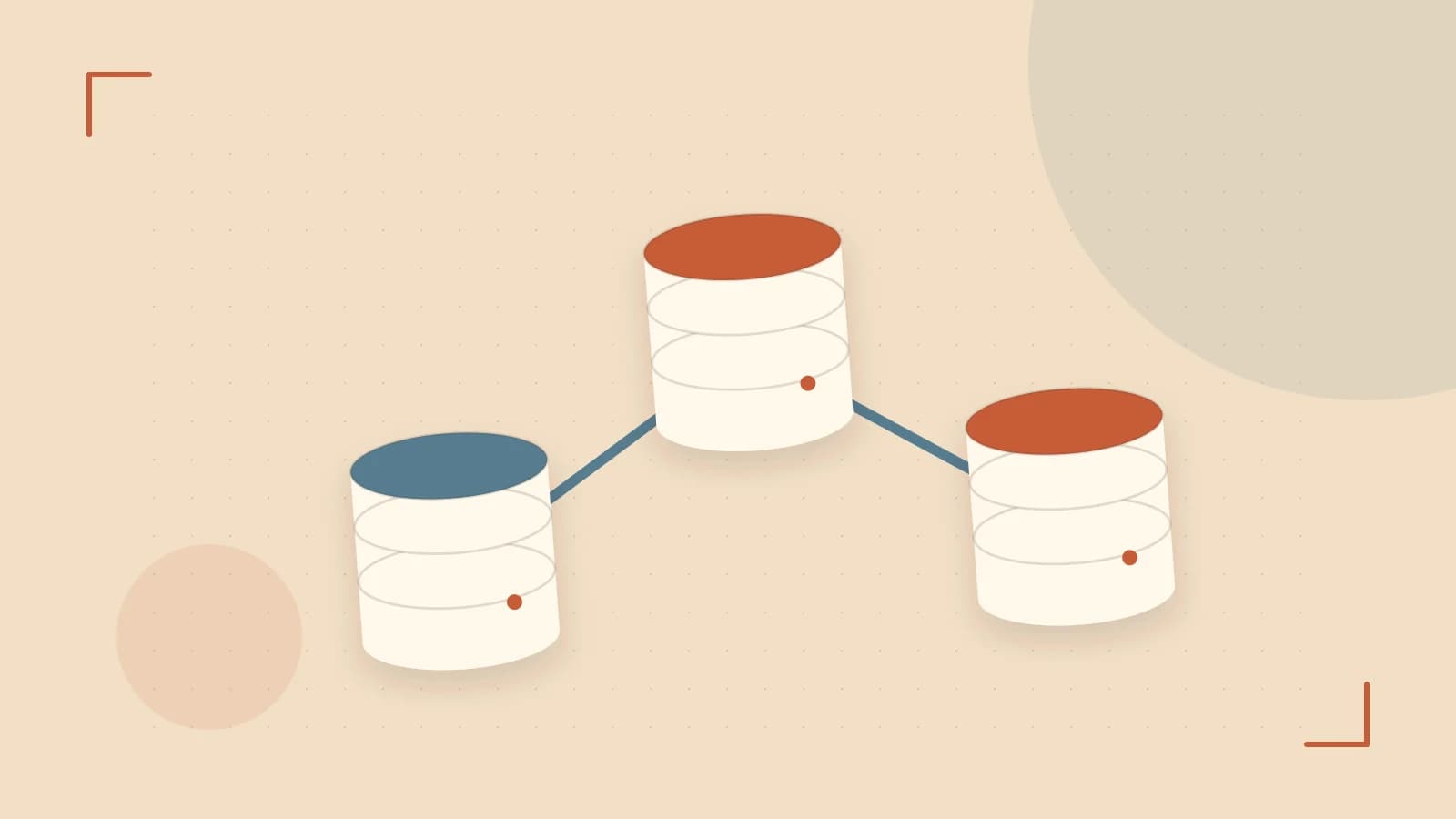
Deploy a single‑region managed PostgreSQL cluster with the following topology:
- Primary endpoint:
primary-xxxxxx.do-user.example.com:25060 - Replica endpoint:
replica-xxxxxx.do-user.example.com:25061 - Load balancer (e.g., HAProxy) that routes
WRITEtraffic to the primary andREADtraffic to the replica. - Application instances use environment variables to reference the two endpoints.
Example HAProxy configuration (run on a droplet with root privileges):
# /etc/haproxy/haproxy.cfg
frontend pg_frontend
    bind *:5432
    mode tcp
    option tcplog
    acl is_write hdr(host) -i write.pg.example.com
    use_backend pg_primary if is_write
    default_backend pg_replica

backend pg_primary
    mode tcp
    server primary primary-xxxxxx.do-user.example.com:25060 check

backend pg_replica
    mode tcp
    server replica replica-xxxxxx.do-user.example.com:25061 check
Deploy the HAProxy server in the same region as the database to keep latency low. The application should resolve write.pg.example.com for any operation that mutates data and read.pg.example.com for SELECTs.
Trust and Data Boundaries
- Application code must never issue write statements against the replica endpoint. The replica runs in recovery mode; attempts to write will return
ERROR: cannot execute INSERT in a read‑only transaction. - Use connection pooling libraries (e.g., PgBouncer) that support per‑pool role separation to enforce this rule.
- All schema migrations should target the primary only. Running migrations against the replica will fail and could lead to confusion.
Operational Checks
Replication Lag
Query pg_stat_replication on the primary to verify lag:
psql -h primary-xxxxxx.do-user.example.com -p 25060 -U do_user -c \
'SELECT client_addr, sync_state, write_lag, flush_lag, replay_lag FROM pg_stat_replication;'
Set an alert if replay_lag exceeds 1 s:
# Example using DigitalOcean Alerts API
POST https://api.digitalocean.com/v2/monitoring/alerts
{
  "name": "Replication Lag Alert",
  "type": "threshold",
  "threshold": 1,
  "comparison": ">",
  "resource_id": "pg_cluster_id",
  "resource_type": "database",
  "metric": "pg_replay_lag_seconds"
}
Replica Health
DigitalOcean’s control panel shows a replica status of online once it is fully synchronized. Use the API to poll:
curl -H "Authorization: Bearer $DIGITALOCEAN_TOKEN" \
    https://api.digitalocean.com/v2/databases/pg_cluster_id/replicas
Check that the status field equals online before routing traffic to it.
Failover Events
When the primary becomes unreachable, DigitalOcean promotes a replica automatically. Monitor the primary field of the cluster via the API:
curl -H "Authorization: Bearer $DIGITALOCEAN_TOKEN" \
    https://api.digitalocean.com/v2/databases/pg_cluster_id
Log the timestamp of any change to the primary endpoint and verify the application reconnects within a few seconds.
Failure Modes and Mitigations
- Network partition between application and replica: Reads become stale. Mitigation – route all reads through a local replica within the same region or add a second replica in a different availability zone.
- Primary failure: Automatic failover may block writes for up to 5 s. Mitigation – implement an idempotent retry strategy for write operations and ensure the application can tolerate short write outages.
- Replication lag spikes: High write load can push lag above the 1 s threshold. Mitigation – tune
max_wal_sizeandwal_keep_segmentson the primary, or add an additional replica to absorb read traffic. - Regional outage: Both primary and replica are down. Mitigation – deploy a multi‑region cluster with a read replica in a second region and use a DNS‑based load balancer that can switch primary endpoints.
When to Trigger a Design Change
- If read traffic consistently exceeds 80 % of total queries, add a second read replica in the same region to distribute load.
- If replication lag > 1 s for more than 5 minutes, consider scaling the primary instance size or adding a dedicated replication endpoint.
- If you need to meet a
99.99%SLA and experience multi‑minute outages during regional incidents, migrate to a multi‑region managed cluster with cross‑region replication.
Practical Verification Checklist
| Check | Command / API | Expected Result |
|---|---|---|
| Replica in recovery mode | psql -h replica-xxxxxx.do-user.example.com -c "SELECT pg_is_in_recovery();" | pg_is_in_recovery = t |
| Replication lag < 1 s | Query pg_stat_replication on primary | replay_lag < 1 |
| Failover promotion | Stop primary via API, then check primary endpoint | New primary reported, application reconnects |
| Replica status online | API call to /replicas | status = online |
Conclusion
Using DigitalOcean Managed PostgreSQL with a single read replica gives a balance of high availability, low latency, and cost efficiency for most web applications. By clearly separating write and read responsibilities, monitoring replication health, and defining clear thresholds for redesign, teams can maintain service continuity and scale as traffic grows.
 digitalocean
 postgresql
0 replies
A thoughtful contribution can make all the difference. Be the first to share one.