Using Gardener Addons to Keep Core Workloads Consistent Across Shoots
Declare DNS, monitoring, or logging once per seed as a Gardener Addon and let the controller keep them in sync across all shoots, reducing manual toil and drift.
15 Jul 2026, 14:25 UTC
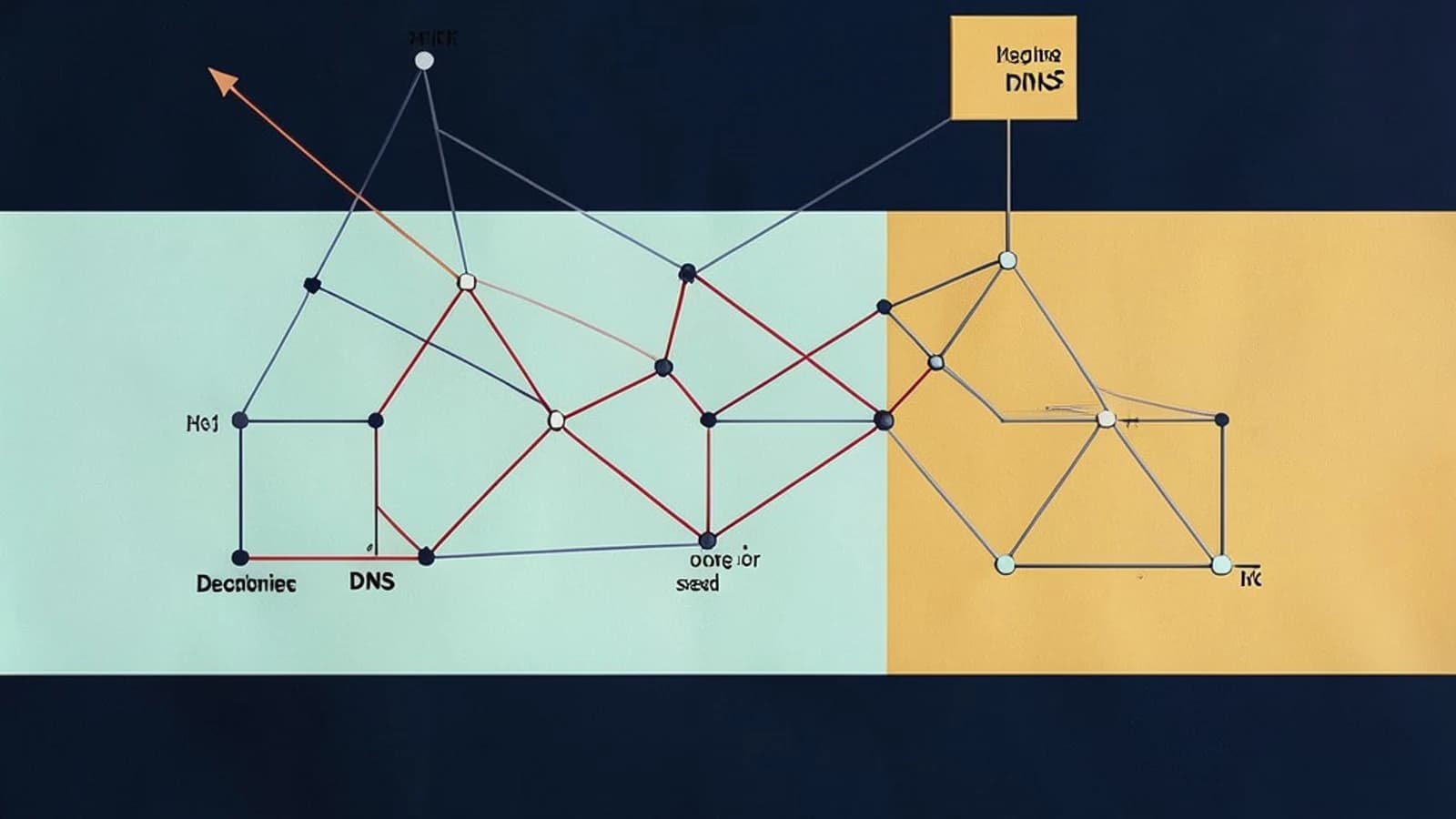
When you manage dozens of Gardener shoots, manually applying DNS, monitoring, or logging manifests to each cluster becomes tedious and error‑prone. The useful takeaway is to declare those core workloads once per seed as an Addon custom resource and let the addon controller propagate and keep them in sync across all shoots.
How the Addon controller reconciles core workloads
An Addon is a Gardener‑scoped CR that lives in the seed namespace. Its spec declares the workload type, version, and an optional shootSelector that targets specific shoots. The addon controller watches the Addon object; when it is created or updated, the controller ensures that matching shoots contain the declared resources at the declared version. Reconciliation is continuous, so drift is corrected automatically without manual steps in each shoot.
Because the controller runs in the seed, it uses the seed’s cluster role to apply resources in a provider‑agnostic way. The same Addon definition works for shoots on AWS, Azure, GCP, or on‑premises, removing the need for per‑cloud templates.
Worked example: deploying a monitoring Addon
The following Addon CR installs a monitoring stack (for illustration only; the values must match your seed’s Gardener release). Save it as monitoring-addon.yaml and apply it from a workstation with kubeconfig access to the seed and read permission on Addon resources.
apiVersion: addon.gardener.cloud/v1alpha1
kind: Addon
metadata:
  name: monitoring-addon
  namespace: garden   # replace with your seed namespace
spec:
  # empty string means provider‑agnostic; the seed’s role handles cloud specifics
  provider: ""
  type: "monitoring"
  version: "0.5.0"   # must align with the Gardener version used by the seed and shoots
  shootSelector:
    matchLabels:
      team: platform   # target shoots labelled team=platform
After applying, verify the Addon status:
kubectl get addon monitoring-addon -n garden -o yamlLook for status.conditions showing Ready: True and observedGeneration matching the metadata generation. To confirm propagation, check a selected shoot:
kubectl -n get deploy,svc -l app=monitoringYou can also inspect the shoot‑controller logs in the seed for reconciliation events:
kubectl -n garden logs deploy/shoot-controller | grep "Addon reconciled"Successful reconciliation yields lines like Addon reconciled without error prefixes.
Trade‑offs and practical recommendations
While Addons reduce toil, installing many Addons across hundreds of shoots increases API server pressure and reconciliation latency. Keep Addons limited to truly core workloads and use shootSelector to scope them narrowly. Version compatibility is critical: an Addon version must belong to the same Gardener release train as the seed and shoots; mismatched versions can trigger reconciliation loops or make shoots unresponsive.
A practical way to monitor health is to compare the Addon’s status.version with the version of the workload running in a sample shoot, and to watch the seed control‑plane metric gardener_addon_reconciliation_duration_seconds for sudden spikes.
Define core workloads as Addons per seed, keep versions aligned with the Gardener release train, and scope them with shoot selectors. Review Addon status regularly and avoid cluster‑scoped custom resources unless you have explicitly handled isolation and RBAC.
 gardener
 kubernetes
0 replies
A thoughtful contribution can make all the difference. Be the first to share one.