Scaling Kubernetes with Gardener Shoot Clusters
Managing Kubernetes scale with Gardener Shoot Clusters: The multi‑cluster management bottleneck occurs when scaling to dozens of clusters across cloud providers. Gardener turns cluster lifecycle into a declarative object, simplifying provisioning and scaling.
16 Aug 2025, 15:58 UTC
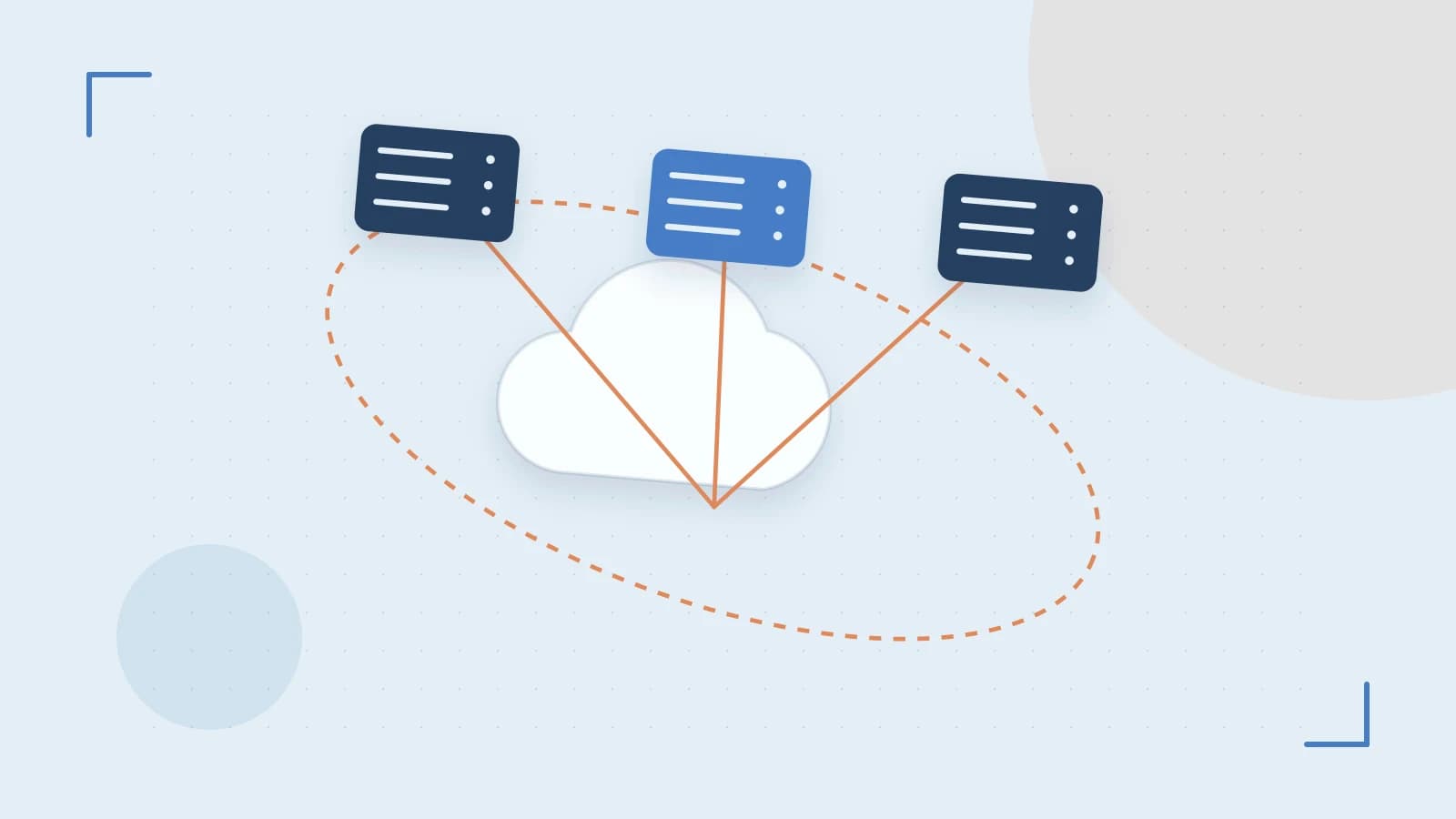
The Multi‑Cluster Management Bottleneck
Managing a single Kubernetes cluster is straightforward, but scaling to dozens or hundreds of clusters across different cloud providers introduces a management paradox: the more clusters you have, the more time you spend managing the infrastructure rather than the applications. Manually updating node pools, handling provider‑specific API quirks, and syncing versions across environments creates significant operational overhead.
The takeaway is that by using Gardener, you can treat entire Kubernetes clusters as declarative objects. Instead of managing VMs and kubeadm commands, you manage a Shoot object, shifting the burden of lifecycle management to a centralized control plane.
The Seed and Shoot Architecture
Gardener operates on a hierarchical model that separates the management plane from the workload plane. This prevents a failure in a user’s application cluster from taking down the entire orchestration system.
- Seed Cluster: This is the management cluster. It hosts the Gardener controllers and operators. Its primary job is to watch for changes in the desired state of your managed clusters and execute the necessary API calls to cloud providers.
- Shoot Cluster: This is the actual Kubernetes cluster where your workloads run. It is a "tenant" cluster managed by the Seed.
When you define a Shoot, you aren’t just requesting a cluster; you are defining a contract for its desired state, including the cloud provider, the Kubernetes version, and the machine types for worker nodes.
Declarative Scaling and Provisioning
Provisioning in Gardener is handled via provider‑specific plugins. These plugins act as translators, converting a generic Gardener request (e.g., "I need 3 worker nodes") into specific AWS EC2, Azure VM, or GCP Compute Engine calls.
Scaling is handled by modifying the Shoot specification. Because Gardener uses a reconciliation loop, updating the replica count in the YAML triggers the controller to provision new nodes and join them to the cluster automatically, without requiring manual kubelet configuration on the new instances.
Example: Scaling a Shoot Cluster
To scale the worker node pool of a managed cluster, you modify the Shoot resource. This operation is performed on the Seed cluster using a user with cluster-admin or specific Gardener‑operator permissions.
# Edit the Shoot object to increase worker replicas\nkubectl edit shoot my-production-cluster -n garden-my-projectIn the YAML editor, locate the workerPools section and update the maxWorker or current replica count:
spec:\n workerPools:\n - name: worker-pool-1\n machine: p2.standard\n type: worker\n # Increase from 3 to 5 nodes\n maxWorker: 5Expected Check: After saving, monitor the status of the Shoot object. The status field will transition through provisioning or updating before returning to running. You can verify the actual node count by switching context to the Shoot cluster and running kubectl get nodes.
Operational Trade‑offs and Limitations
While Gardener abstracts the cloud complexity, it introduces specific risks that architects must account for:
| Risk Factor | Impact | Mitigation |
|---|---|---|
| Seed Dependency | If the Seed cluster fails, you cannot scale or update any Shoots. | Deploy highly available Seed clusters across multiple zones. |
| Provider Skew | Different cloud APIs respond differently to the same Gardener command. | Stick to supported machine types and regions defined in the provider plugin. |
| Version Lag | The Gardener operator must support the target Kubernetes version. | Verify the version matrix before initiating a cluster upgrade. |
A critical limitation is that Gardener is not a "magic bullet" for cross‑cloud networking. While it can provision clusters in AWS and Azure simultaneously, the networking between those clusters (e.g., VPC peering or VPNs) still requires manual or external configuration.
Verifying the Result
To ensure a scaling operation was successful and the nodes are healthy, perform these three checks:
- Control Plane Check: Run
kubectl get shoot -n <project>on the Seed cluster to ensure the state isrunning. - Node Readiness: Run
kubectl get nodeson the Shoot cluster to confirm the new nodes are in theReadystate. - Resource Distribution: Use a tool like
kubectl get pods -A -o wideto verify that pods are being scheduled on the newly added nodes.
Rollback Procedure
If a scaling operation fails or causes instability, the state can be reverted by applying the previous Shoot specification. Run kubectl apply -f shoot-backup.yaml or manually edit the maxWorker count back to the original value. The Gardener controller will then terminate the excess nodes to match the desired state.
 gardener
 kubernetes
0 replies
A thoughtful contribution can make all the difference. Be the first to share one.