Managing Control Plane Isolation with Gardener Seed Clusters
Learn how Gardener uses Seed clusters to isolate Kubernetes control planes, reducing the blast radius of management failures in multi-cluster environments.
24 Aug 2025, 23:28 UTC
The Blast Radius Problem in Multi-Cluster Management
When managing dozens or hundreds of Kubernetes clusters, a central point of failure in the control plane can lead to a catastrophic outage. If every workload cluster's API server is hosted on a single management cluster, a resource exhaustion event or a failed upgrade on that management cluster takes down the control planes of every single production environment simultaneously.
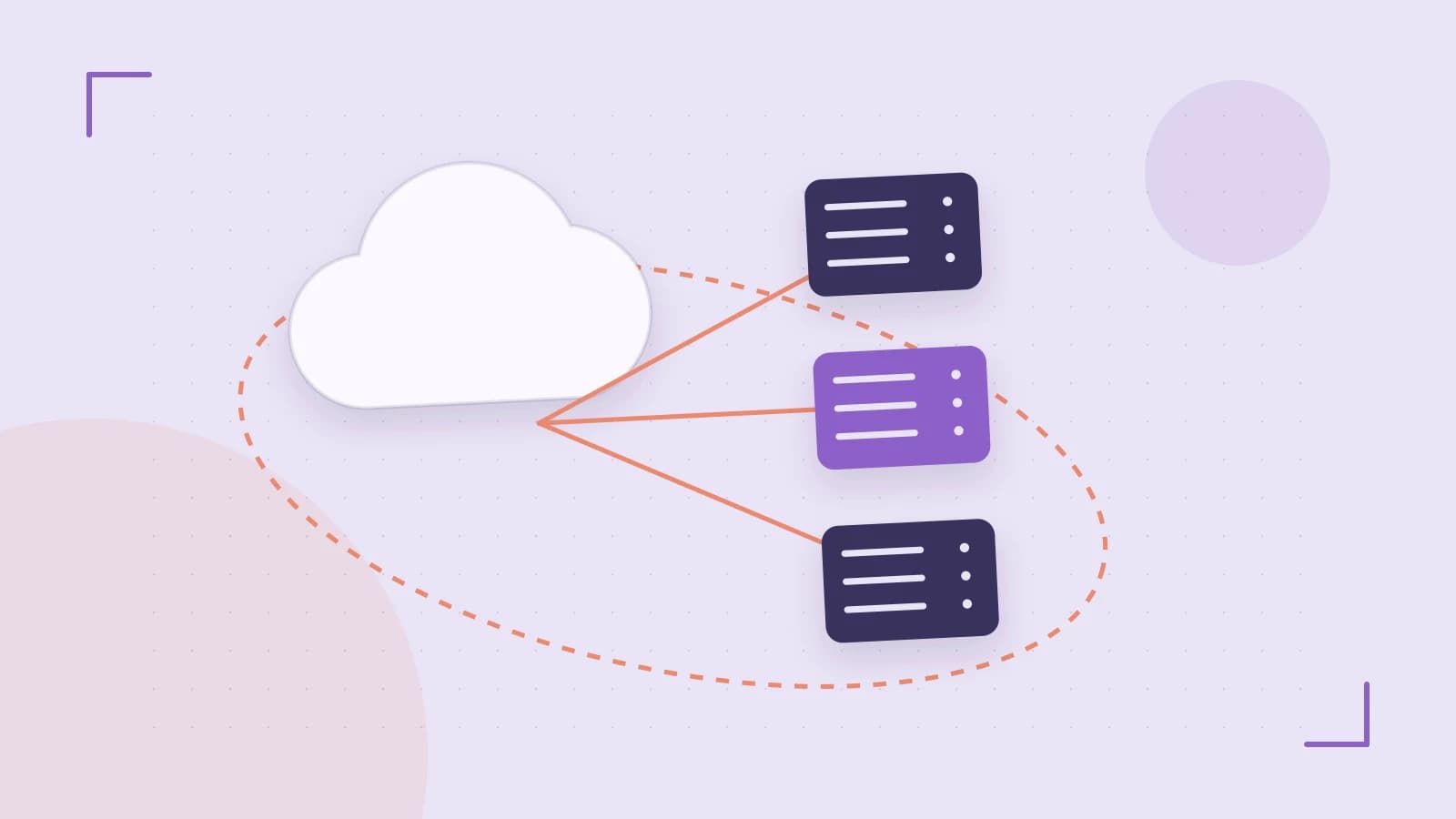
Gardener solves this by decoupling the Garden cluster (the global orchestrator) from the Seed clusters (the hosts for the workload control planes). The key takeaway is that the Seed cluster acts as a regional or logical boundary; by distributing Shoot clusters across multiple Seeds, you isolate the failure domain of your control planes.
The Hierarchical Architecture
To understand how to optimize this, you must distinguish between the three layers of the Gardener hierarchy:
- Garden Cluster: The "brain." It holds the Custom Resource Definitions (CRDs) and the Gardener operator. You define your desired state here using
Shootresources. - Seed Cluster: The "host." It doesn't run your application workloads. Instead, it runs the Kubernetes API servers and controllers for the Shoot clusters assigned to it.
- Shoot Cluster: The "workload." This is the actual Kubernetes cluster where your pods run. While its worker nodes live in your cloud VPC, its control plane lives as a set of pods inside a Seed cluster.
Implementing a Shoot Resource
Provisioning a cluster in Gardener is a declarative process. You do not run kubeadm manually; you apply a Shoot manifest to the Garden cluster. The Gardener operator then communicates with the cloud provider to spin up worker nodes and schedules the control plane pods onto the designated Seed cluster.
Below is a conceptual configuration for a Shoot cluster targeting a specific cloud provider. This should be applied to the Garden cluster using a user with cluster-admin permissions or specific RBAC for the gardener.cloud group.
# Example Shoot Resource (Simplified)
apiVersion: gardening.
td gardener.cloud/v1beta1 td kind: Shoot td metadata: td name: production-cluster-01 td namespace: project-alpha td spec: td cloudProvider: aws td region: eu-central-1 td kubernetesVersion: 1.27.0 td seed: seed-eu-central-1 td workerPools: td - name: general-purpose td machine: m5.large td type: worker td minSize: 3 td maxSize: 10 Verification Steps
- Check Resource Status: Run
kubectl get shoot -n project-alphaon the Garden cluster. Look for theSTATEto transition fromprovisioningtoto be updatedand finallyrunning. - Verify Control Plane Location: Access the Seed cluster
seed-eu-central-1and check for pods associated withproduction-cluster-01. You should see the API server and controller-manager running there. - Test Connectivity: Use the Gardener dashboard or the provided kubeconfig to run
kubectl get nodesagainst the Shoot cluster API.
Trade-offs: Stability vs. Complexity
While distributing Shoots across multiple Seeds reduces the blast radius, it introduces operational overhead. Each Seed cluster is itself a Kubernetes cluster that requires patching, upgrading, and monitoring.
The Version Skew Risk: A critical limitation is the compatibility between the Garden cluster version and the supported Kubernetes versions of the Shoots. If the Garden operator is outdated, it may fail to reconcile a Shoot requesting a newer Kubernetes version, leading to a "stuck" provisioning state.
Practical Decision Matrix
When deciding how to allocate your Seed clusters, consider the following:
| Scenario | Seed Strategy | Reasoning |
|---|---|---|
| Development/Sandbox | Shared Seed | Low criticality; minimizes Seed management overhead. |
| Production (Regional) | One Seed per Region | Reduces latency between the control plane and worker nodes. |
| High-Compliance/Isolation | Dedicated Seed per Project | Ensures no resource contention between different business units. |
Closing Action
To harden your multi-cluster setup, audit your current Shoot distribution. If you find a single Seed cluster hosting more than 50-100 control planes, plan a migration to a secondary Seed. This can be done by updating the spec.seed field in your Shoot resource, though be aware that this typically triggers a control plane migration that may cause brief API unavailability.
 gardener
 kubernetes
0 replies
A thoughtful contribution can make all the difference. Be the first to share one.