Using Cloudflare Workers KV for Low‑Latency Global State: When to Trust It and When to Caution
Cloudflare Workers KV offers low‑latency global reads, but its eventual consistency and write limits mean you need to design for staleness and throttling. This guide walks through a counter example, shows how to bind KV, and explains when KV is a good fit.
31 Aug 2026, 00:52 UTC
Problem: You Need Fast, Global State Without an Origin Round‑Trip
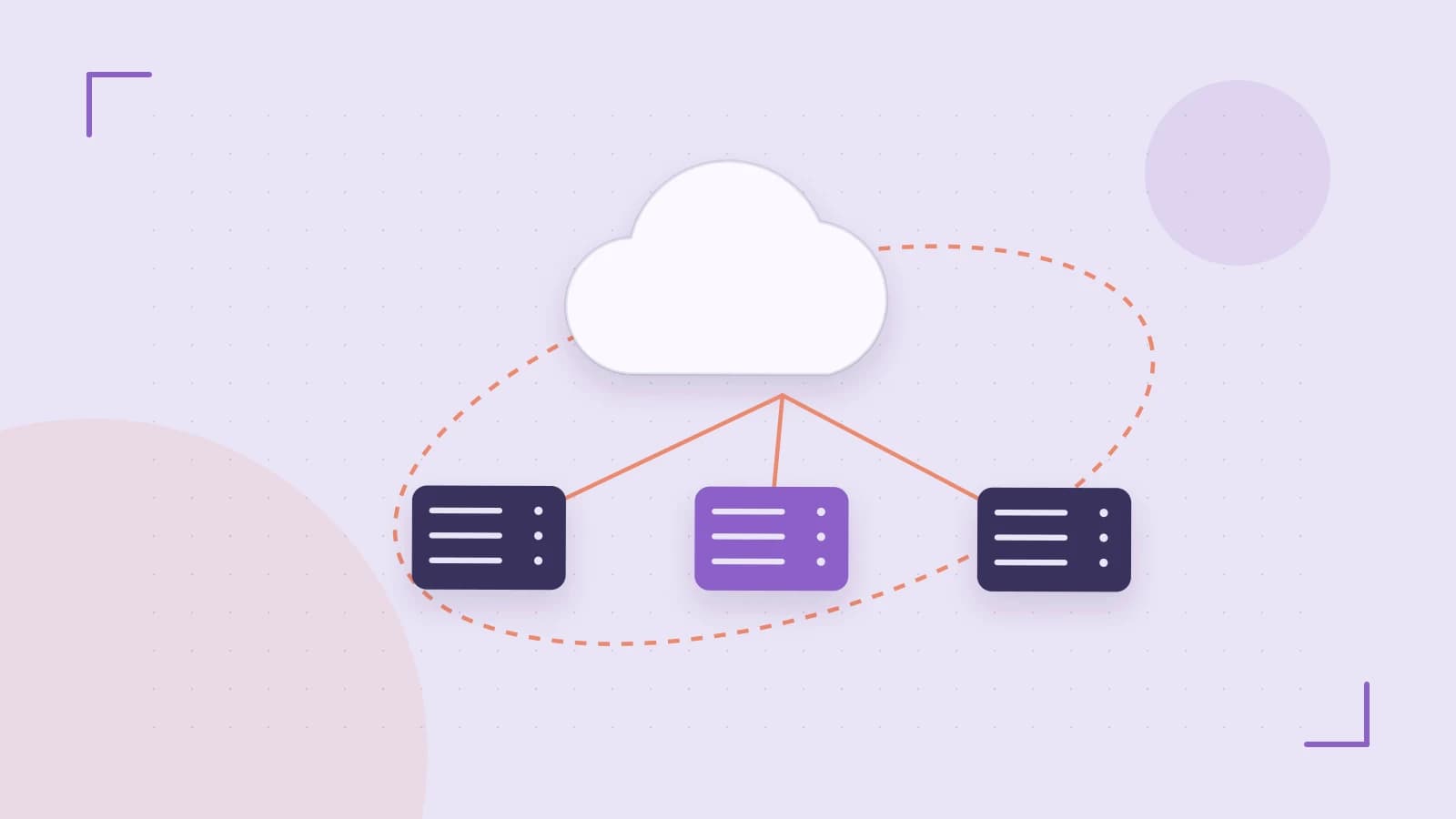
Many edge applications—dynamic personalization, feature flags, or per‑user counters—require a lightweight, globally replicated store. The classic approach is to hit an origin database for each request, which adds latency and traffic costs. Cloudflare Workers KV promises a globally distributed key‑value store that can be accessed directly from the edge, but its consistency model and limits can surprise developers.
Thesis: KV is great for read‑heavy, small‑value workloads, but you must design for eventual consistency and write throttling.
When your data changes infrequently or can tolerate a brief staleness window, KV can replace an origin lookup entirely. However, if you need immediate consistency or large payloads, KV’s constraints make it a poor fit.
Section 1 – How KV Fits Into the Worker Runtime
- KVNamespace binding – Workers expose a
KVNamespaceobject via theenvparameter. The namespace is created in the Cloudflare dashboard or via the CLI. - Read performance – KV is optimized for read operations; a single
getcall is served from the nearest edge location, often in <1 ms. - Write characteristics – Writes propagate asynchronously to all replicas. The first write may return immediately, but subsequent reads from distant regions may see the old value for a few seconds.
Section 2 – Practical Example: Incrementing a Global Counter
# 1. Create a KV namespace
wrangler kv:namespace create "GLOBAL_COUNTER" --preview

# 2. Bind it to a Worker (wrangler.toml)
[vars]
GLOBAL_COUNTER = "global-counter"

# 3. Worker code (index.js)
addEventListener("fetch", event => {
  event.respondWith(handleRequest(event.request))
})

async function handleRequest(request) {
  const key = "page_views"
  // Read current value
  let current = await env.GLOBAL_COUNTER.get(key, "json")
  current = current || 0
  // Increment and write back
  const newVal = current + 1
  await env.GLOBAL_COUNTER.put(key, JSON.stringify(newVal))
  return new Response(`Counter is now ${newVal}`)
}
Run wrangler dev to test locally. Deploy with wrangler publish. After deployment, the counter increments on each request, and the value is stored in KV.
Verification Steps
- From two geographically distinct Cloudflare edge locations (e.g., using
curl -xvia a VPN), send a request immediately after a write. - Observe that the first read from the farthest location may return the pre‑write value. After a few seconds, both locations converge.
- Measure response time: a KV
gettypically <1 ms, whereas an origin fetch might be 50–100 ms.
Section 3 – Trade‑Offs and Limitations
- Eventual consistency – KV does not provide strong consistency. If your application requires atomicity or immediate visibility, KV is unsuitable.
- Write rate limits – KV allows ~50 writes per second per namespace globally. Exceeding this triggers
429 Too Many Requestserrors. - Value size – Individual values are limited to 25 KiB. Large blobs should be stored in Cloudflare R2 or another object store.
- Cost – Reads are free; writes incur a small fee. For high‑write workloads, costs can accumulate.
Actionable Closing: When to Use KV
Adopt KV when:
- Data is read‑heavy and changes infrequently (feature flags, config).
- Stale reads for a few seconds are acceptable.
- Values fit within 25 KiB and you can batch writes to stay under the rate limit.
Otherwise, fall back to an origin database or Cloudflare R2 for larger or strongly consistent data. Always monitor write latency and error rates using Cloudflare’s analytics or your own instrumentation.
Takeaway
Cloudflare Workers KV can dramatically reduce latency for global state, but its eventual consistency and write limits mean you must design your application around those constraints. Measure, monitor, and test across regions to ensure the data behaves as your users expect.
 cloudflareworkers
0 replies
A thoughtful contribution can make all the difference. Be the first to share one.