Using Cloudflare Workers KV as a Session Store for Stateless Edge Apps
Learn how to use Cloudflare Workers KV as a lightweight, globally distributed session store for stateless edge applications, including a code example, consistency trade‑offs, and practical verification steps.
19 Sept 2026, 17:05 UTC
The problem: keeping user state without a central database
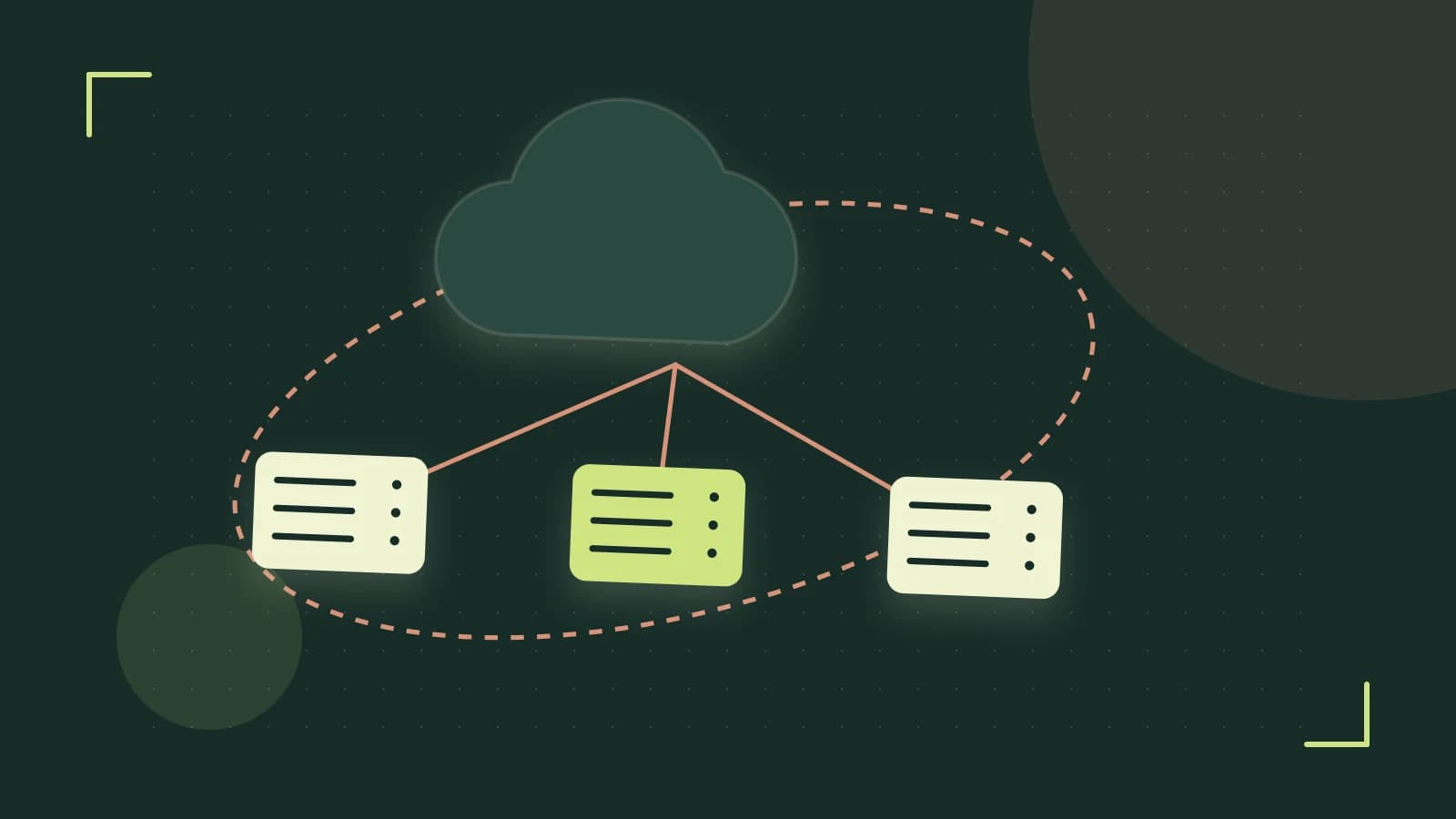
When you move a web application to the edge, each request can be served from any Cloudflare location. Traditional session stores that live in a single region (like Redis or a relational DB) add latency and become a bottleneck. You need a place to keep a session identifier or small payload that is instantly reachable from every edge node, without managing your own infrastructure.
Why Workers KV fits the bill
Cloudflare Workers KV is a globally replicated key‑value store that lives inside the same runtime as your Worker code. Reads are typically under 30 ms and are free; writes cost a small amount per million operations. A single KV namespace can hold up to 10 TB, with each value limited to 10 KB—enough for a session ID, a short JWT, or a few user preferences.
Designing the key space
- Use a predictable prefix, e.g.
sess:, to separate session keys from other data.
- Combine the prefix with a cryptographically random session ID:
sess:{{SESSION_ID}}.
- Store the value as a JSON string containing the minimal data you need (user ID, roles, expiry timestamp).
- Set an expiration via KV’s
expiration attribute or by deleting the key after a TTL in your Worker.
sess:, to separate session keys from other data.sess:{{SESSION_ID}}.expiration attribute or by deleting the key after a TTL in your Worker.Worked example: a minimal session Worker
The following snippet shows how to create, read, and delete a session. It assumes you have bound a KV namespace named SESSION_STORE to your Worker (you can do this in the Cloudflare dashboard or via wrangler.toml).
addEventListener('fetch', event => {
  event.respondWith(handleRequest(event.request));
});

async function handleRequest(request) {
  const url = new URL(request.url);
  const { SESSION_STORE } = env; // binding

  if (url.pathname === '/login' && request.method === 'POST') {
    // 1️⃣ Create a session
    const sessionId = crypto.randomUUID();
    const payload = { userId: 123, role: 'admin', exp: Math.floor(Date.now()/1000) + 3600 };
    await SESSION_STORE.put(`sess:${sessionId}`, JSON.stringify(payload), { expiration: Math.floor(Date.now()/1000) + 3600 });
    return new Response(JSON.stringify({ sessionId }), { headers: { 'Content-Type': 'application/json' } });
  }

  if (url.pathname.startsWith('/protected/')) {
    // 2️⃣ Read session
    const authHeader = request.headers.get('Authorization') || '';
    const token = authHeader.replace('Bearer ', '');
    if (!token) return new Response('Unauthorized', { status: 401 });
    const raw = await SESSION_STORE.get(`sess:${token}`);
    if (!raw) return new Response('Session not found or expired', { status: 401 });
    const session = JSON.parse(raw);
    // simple expiry check (KV expiration also handles it)
    if (session.exp < Math.floor(Date.now()/1000)) {
      await SESSION_STORE.delete(`sess:${token}`);
      return new Response('Session expired', { status: 401 });
    }
    return new Response(`Welcome, user ${session.userId}`, { headers: { 'Content-Type': 'text/plain' } });
  }

  if (url.pathname.startsWith('/logout/')) {
    // 3️⃣ Delete session
    const token = url.pathname.replace('/logout/', '');
    await SESSION_STORE.delete(`sess:${token}`);
    return new Response('Logged out');
  }

  return new Response('Not found', { status: 404 });
}
Where to run this:
- Locally with
wrangler devfor quick iteration. - In production via
wrangler publishafter you have added the KV namespace binding to yourwrangler.toml.
Required permissions: the Worker must have the SESSION_STORE binding with read/write rights. No extra IAM policies are needed beyond the standard KV access granted when you create the namespace.
Trade‑offs and limitations
Eventual consistency
KV replicates changes asynchronously. A session written in one edge location may not be immediately readable from another location that has not yet received the update. For most web apps this is acceptable because a user’s subsequent request usually lands near the same POP, but you should design reads to be idempotent or retry after a short delay (e.g., 200 ms) if you get a miss.
Size ceiling
The 10 KB value limit means you cannot store large blobs (e.g., a full user profile or a big JWT with many claims). A common pattern is to keep only the session identifier in KV and fetch richer data from a separate database or object store when needed.
No transactions
Concurrent put operations on the same key can overwrite each other. If your application ever needs to update a session atomically (e.g., increment a counter), you must implement optimistic locking: read the current value, compute the new one, and put it only if the key has not changed (you can use a version field or a short-lived lock key). For more complex coordination, consider Cloudflare Durable Objects.
When to reach for something else
If your workload is write‑heavy, requires strong consistency, or needs to store values larger than 10 KB, a traditional database or a managed KV service with stronger guarantees (e.g., Cloudflare D1 or an external Redis) may be a better fit. KV shines when reads dominate, data is tiny, and you value global low‑latency access over strict consistency.
Actionable closing
- Create a KV namespace in the Cloudflare dashboard (or via
wrangler kv:namespace create SESSION_STORE). - Bind it to your Worker (
[[kv.namespaces]]inwrangler.tomlwithbinding = "SESSION_STORE"). - Deploy the example Worker above and test the
/login,/protected/, and/logout/endpoints. - Monitor KV read/write counts in the Workers analytics dashboard to ensure you stay within the free tier for your expected traffic.
With these steps you have a globally available, cost‑effective session store that works naturally with the serverless edge model.
 cloudflareworkers
0 replies
A thoughtful contribution can make all the difference. Be the first to share one.