Using Cloudflare Workers KV for Low-Latency Global Caching
Learn how Cloudflare Workers KV delivers sub-10 ms reads at the edge, see a concrete feature-flag worker example, and understand when its eventual consistency model fits your workload.
09 Sept 2025, 18:27 UTC
The latency problem
When a serverless function needs to serve the same small piece of data to users worldwide—like a feature flag, a short-lived token, or a configuration blob—relying on a central database adds round-trip time that can dominate the response. The goal is to keep reads under 10 ms for most locations while accepting that writes may take a moment to propagate.
How KV works at the edge
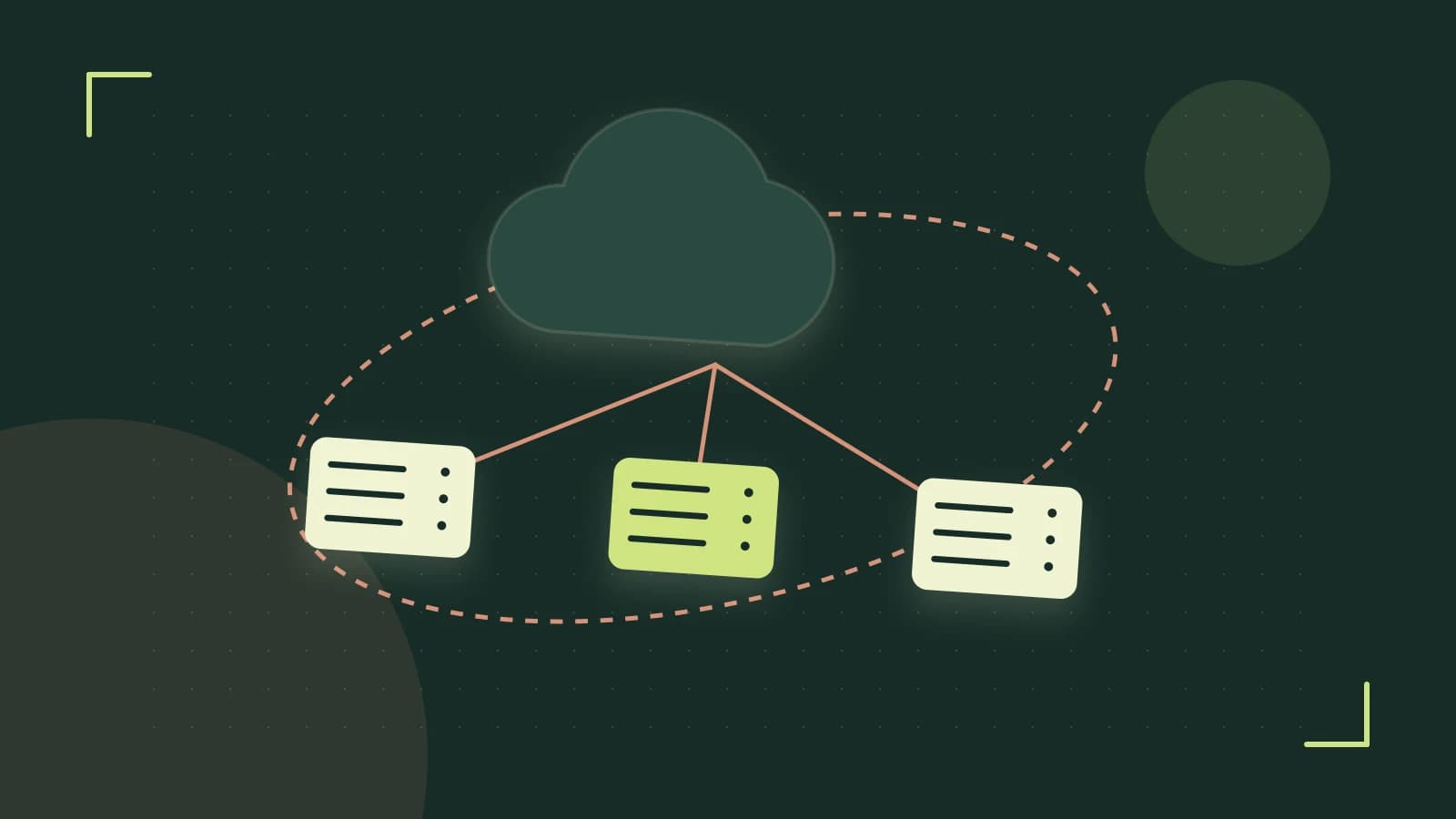
Cloudflare Workers KV is a globally distributed key-value store that lives in Cloudflare's edge network. Each namespace is replicated to many data centers; a get is served from the nearest location, giving sub-10 ms read latency in practice. Writes are propagated asynchronously, so a put can take up to 60 seconds to be visible everywhere, and reads may return stale values during that window. This is the core trade-off: extremely fast reads in exchange for eventual consistency on writes.
Worked example: a feature-flag worker
We will create a worker that reads a flag from KV and returns JSON indicating whether the flag is enabled. You need a Cloudflare account and wrangler installed and authenticated; all CLI commands run locally in your project directory.
- Create a KV namespace:
- Set an initial value (run once):
- Write the worker script (
src/index.js): - Deploy and test:
wrangler kv:namespace create --binding FEATURE_FLAGSThis outputs a namespace ID. Add it to wrangler.toml:
[[kv_namespaces]]
binding = "FEATURE_FLAGS"
id = ""wrangler kv:key put --binding FEATURE_FLAGS flag_enabled trueexport default {
async fetch(request, env) {
const flag = await env.FEATURE_FLAGS.get('flag_enabled');
const enabled = flag === 'true';
return new Response(JSON.stringify({ enabled }), {
headers: { 'Content-Type': 'application/json' }
});
}
};wrangler publish
curl https://.workers.dev/You should see {"enabled":true}. To observe the eventual-consistency window, change the value and request the endpoint repeatedly:
wrangler kv:key put --binding FEATURE_FLAGS flag_enabled false
# Repeat curl; you may still see true for up to ~60 seconds
Trade-offs and when to look elsewhere
KV excels for read-heavy, low-volume data where slight staleness is acceptable. If your application requires read-after-write consistency—for example, a counter that must reflect the latest increment immediately—consider Cloudflare Durable Objects or a transactional store instead. Additionally, individual values are limited to 128 KB and each namespace has a maximum key count, so large blobs or massive key-sets need sharding or alternative storage. Pricing is based on stored GB-months plus read and write operations; the free tier includes 1 GB of storage and 100,000 reads per day, which is generous for caching-style workloads but worth monitoring via the KV dashboard in the Cloudflare Workers UI.
Actionable closing
Start by measuring your read latency with a simple wrangler kv:key get --binding FEATURE_FLAGS flag_enabled from different regions, or deploy the worker and use wrangler tail plus a third-party ping service. If reads are consistently under 15 ms and you can tolerate up to a minute of propagation delay for writes, KV is a fit. Otherwise, prototype the same logic with Durable Objects and compare latency and consistency guarantees before committing to a production design.
 cloudflareworkers
0 replies
A thoughtful contribution can make all the difference. Be the first to share one.