Using Cloudflare Workers KV for Low‑Latency Feature Flags at the Edge
Learn how to use Cloudflare Workers KV for fast, edge‑served feature‑flag reads, with a concrete example, consistency trade‑off, and verification steps.
09 Jun 2026, 13:17 UTC
Problem: Slow configuration updates hurt user experience
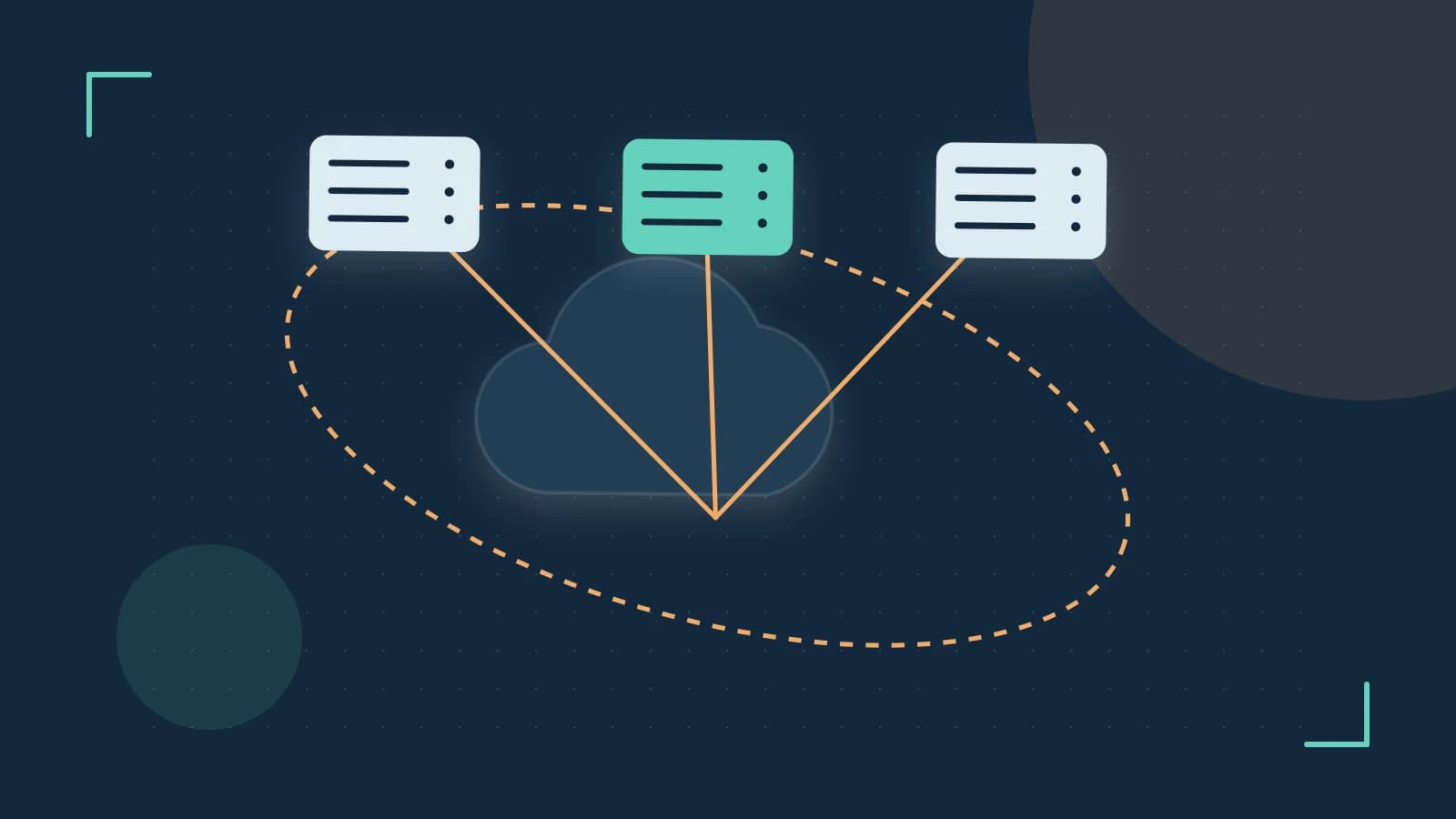
When you toggle a feature flag from a central database, the change can take seconds or minutes to propagate to all edge locations. Users near a far‑flung POP may see the old setting while others already see the new one, leading to inconsistent behavior and confusion.
Thesis: Cloudflare Workers KV gives you a globally distributed, eventually consistent store that reads are served from the nearest POP, making feature‑flag checks fast enough for real‑time UI decisions.
How KV works for read‑heavy workloads
- Each KV namespace is replicated across Cloudflare’s edge network.
- Read operations are served from the POP that handles the request, usually within a few milliseconds.
- Writes are sent to a central storage layer and then asynchronously propagated; the delay is non‑deterministic but typically under a few seconds for most regions.
This trade‑off fits feature flags: they are read far more often than they are changed.
Worked example: Adding a KV‑backed flag to a Worker
// wrangler.toml excerpt
name = "feature‑flag-worker"
main = "src/index.js"

[[kv_namespaces]]
binding = "FLAGS"
id = "your‑kv‑namespace-id"
// src/index.js
addEventListener('fetch', event => {
  event.respondWith(handleRequest(event.request))
})

async function handleRequest(request) {
  const url = new URL(request.url)

  // Only check the flag for a specific path
  if (url.pathname === '/special-feature') {
    const flag = await FLAGS.get('special_feature_enabled')
    if (flag === 'true') {
      return new Response('Feature ON', { status: 200 })
    }
    return new Response('Feature OFF', { status: 200 })
  }

  return new Response('Not found', { status: 404 })
}
To update the flag, you can run a separate script or use the Cloudflare dashboard:
wrangler kv:key put --binding FLAGS special_feature_enabled true
Trade‑off and limitation: eventual consistency
If you write a new value and immediately make a request from a different geographic region, the read may still return the old value until the KV update has propagated. For most feature‑flag use cases this brief window is acceptable, but you should not rely on KV for actions that require strong consistency (e.g., financial transactions).
How to verify propagation delay in your environment
- Deploy the Worker above with a KV namespace binding.
- From a terminal, run a write:
wrangler kv:key put --binding FLAGS test_key "value1" - Immediately issue GET requests from two different locations (you can use
curlwith a VPN or a service like Cloudflare’s curl to specify a POP). - Compare the responses; note any delay before both locations return "value1".
- Repeat with a new value to observe the typical propagation window.
Remember that observed delay will vary with network conditions and the current load on Cloudflare’s infrastructure.
Actionable closing
If your application needs low‑latency reads for data that changes infrequently—feature flags, A/B test configurations, or localized strings—Cloudflare Workers KV is a practical choice. Implement the binding, wrap your reads in a simple get call, and accept the brief eventual‑consistency window as a known trade‑off. Test the propagation delay in your own staging environment to confirm it meets your user‑experience requirements.
 cloudflareworkers
0 replies
A thoughtful contribution can make all the difference. Be the first to share one.