Cloudflare Workers KV: when to use it and when to avoid it
Cloudflare Workers KV provides low‑latency edge caching, but its eventual consistency model and plan‑dependent rate limits mean you must design around stale data and 429 responses. This article walks through the mechanics, limits, and quick verification steps.
19 Jul 2026, 12:32 UTC
Problem: Stale data after a write
Many development teams treat Cloudflare Workers KV as a direct substitute for an in‑memory or traditional disk‑based key‑value store. A common pattern is to write a value with namespace.put() and then immediately read it back with namespace.get(), expecting the new value. In practice, especially when the read originates from a different geographic region or even a few milliseconds later, the response can return the previous value. This happens because KV is purpose‑built for read‑heavy, edge‑cached workloads and does not guarantee immediate cross‑region consistency. Teams unfamiliar with this design often mistake the behavior for a bug, only to discover later that the model is intentional and documented. This article explains how KV actually works, what limits you must respect, and how to verify data before you rely on it in production.
How KV works at the edge
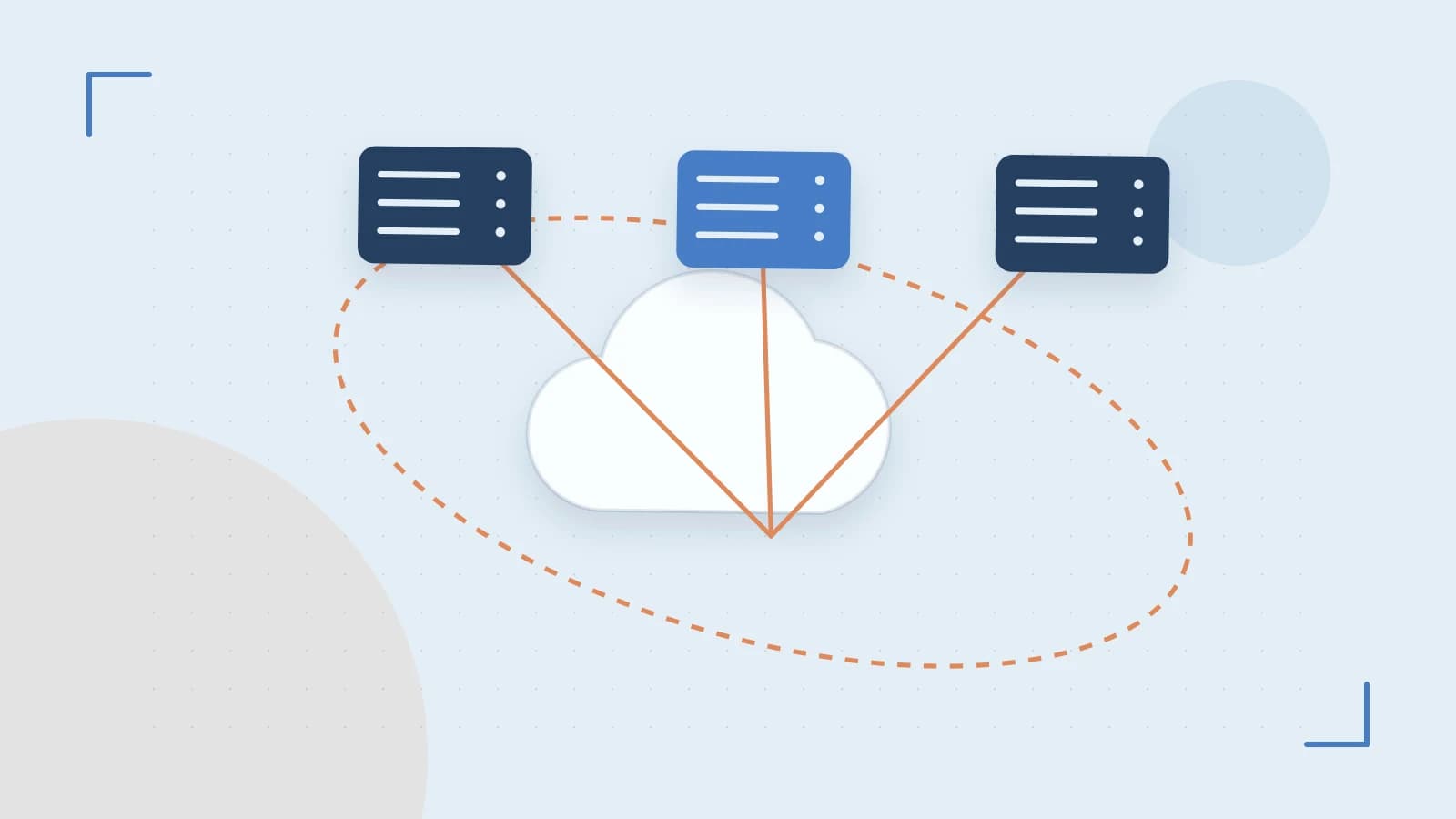
Cloudflare Workers KV stores data across the network of edge point‑of‑presence (POP) locations that make up the Cloudflare edge. When a Worker calls namespace.put(key, value), the operation acknowledges success as soon as the value is persisted at the POP that handled the incoming request. Propagation to other POPs occurs asynchronously, driven by Cloudflare’s internal replication pipeline. A subsequent namespace.get(key) from any POP may return the old value until the update has fully spread. This eventual consistency model keeps write latency in the sub‑millisecond range and enables reads to be served from the nearest POP with minimal overhead. The trade‑off is that a read after a write is not guaranteed to reflect the new value, particularly across distant regions.
// Example: Cloudflare Worker KV put and get
// Prerequisite: bind a KV namespace in wrangler.toml, e.g. KV: "@cloudflare/kv-store"
// Run this in a Cloudflare Workers environment (wrangler dev, Wrangler UI, or deployed Worker)
export default {
  async fetch(request, env) {
    const { KV } = env // KV is the bound namespace
    // Write a key-value pair; returns acknowledgment once stored at the handling POP
    await KV.put('counter', '0')
    // Read it back immediately — may return "0" or a stale value depending on propagation
    const current = await KV.get('counter')
    // Respond with the retrieved value
    return new Response(
      JSON.stringify({ key: 'counter', value: current }),
      { headers: { 'Content-Type': 'application/json' } }
    )
  }
}
Note: The code above is illustrative. The KV namespace must be configured in your Workers project setup; no external credentials beyond your Cloudflare account are required for basic operations.
Operational limits you must respect
KV enforces concrete boundaries that differ from a generic in‑memory store. The most frequently cited cap is a maximum value size of 25 MB per key. If you attempt to upload a larger payload, the API returns an error such as Value too large or 400 Bad Request, depending on the SDK. Rate limits are also tiered by your subscription plan: Free tier plans have lower write throughput thresholds than Paid plans, and exceeding a limit triggers HTTP 429 (Too Many Requests). The 429 response may include a Retry‑After header indicating how long to wait before retrying. For production safety, implement exponential backoff when 429 appears, and never assume a single retry will succeed. Large objects near the 25 MB boundary take proportionally longer to propagate globally, which widens the window during which a read may return stale data.
KV compared with other Cloudflare storage options
Cloudflare offers several storage mechanisms, each tuned for different patterns. Workers KV is optimized for read‑heavy, low‑latency edge caching with eventual consistency. Durable Objects, by contrast, provide stronger consistency guarantees and are suited for small‑to‑moderate binary blobs up to 100 MB, but with higher write latency and different pricing. R2 Storage is an S3‑compatible object store for durable, long‑term data with no geographic latency trade‑offs, but it does not integrate directly into the Workers runtime for sub‑millisecond edge reads. Choose KV when you need sub‑millisecond reads of frequently accessed data at the edge and can tolerate the possibility of stale reads after a write. Choose Durable Objects or R2 when you need read‑after‑write immediacy, larger object sizes, or durable archival without edge‑caching overhead.
Common mistakes
- Assuming a read after a write returns the new value immediately, especially across geographies
- Writing without exponential backoff when 429 responses appear, which can cause request storms
- Storing objects approaching the 25 MB per‑key ceiling without testing how long propagation takes for your specific use case
- Using KV for high‑throughput write workloads; the eventual consistency model and rate limits make it unsuitable for that pattern
- Ignoring the Dashboard KV metrics, which can help you spot approaching limits before they cause errors
Practical verification in minutes
To see consistency behavior yourself, deploy a Worker that writes a known key, then immediately reads it from a different region (or after a short await block). Check the Cloudflare Dashboard → KV section for read and write counters; observe how read counts may lag behind writes. To test the size limit, attempt a put with a 26 MB payload and confirm the API returns an error such as Value too large. These checks require only a text editor, a Cloudflare account, and a few minutes. They give you concrete data on propagation speed and error handling without affecting production traffic.
Takeaway
Cloudflare Workers KV is a powerful tool for caching read‑heavy data at the edge, but it is not a general‑purpose key‑value store. Design with the explicit expectation that a write may not be visible right away, respect the 25 MB per‑key size ceiling, and implement backoff for 429 rate‑limit responses. When those constraints align with your application’s needs, KV delivers sub‑millisecond reads, global distribution, and minimal operational overhead.
 cloudflare
0 replies
A thoughtful contribution can make all the difference. Be the first to share one.