Scaling PostgreSQL on Scalingo: Managing Failover and Read Replicas for Production Workloads
Scaling PostgreSQL on Scalingo with automatic failover and read replicas requires understanding trade-offs between consistency, availability, and performance. Here's how to configure a production-ready setup.
02 Mar 2026, 10:03 UTC
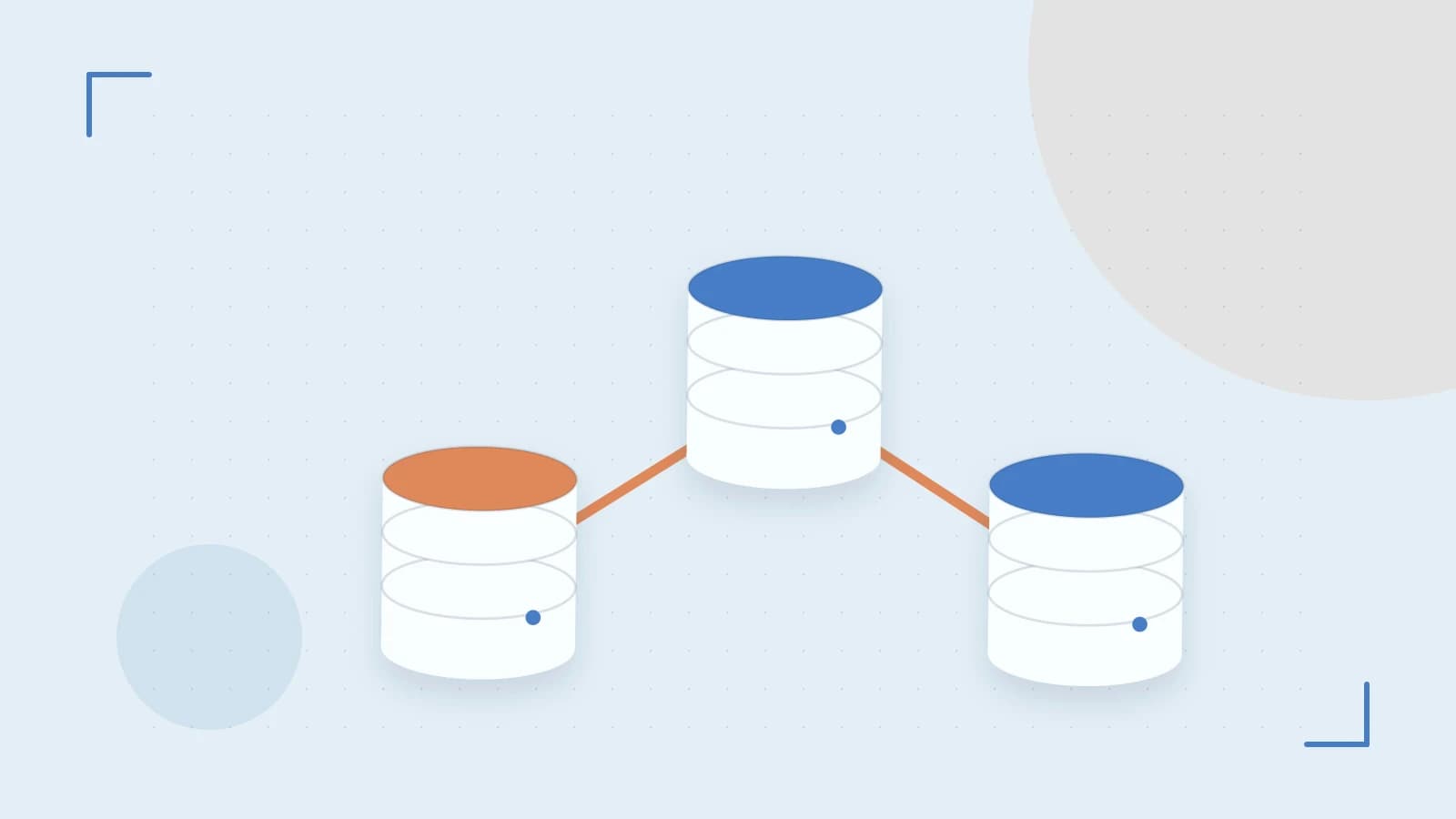
The Scaling Problem: When PostgreSQL Can't Keep Up
When your application grows from hundreds to millions of requests, a single PostgreSQL instance becomes a bottleneck. Reads pile up, writes queue, and eventually your database becomes the limiting factor. Scalingo's managed PostgreSQL service addresses this with automatic failover and read replicas, but configuring them correctly requires understanding the trade-offs.
How Scalingo Handles High Availability
Scalingo's managed PostgreSQL includes built-in high availability through automatic failover. When your primary database node becomes unavailable—whether from hardware failure, maintenance, or resource exhaustion—the platform automatically promotes a standby node to primary. This process typically takes 30-60 seconds, during which your application may experience brief connection interruptions.
The failover mechanism relies on DNS record updates, which introduces a small but important caveat: applications must handle connection loss gracefully. The platform's connection pooler helps by managing these transitions transparently, but your application code should implement retry logic with exponential backoff.
Read Replicas: Offloading the Read Burden
Read replicas allow you to scale reads horizontally by creating copies of your primary database. On Scalingo, you can configure up to 5 read replicas per database cluster. Each replica maintains a copy of the primary's data through streaming replication, but this creates a trade-off: replica lag. During periods of high write throughput, replicas may fall behind by seconds or even minutes.
This lag means you must choose between strong consistency (reading from primary) and scalability (reading from replicas). For user-facing operations that require the latest data—like checking a payment status—read from the primary. For analytics or dashboard displays, replicas are perfectly adequate.
Vertical Scaling Without Downtime
Scalingo supports vertical scaling by allowing migration between different instance sizes without downtime. You can scale from small instances (1GB RAM) up to large instances (128GB RAM) through the dashboard or API. However, during scaling operations, a database restart occurs, which may cause brief connection interruptions lasting 10-30 seconds.
This makes vertical scaling best suited for planned maintenance windows, though the platform's connection pooler helps minimize application impact.
Practical Example: Configuring a Production-Ready Setup
Here's how to configure a production-ready PostgreSQL setup on Scalingo:
- Create a database with high availability: Enable automatic failover during database creation. This ensures your primary has a standby ready for immediate promotion.
- Configure read replicas: Add 2-3 read replicas for read-heavy workloads. Monitor replica lag through the database metrics dashboard—lag should typically remain under 5 seconds for most applications.
- Set up connection pooling: Configure your application's database connection pool to handle 20-50 connections per replica, plus additional connections for the primary. Use the platform's connection pooler endpoint in your application's DATABASE_URL.
- Implement retry logic: Add exponential backoff retry logic in your application code to handle brief connection interruptions during failover or scaling operations.
Trade-offs and Limitations
While Scalingo's PostgreSQL service is robust, it has important limitations. First, replica lag can become problematic during bulk data imports or high-frequency write operations. Second, automatic failover, while convenient, isn't instantaneous—your application must tolerate brief outages. Third, connection pooler configuration requires careful tuning; too few connections underutilize resources, while too many can overwhelm the database.
The platform currently supports PostgreSQL versions 12, 13, 14, and 15, with version 15 recommended for new deployments. Check the current documentation for supported versions before planning your migration.
Actionable Next Steps
To verify your setup is working correctly:
- Test failover: Simulate a primary node failure in a staging environment and measure recovery time.
- Monitor replica lag: Set up alerts for replica lag exceeding 10 seconds.
- Verify backup restoration: Perform a point-in-time recovery test to ensure backups are usable.
- Check connection pool metrics: Monitor active connections and adjust pool size accordingly.
Start with a single read replica in staging, validate your application's behavior during failover, then scale up to production with confidence.
 scalingo
 postgresql
0 replies
A thoughtful contribution can make all the difference. Be the first to share one.