Choosing a Control Plane Hosting Strategy for Gardener Multi‑Cloud Clusters
Learn how to choose between a managed or self‑managed Gardener control plane to balance operational overhead with compliance needs.
24 Apr 2026, 01:02 UTC
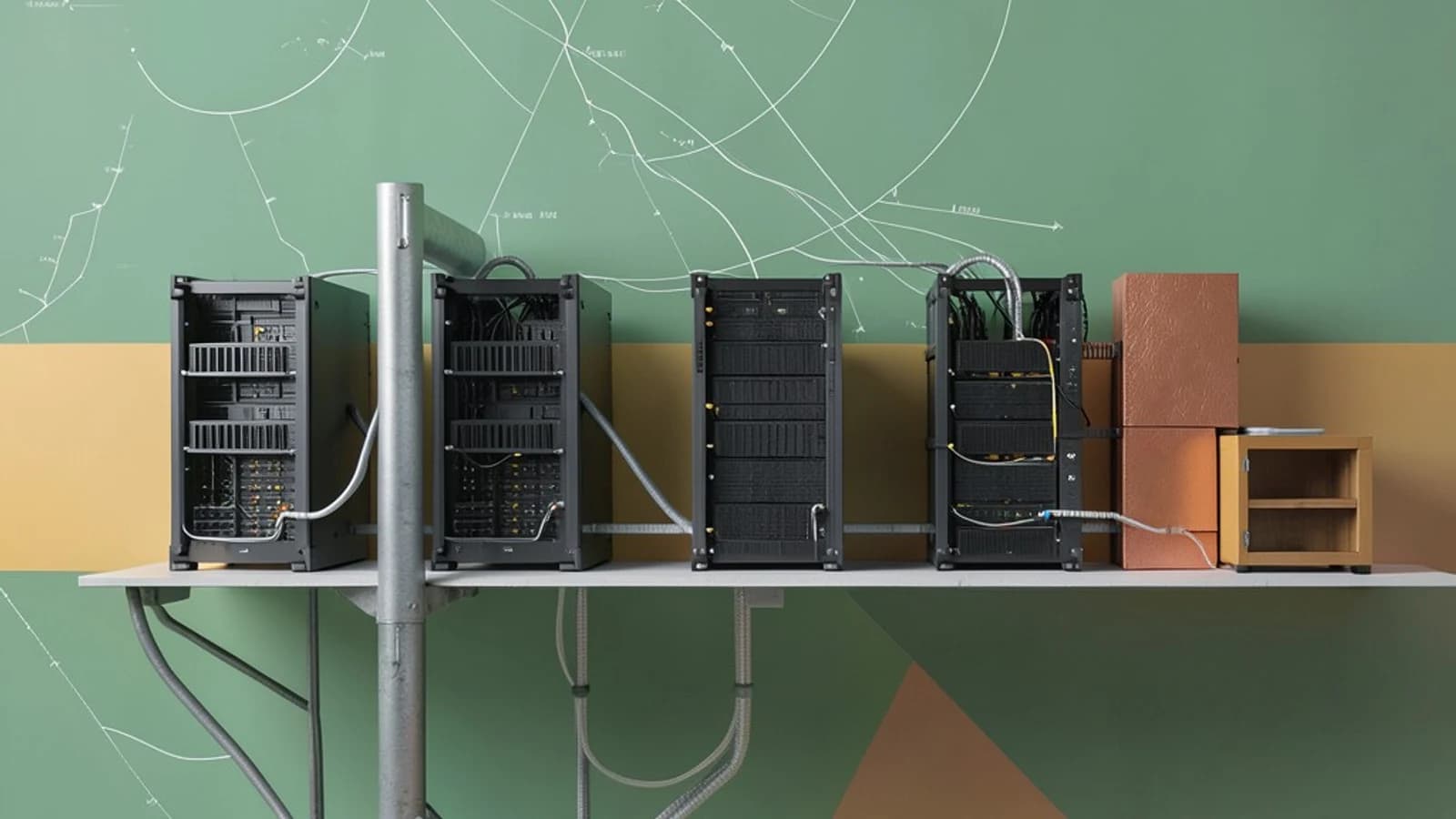
Decision: Managed vs. Self‑Managed Control Plane
Gardener separates the control plane (the set of controllers that reconcile Cluster custom resources) from the worker nodes where workloads run. You must decide whether Gardener will host the control plane for you or you will operate it in your own environment.
Comparison Table
| Aspect | Managed Control Plane | Self‑Managed Control Plane |
|---|---|---|
| Operational overhead | Low – Gardener provides the control plane as a service | High – your team patches, scales, and monitors the control plane |
| Compliance & isolation | Relies on cloud provider IAM and VPC controls | Full control – can run in air‑gapped or on‑premises networks |
| Network complexity | Simple – API reachable via public or private endpoint | Requires VPN, Direct Connect, or VPC peering to reach worker nodes |
| Cost model | Usage‑based fees from the provider | Infrastructure cost + labor for ops |
Trade‑off Summary
Choose a managed control plane when speed and reduced ops burden outweigh the need for strict network isolation. Choose self‑managed when regulations demand that all management traffic remain inside a specific boundary, accepting the added complexity of maintaining highly available controllers and interconnecting them to worker nodes across clouds.
Concrete Implementation: Defining a Cluster Resource
After deciding on the hosting mode, you declare the target cluster with a Gardener Cluster custom resource. The manifest below creates a three‑node worker pool on AWS in the us-east-1 region. Apply it with kubectl against the Gardener control plane context.
apiVersion: gardener.cloud/v1beta1
kind: Cluster
metadata:
  name: prod-us-east-1
  namespace: tenant-example
spec:
  provider:
    aws:
      region: us-east-1
      vpcID: vpc-0a1b2c3d4e5f6g7h8
      subnets:
        - subnet-aaa
        - subnet-bbb
  controlPlane:
    type: small
    machineType: t3.medium
  worker:
    count: 3
    machineType: t3.large
Required permissions: admin role on the tenant-example namespace (or any role that grants gardener.cloud/clusters create/update).
Validation Steps
- Check the resource status:
kubectl get cluster prod-us-east-1 -n tenant-example -o yamland look forstatus.lastOperation.state: Succeeded. - Verify that the control plane components are running:
kubectl get shoots -n garden‑(adjust namespace as per your Gardener installation). - Test idempotency: change
worker.countto 4, re‑apply the manifest, and confirm the controller updates the worker machines without recreating the control plane.
Limitations: The self‑managed option requires you to maintain a highly available etcd backup and to configure low‑latency links (VPN or Direct Connect) between the control plane and each worker‑node VPC. Misconfigured routing can cause reconciliation timeouts.
Practical way to check the result: after a successful apply, run kubectl get nodes -l gardener.cloud/role=worker and ensure the expected number of nodes appear with Ready status.
 gardener
 kubernetes
0 replies
A thoughtful contribution can make all the difference. Be the first to share one.