Using Turbo Frames to Scope Updates Without Separate Endpoints
Learn how Turbo Frames let you update only a portion of a page while keeping the server rendering simple, with a concrete pagination example and notes on version-specific behavior.
01 Feb 2026, 18:04 UTC
Problem: full-page reloads when only a list needs to change
In a typical Rails view a paginated list causes a full navigation on each page click. Turbo Drive already makes same-origin navigations feel faster by swapping the body and merging the head, but the whole page still re-renders.
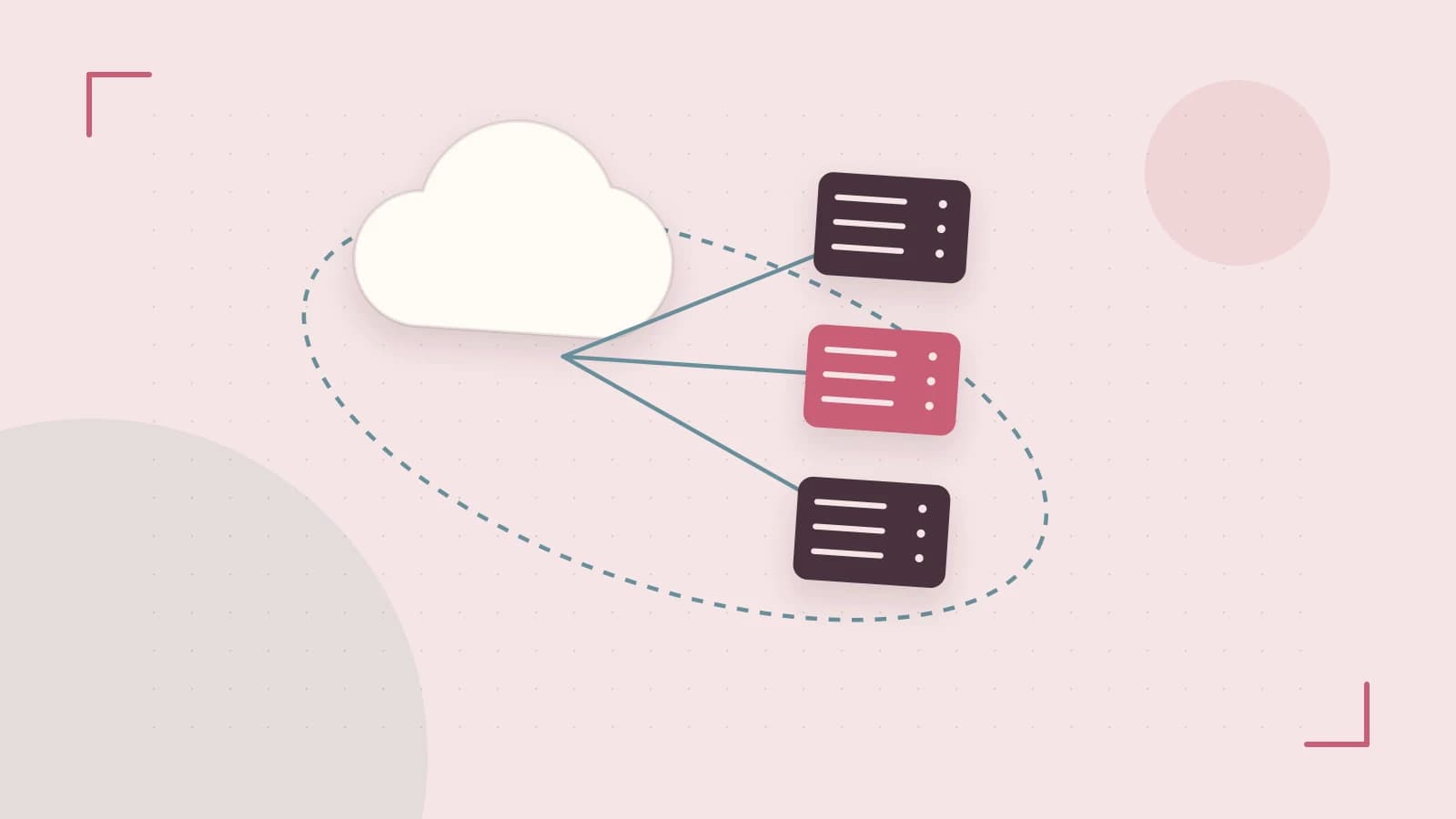
Turbo Frames let you scope that navigation to a region. Wrap the region in a <turbo-frame id=\"...\"> and links or forms inside it fetch the full URL but only replace the matching frame, leaving the rest of the DOM untouched.
Thesis: Turbo Frames give fine-grained updates while keeping server rendering simple
By wrapping the updatable region in a frame with a stable id, the server can render the normal full page. Turbo extracts and swaps only the matching frame on the client. This avoids extra JavaScript and separate fragment endpoints.
How frames scope a navigation
- A link or form inside a
<turbo-frame>is activated. - Turbo issues a fetch for the URL with a
Turbo-Frame: <frame-id>request header. - The server responds with HTML.
- Turbo looks for an element in the response whose id matches the frame id.
- If found, Turbo replaces the frame's innerHTML with the matching element's innerHTML. If not found, Turbo renders an error state inside the frame.
- Nodes outside the frame remain unchanged.
Because the server still builds a full response, the saving is client-side. Server cost can be reduced by checking the Turbo-Frame header and rendering a partial when present.
Worked example: paginating a list inside a frame
Assume ItemsController#index renders app/views/items/index.html.erb.
<h1>Items</h1>\n<turbo-frame id=\"items\">\n <%= render @items %>\n <%= paginate @items %>\n</turbo-frame>The pagination links are inside the frame. Clicking a page link triggers a Turbo Frame navigation. The server renders the same index template with the new page of items. Turbo extracts the <turbo-frame id=\"items\"> from the response and swaps only that region.
Checking the behavior in dev tools
- Open the page and open DevTools Network.
- Click a pagination link inside the frame.
- Verify the request is GET to the page URL with request header
Turbo-Frame: items. - Verify the response contains a
<turbo-frame id=\"items\">block. - In Elements, confirm only the innerHTML of the frame with id
itemschanged.
If the response lacks the matching frame id, Turbo shows an error placeholder inside the frame. That signals a broken frame contract.
Trade-off and limitation
Frames reduce client work but do not automatically reduce server rendering cost because the server still renders the full page. For expensive index actions, render only the frame when the Turbo-Frame header is present.
# app/controllers/items_controller.rb\ndef index\n @items = Item.page(params[:page])\n if request.headers[\"Turbo-Frame\"] == \"items\"\n render partial: \"items/frame\", locals: { items: @items }\n else\n render\n end\nendThe partial contains just the <turbo-frame id=\"items\"> wrapper and its contents.
Version considerations and verification
Turbo behavior is version-sensitive. Turbo 7 and Turbo 8 differ in areas like morphing and page refreshes, so confirm the installed major version in package.json or importmap and compare against that version's changelog before copying patterns.
Third-party scripts that assume full page loads may misbehave under Turbo Drive because DOMContentLoaded fires only once. Use turbo:load and related events instead. Forms with non-GET methods rely on Turbo's fetch handling; some servers need a 303 redirect after POST for correct navigation.
Verification is required. Create a small page with two frames and links inside one, confirm only the matching frame DOM node is replaced, inspect the Turbo-Frame header, test the missing-frame case, and check the installed Turbo version.
Actionable closing
Identify a frequently updating region such as a comment thread or paginated list. Wrap it in a <turbo-frame> with a stable id, ensure links and forms inside point to URLs that return the same id, and verify the network header and DOM swap in DevTools. If server load is a concern, add a header check to render a partial only when needed.
 rails
rails turbo
turbo javascript
0 replies
A thoughtful contribution can make all the difference. Be the first to share one.