Managing Partial Page Updates with Turbo Frames
Learn how to implement Turbo Frames to isolate page updates, reduce server load, and create master-detail interfaces without full-page refreshes.
04 Feb 2026, 23:23 UTC
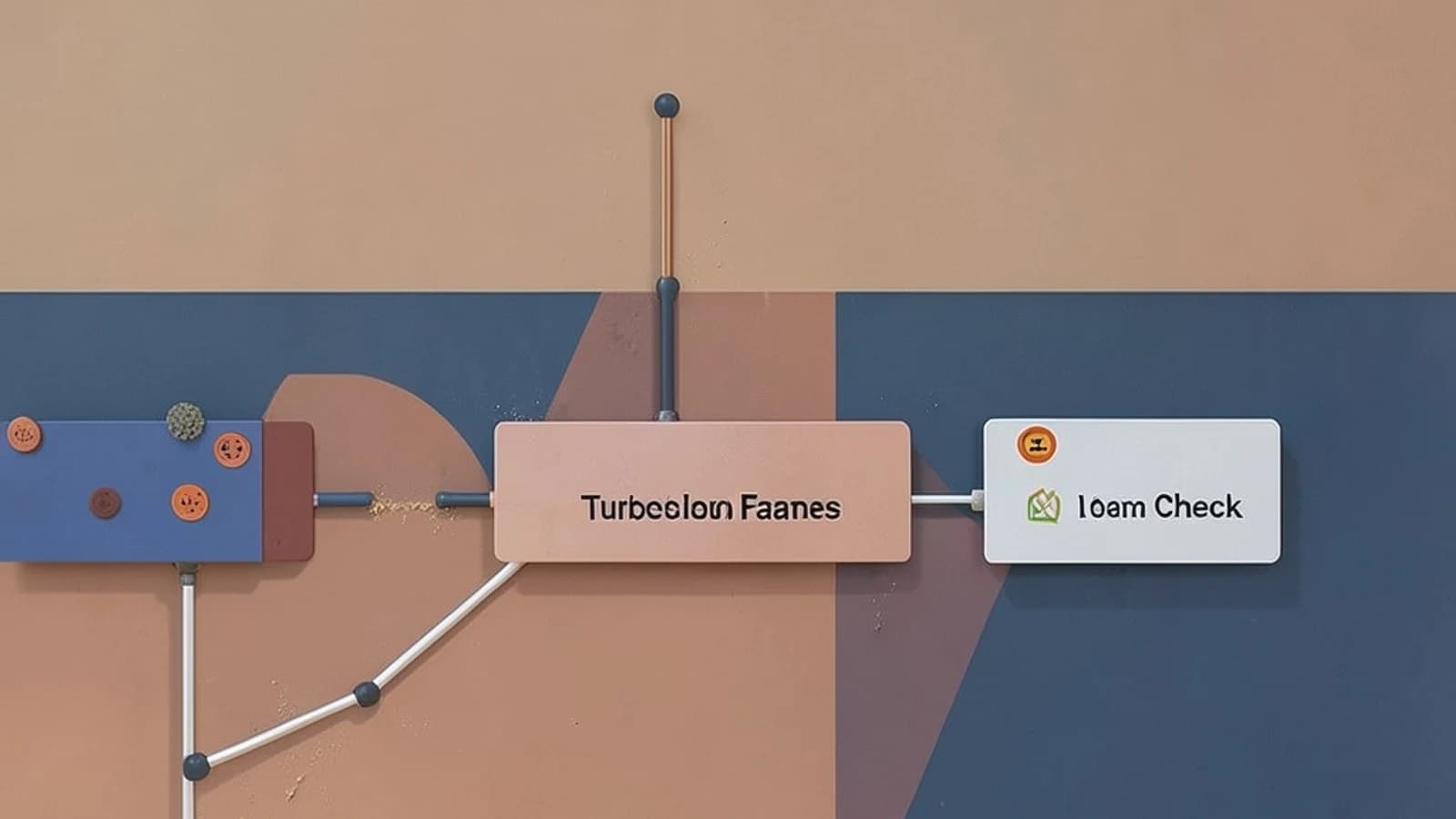
The Problem: Full-Page Refreshes for Minor State Changes
Updating a single piece of data—such as a status toggle, a comment field, or a search filter—should not require a full browser reload. Full-page refreshes destroy client-side state (like scroll position or focused input fields) and increase server load by re-rendering the entire layout, including navigation bars and footers.
Turbo Frames solve this by isolating a specific section of the DOM. When an action occurs inside a frame, Turbo intercepts the request and replaces only the HTML within that frame's boundaries, leaving the rest of the page untouched.
Choosing the Right Frame Strategy
Depending on the user interaction, you will choose between self-contained updates, lazy loading, or cross-frame targeting.
| Strategy | Primary Use Case | Browser History Impact | Server Requirement |
|---|---|---|---|
| Self-Updating | Inline editing, status toggles | None (by default) | Matching ID wrapper |
| Lazy Loading | Heavy components, dashboards | None | Matching ID wrapper |
| Targeted Update | Master-Detail views | None | Target Frame ID wrapper |
Technical Trade-offs
State and Navigation
By default, Turbo Frame navigations do not push a new entry to the browser's history stack. This means the "Back" button will not return the user to the previous state of that specific frame. If the user expects to navigate back through a series of filtered views, you must explicitly manage the history or use a full-page navigation.
The "Missing Frame" Failure
A common point of failure occurs when the server responds with a page that does not contain a <turbo-frame> with an ID matching the one that initiated the request. In this scenario, Turbo cannot find the replacement target and will simply do nothing, leaving the user with a non-responsive interface.
Complexity of Nesting
While nesting frames is supported, it creates a hierarchy of dependencies. If a nested frame triggers an update that needs to affect a parent frame, you must use the target attribute or a Turbo Stream response. Over-nesting often indicates that the UI should be managed via Turbo Streams rather than Frames.
Implementation Example: Master-Detail View
In a master-detail scenario, clicking an item in a list (Frame A) should update a preview pane (Frame B). This requires the target attribute.
The View Layout
<!-- Frame A: The List -->
<turbo-frame id="user_list">
  <ul>
    <li>
      <a href="/users/1" target="user_details">User 1</a>
    </li>
    <li>
      <a href="/users/2" target="user_details">User 2</a>
    </li>
  </ul>
</turbo-frame>

<!-- Frame B: The Details -->
<turbo-frame id="user_details">
  <p>Select a user to see their details.</p>
</turbo-frame>
The Server Response
When the user clicks "User 1", the server must return a response containing the matching frame ID. The server does not need to send the full page layout, but the frame wrapper is mandatory.
<turbo-frame id="user_details">
  <h3>User 1 Profile</h3>
  <p>Email: [contact removed]</p>
</turbo-frame>
Validation and Diagnostics
To verify that Turbo Frames are functioning correctly and not triggering full-page reloads, follow these steps:
- Network Inspection: Open Browser DevTools > Network Tab. Click the link inside the frame. Ensure the request returns an HTML fragment and that the page does not perform a hard refresh (the browser tab spinner should not trigger a full reload).
- DOM Verification: Use the Elements inspector to confirm that only the inner HTML of the
<turbo-frame>has changed, while the surrounding layout remains static. - Target Testing: If using the
targetattribute, verify that the request was initiated by Frame A but the DOM change occurred exclusively within Frame B.
Breaking Out of a Frame
If a specific action (like "Logout" or "Delete Account") requires a full-page redirect, the server can force a breakout by including the turbo-frame attribute in the response body, set to _top:
<turbo-frame id="user_details" target="_top">
  <p>Account deleted. Redirecting...</p>
</turbo-frame>
Rollback Strategy
To revert a frame-based implementation to standard HTML navigation, remove the <turbo-frame> tags from both the client-side templates and the server-side responses. This restores standard browser request/response behavior and full-page refreshes.
 rails
rails turbo
turbo0 replies
A thoughtful contribution can make all the difference. Be the first to share one.