Using Pulumi Stack References for Multi-Environment Infrastructure
Hardcoded environment values cause drift; Pulumi stack references propagate outputs cleanly across dev, staging, and prod stacks, with verification steps to keep them reliable.
29 Oct 2025, 11:14 UTC
When you manage infrastructure across multiple environments, keeping configuration consistent without hardcoding values is a recurring headache. Teams often copy-paste settings from one stack to another, or worse, embed environment-specific IDs directly in Pulumi programs. Over time these values drift, and a change in production can silently diverge from development without anyone noticing.
Stack references as a disciplined alternative
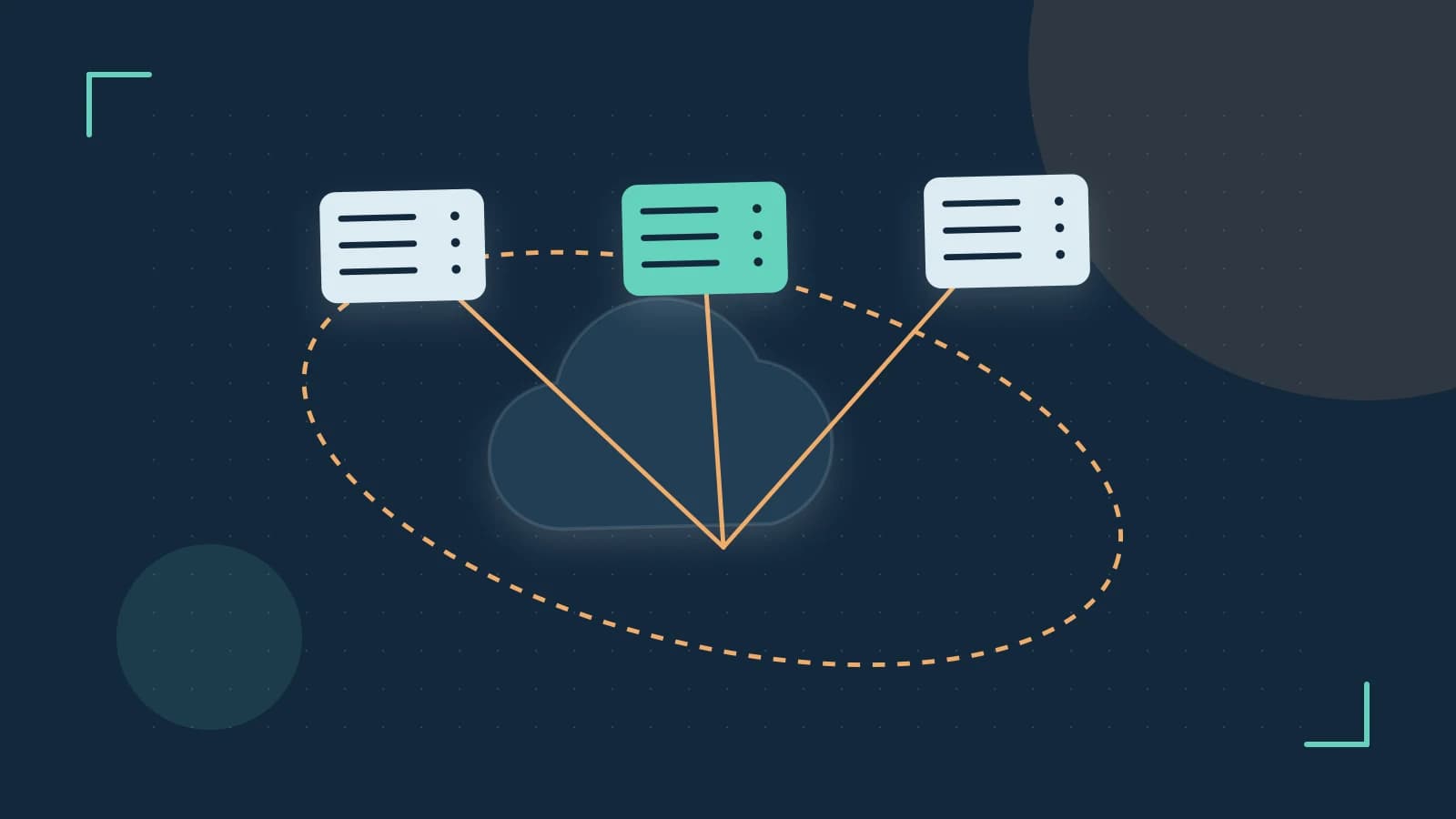
Pulumi's stack references let one stack import output values from another stack, creating an explicit dependency that propagates configuration between environments. This is especially useful for nested setups such as dev, staging, and prod, where each level reuses outputs from a shared foundation rather than redefining them. A stack reference is declared in code, and at preview or apply time the CLI fetches the referenced stack's outputs from the state backend and exposes them as ordinary values in your program.
Concrete example: a shared network stack
Imagine a VPC that lives in a shared "base" stack, and an application stack that needs its subnet IDs. Without stack references, you'd export the VPC IDs manually or store them in a config file that someone has to remember to update. With stack references, the base stack exports the IDs and the app stack reads them directly.
// base stack: index.ts
import * as aws from "@pulumi/aws";

const vpc = new aws.ec2.Vpc("shared-vpc", { cidrBlock: "10.0.0.0/16" });
export const vpcId = vpc.id;

// app stack: index.ts
import * as pulumi from "@pulumi/pulumi";

// Format: <org>/<project>/<stack>
const base = new pulumi.StackReference("my-org/networking/dev");
const vpcId = base.requireOutput("vpcId");

const sg = new aws.ec2.SecurityGroup("app-sg", { vpcId: vpcId });
Run these commands from each stack's project directory with the Pulumi CLI installed and cloud credentials configured. Deploy in dependency order: pulumi up in the base stack first, then select the app stack with pulumi stack select dev and run pulumi up. The CLI resolves the reference, fetches the exported output, and fails early with a clear error if the referenced stack or output doesn't exist.
What you actually need to check
Stack references sound straightforward, but two practical risks catch teams off guard. First, if you rename a stack or move it to a different backend, every stack referencing it breaks with a "stack not found" style error. Second, preview output grows with resource count, and when many resources depend on referenced outputs, the diff can overwhelm CI logs or human reviewers.
Verifying a stack reference setup
Run pulumi preview on the referencing stack and confirm the planned changes reflect the expected imported values. Then export the stack state to inspect what was recorded:
pulumi stack export --stack my-org/my-app/dev > app-export.jsonOpen app-export.json and examine the resources in the deployment. Confirm that resource URNs and the resolved output values match what the referenced stack actually exports (check with pulumi stack output in the referenced stack's directory). If the values differ, the reference won't resolve as expected at apply time.
Backend drift check
Ensure every stack in the chain points to a consistent backend configuration. Pulumi stores state in a configurable backend (S3, Azure Blob, GCS, or the hosted service), and a mismatch between team members—say, one person logged into a local backend while CI uses S3—can cause confusing failures because the referenced stack simply isn't visible. Run pulumi whoami -v or check the backend URL shown by pulumi stack ls to confirm everyone and every CI job targets the same backend.
Limitation to keep in mind
Stack references create implicit dependencies that Pulumi doesn't track as a graph across projects. If you restructure your stack hierarchy—say, moving a shared network stack into a different project or organization—every referencing stack needs its StackReference string updated. There's no automatic migration, so audit all references before renaming or moving stacks, and treat exported output names as a public contract: renaming an output is a breaking change for downstream stacks.
Where to start
If you're setting up multi-environment infrastructure today, begin with a single base stack that exports only the outputs other stacks genuinely need. Add stack references incrementally, run pulumi preview after each addition, and verify with pulumi stack output that the exported values match what referencing stacks receive. This keeps configuration DRY, reduces drift, and gives you a clear dependency trail without switching languages or clouds.
 pulumi
0 replies
A thoughtful contribution can make all the difference. Be the first to share one.