Pulumi Stacks: Isolating Dev, Staging, and Prod Without Forking Your Code
Pulumi stacks are isolated instances of your infrastructure program, not code copies. Learn how to use config files and Stack References to manage dev, staging, and prod without forking your code.
29 Sept 2026, 06:39 UTC
The Problem With Copy-Paste Environments
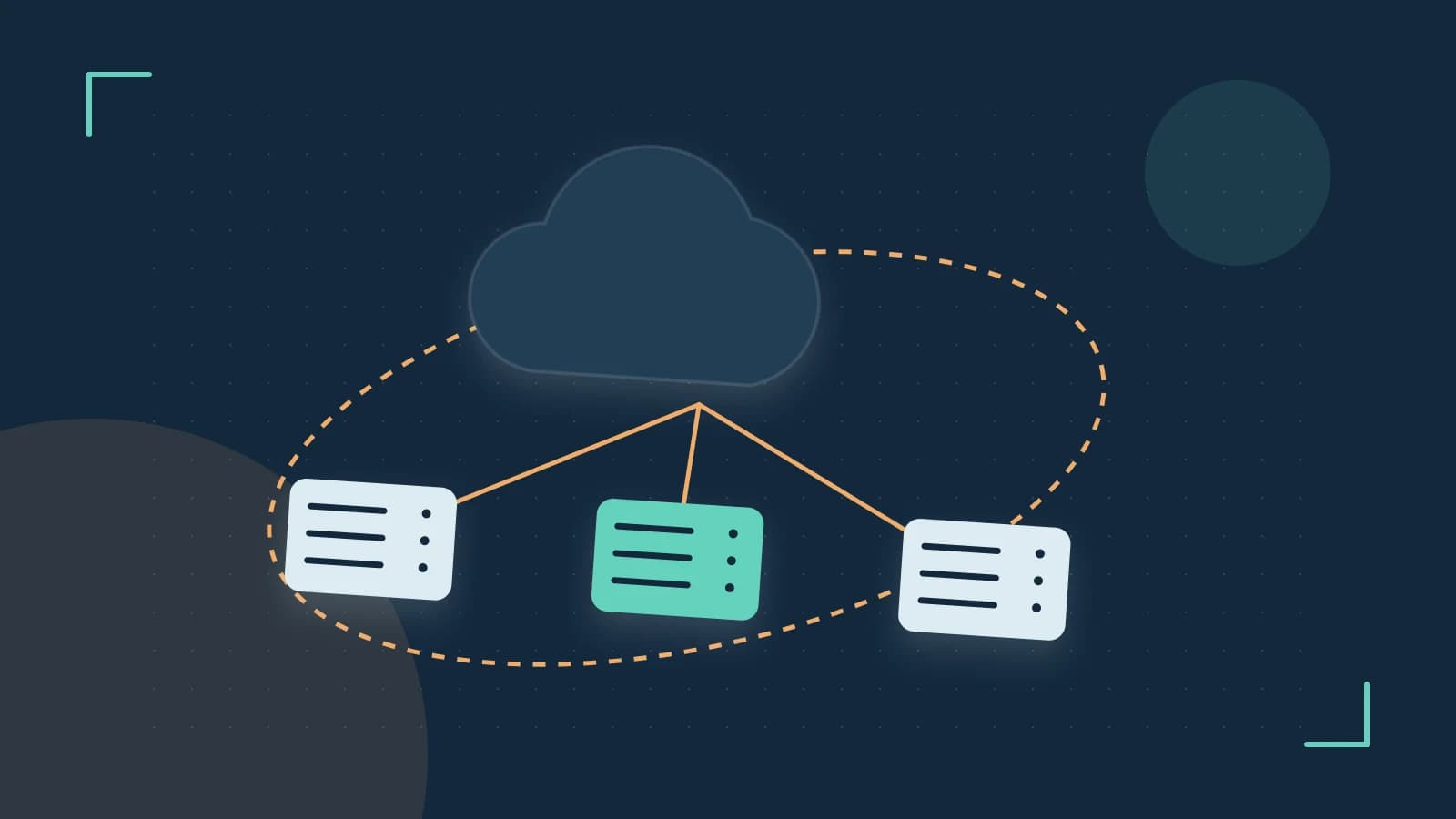
You have one infrastructure program and three environments. The temptation is to copy the project three times or maintain long-lived branches. Both paths rot. Pulumi offers a different primitive: the stack. A stack is not a copy of your code; it is an isolated instance of the same program, with its own configuration file and its own state. That distinction is the difference between "dev is slightly different from prod" and "dev accidentally deleted the prod database."
Configuration as the Environment Boundary
The mechanism is Pulumi.<stack-name>.yaml. When you run pulumi config set <key> <value>, the CLI writes to the config file for the currently selected stack. Your program reads it via pulumi.Config. This keeps environment-specific parameters out of your core logic.
Run these commands in your project root. You need access to the configured state backend, and pulumi stack init requires permission to create a new stack there.
# Run in your project root
pulumi stack init dev
pulumi config set aws:region us-west-2
pulumi config set instanceSize t3.micro
Then in your program:
const config = new pulumi.Config();
const size = config.require("instanceSize");
Expected check: pulumi config get instanceSize should return t3.micro. Risk: committing Pulumi.dev.yaml to version control is usually fine for non-secret values, but encrypted secrets require a KMS or Pulumi Service passphrase; verify your backend's secret handling before pushing.
Stack References for Decoupled Layers
Stacks shine when you split infrastructure into layers. A network stack creates the VPC; an application stack consumes it. Instead of hardcoding IDs, the app stack reads the network stack's outputs through a StackReference.
First, deploy the base stack and capture its output. Run these in the base stack directory; pulumi up requires write permissions to your cloud provider.
# In the network stack directory
pulumi stack init network-base
pulumi up
pulumi stack output vpcId
Then, in the app stack, consume that output:
const network = new pulumi.StackReference("network-base");
const vpcId = network.getOutput("vpcId");
Use the exact stack name shown by pulumi stack ls. Expected check: pulumi preview in the app stack should show the VPC ID being consumed, not a literal string. Risk: if the network stack is destroyed or renamed, the app stack's preview will fail with a missing reference. That is a feature, not a bug—it prevents silent drift—but it means deployment order matters.
The Trade-offs
Stack References are powerful, but they create hidden dependencies. A graph of twenty stacks can become a scheduling puzzle. If stack A references stack B, and B references C, you must deploy in reverse dependency order. CI/CD pipelines need to encode that order explicitly.
Manual stack management also drifts. If a developer creates pulumi stack init feature-x on a laptop and forgets to remove it, you now have an orphaned state file and configuration drift. The CLI does not clean up after you.
State locking varies by backend. The Pulumi Service manages locking transparently. A self-managed backend—such as Amazon S3, Azure Blob Storage, or a local filesystem—may not provide the same guarantees. If two engineers run pulumi up against the same self-managed stack simultaneously, you risk state corruption. Backend capabilities and CLI syntax can change between versions; verify your backend's locking behavior against the current Pulumi documentation before sharing stacks across a team.
A Practical Way to Verify
Before treating stacks as production environments, run pulumi preview in each stack. Preview is a dry run; it shows what would change without modifying state. If the preview is clean and the config values match expectations, the stack boundary is working.
To tear down a stack, pulumi destroy removes the resources it manages. This is irreversible for stateful resources like databases unless you have external backups. Run it only in the target stack directory.
The actionable takeaway: use stacks as environment boundaries, not code forks. Keep environment data in Pulumi.<stack-name>.yaml, use Stack References sparingly for stable contracts like network IDs, and automate stack creation and updates through CI/CD so configuration drift never has a chance to settle.
 pulumi
0 replies
A thoughtful contribution can make all the difference. Be the first to share one.