Shrinking Your Docker Footprint with Multi-Stage Builds
Stop shipping your compilers to production. Learn how to use Docker multi-stage builds to reduce image size, shrink your attack surface, and optimize build caches.
11 Jul 2026, 05:14 UTC
The Bloat Problem in Production Images
A common frustration when deploying containerized applications is the discrepancy between the tools needed to build an app and the tools needed to run it. If you use a single-stage Dockerfile, your production image ends up containing compilers, build-tooling (like Maven or Go toolchains), header files, and package managers. This results in images that are hundreds of megabytes larger than necessary and, more critically, a massive attack surface for security vulnerabilities.
The solution is multi-stage builds. By using multiple FROM statements in a single Dockerfile, you can isolate the build environment from the runtime environment, copying only the final compiled binary or static assets into a lean production image.
Separating the Build from the Runtime
In a standard build, every instruction adds a layer to the image. Even if you delete the build tools in a later command, those tools still exist in the underlying layers of the image. Multi-stage builds solve this by allowing you to discard the entire build stage once the artifact is created.
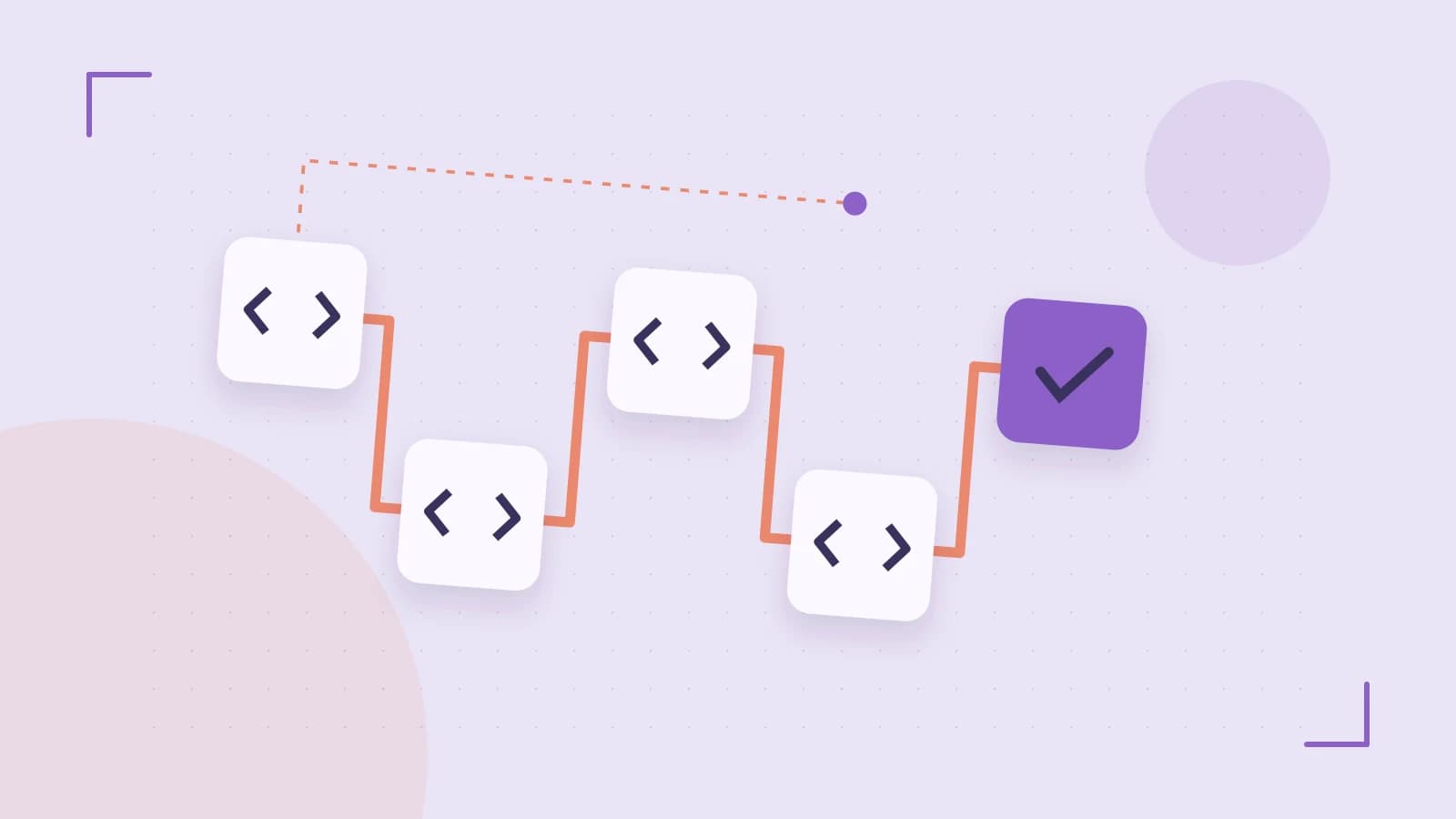
The process typically follows this flow: first, a "build stage" uses a heavy image with all necessary SDKs to compile the code. Second, a "final stage" starts from a minimal base image—such as Alpine Linux or a Distroless image—and uses the COPY --from command to pull in only the necessary executable.
Optimizing the Build Cache
To keep deployment cycles fast, order your instructions from least-frequently changed to most-frequently changed. For example, copy your dependency manifests (like package.json or go.mod) and install dependencies before copying the rest of your source code. This ensures that a small change in a source file doesn't force Docker to re-download every library in your project.
Worked Example: A Go Application
Consider a Go application. The Go compiler is large, but the resulting binary is a statically linked file that requires almost no external dependencies.
# Run these commands in your project root with sudo or as a member of the docker group
# docker build -t my-app:latest .
# docker images | grep my-app
# Dockerfile
# Stage 1: The Build Environment
FROM golang:1.21-alpine AS builder

# Install build-essential tools if needed
RUN apk add --no-cache git

WORKDIR /app

# Cache dependencies first
COPY go.mod go.sum ./
RUN go mod download

# Copy source and build
COPY . .
RUN go build -o /main main.go

# Stage 2: The Production Runtime
FROM alpine:3.18

# Add a non-privileged user for security
RUN adduser -D appuser
USER appuser

WORKDIR /home/appuser

# Copy only the compiled binary from the 'builder' stage
COPY --from=builder /main .

ENTRYPOINT ["./main"]
Trade-offs and Limitations
While multi-stage builds improve security and size, they introduce a specific challenge: debuggability. If you use an extremely minimal base image like gcr.io/distroless/static, the image contains no shell (sh or bash). This means you cannot docker exec into the container to inspect the filesystem or check network connectivity using standard tools.
To mitigate this, you can use ephemeral debug containers (via kubectl debug in Kubernetes) or maintain a separate "debug" tag of your image that uses a slightly heavier base image for troubleshooting in staging environments.
Verifying the Result
To confirm the effectiveness of your multi-stage build, perform these three checks:
- Size Comparison: Run
docker images. A single-stage Go image might be >500MB, whereas the multi-stage Alpine version should be <20MB. - Tool Absence: Attempt to run a build tool inside the production container:
docker run --rm my-app:latest go version. It should return a "command not found" error. - Vulnerability Scan: Use a scanner like Trivy or Snyk. You will typically see a significant drop in CVEs (Common Vulnerabilities and Exposures) because the package manager and shell utilities are removed.
 docker
0 replies
A thoughtful contribution can make all the difference. Be the first to share one.