Docker Multi-Stage Builds: The Smallest Design That Separates Build Tooling From Your Runtime Image
An architecture note on Docker multi-stage builds: why two stages are enough, where the trust boundary sits at COPY --from, and the operational checks that prove your runtime image ships no toolchain.
04 Jul 2026, 19:00 UTC
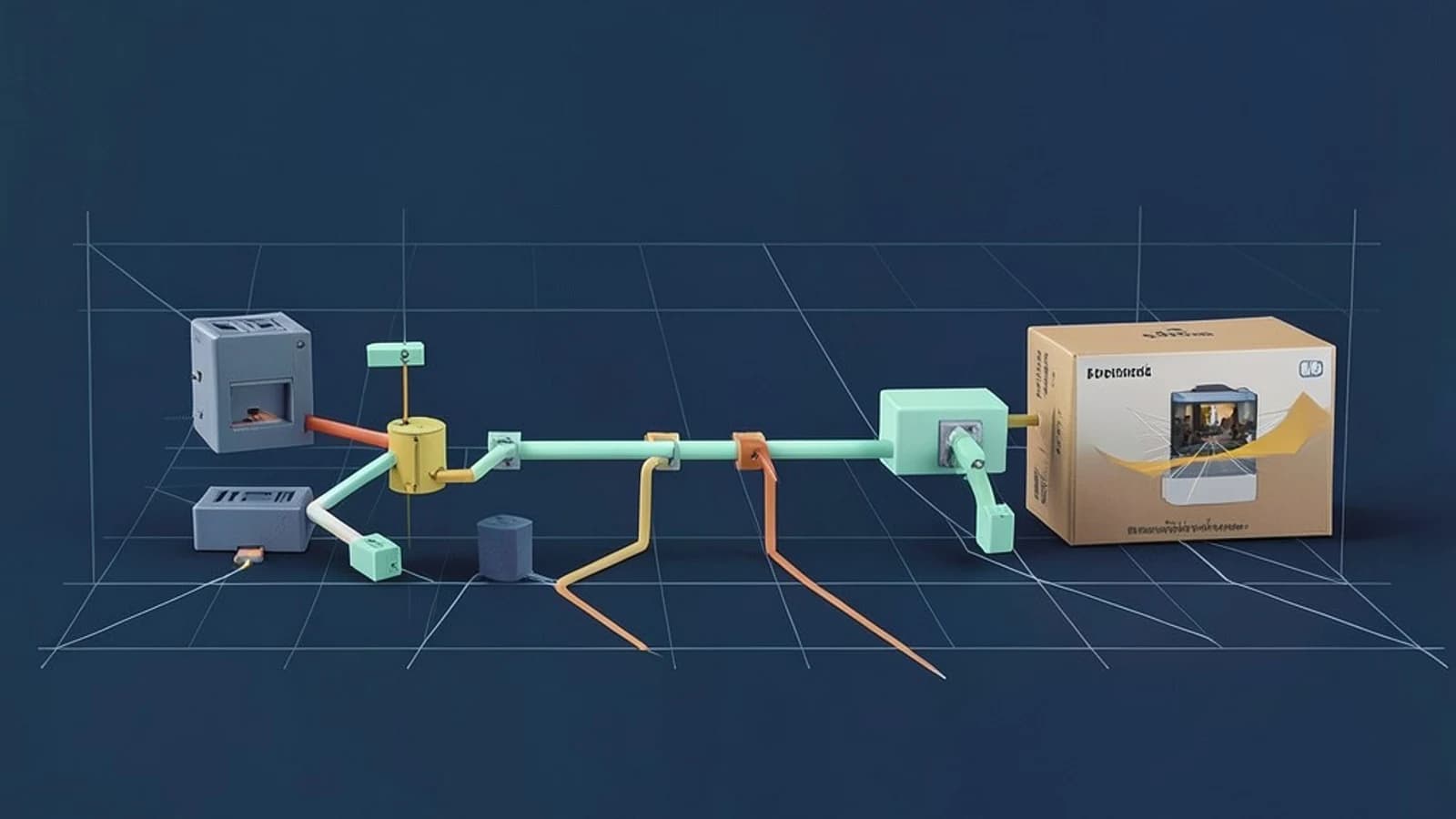
The problem this design solves
A single-stage Dockerfile that compiles your application ships everything the compiler needed: the SDK, the package manager, header files, and often cached credentials. That bloats the image by hundreds of megabytes and hands an attacker a comfortable toolchain if the container is ever compromised. The useful takeaway: a multi-stage build lets you keep the full toolchain during the build and ship only the artifact, with the COPY --from instruction acting as the single, auditable boundary between the two worlds.
Requirements
The design assumes three requirements, which cover most services:
- The build produces a self-contained artifact: a static binary, a jar with its runtime, or a vendored dependency tree (for example a Python virtualenv or a
node_modulesdirectory). - The runtime does not need a compiler, package manager, or shell to do its job.
- Builds must be reproducible, meaning the same inputs produce the same image contents.
If any of these fail — say you need native tooling at runtime — the design changes; see the last section.
The smallest suitable design: two stages
Resist the urge to add stages. Two is enough: a builder stage with the full toolchain, and a final stage on a minimal base containing only the artifact and a non-root user. Each FROM starts an independent layer graph; nothing crosses between stages unless you explicitly copy it.
# syntax=docker/dockerfile:1
FROM golang:1.22-bookworm@sha256:<builder-digest> AS builder
WORKDIR /src
COPY go.mod go.sum ./
RUN go mod download
COPY . .
RUN CGO_ENABLED=0 go build -o /out/server ./cmd/server

FROM gcr.io/distroless/static-debian12:nonroot@sha256:<runtime-digest>
COPY --from=builder /out/server /server
USER nonroot
ENTRYPOINT ["/server"]
Three details carry the weight here. First, both base images are pinned by digest (image@sha256:...), not by tag. A tag like :latest or even :1.22 can move underneath you; only a digest guarantees the same base across builds. Second, dependency manifests (go.mod, go.sum) are copied and resolved before the source tree, so a source-only edit does not invalidate the expensive dependency-download layer. Third, the final stage copies exactly one path — /out/server — and nothing else.
Where the trust boundary sits
The boundary is the COPY --from=builder line. Everything above it is untrusted build machinery: it may download arbitrary packages, execute build scripts, and handle credentials. Everything below it is the deployable surface you scan, sign, and ship.
Two consequences follow. Build secrets must never cross the boundary, and they must not leak into builder history either. Do not pass tokens as ARG values — they persist in image metadata. With BuildKit (the default builder in current Docker releases), use secret mounts instead:
RUN --mount=type=secret,id=npmrc,target=/root/.npmrc npm ciRun the build with docker build --secret id=npmrc,src=$HOME/.npmrc . from a shell that has the file locally. The secret is available to that one RUN step and appears in no layer. Also note the builder stage is not automatically destroyed: it exists in the local build cache and, in some CI configurations, can be pushed. Treat it as sensitive even though it never ships.
Operational checks after the build
Run these against the final image, not the builder. They require only the Docker CLI and no special privileges beyond access to the daemon.
- No toolchain shipped:
docker history <image>should show only the minimal base layers plus your copied artifact.docker image inspect <image>confirms the entrypoint and user. - Non-root execution:
docker run --rm <image> idshould report a non-zero UID. On distroless images withoutid, checkdocker image inspect --format '{{.Config.User}}' <image>instead. - Reduced surface:
docker run --rm <image> shshould fail on a distroless or scratch-based image — there is no shell to run. That failure is the success condition. - Cache behavior: touch one source file, rebuild, and confirm the dependency step reports
CACHED. If it re-runs, your layer ordering is wrong. - Vulnerability scanning: scan the final image only. CVEs in the builder stage do not ship, so scanning it wastes triage effort.
Failure modes worth knowing
- Copying too much:
COPY --from=builder / /silently drags the entire toolchain across the boundary, defeating the design. Copy named artifact paths only. - Stale stage references: renaming a stage during refactoring while an old
COPY --from=still points at the previous name fails the build in obvious ways — but a duplicated stage name can fail quietly by copying from the wrong stage. - libc mismatch: Alpine uses musl libc; Debian-based images use glibc. A binary dynamically linked against glibc in the builder will not run on Alpine. Either match the libc on both sides or build a fully static binary (as in the Go example above, where
CGO_ENABLED=0produces one). - Assuming the builder vanishes: the builder stage persists in local and CI caches. Anything sensitive that touched it should be treated as exposed.
When this design changes
Three conditions argue for a different shape. If you need runtime compilation or native tooling in production, a distroless final stage is wrong — use a slim base with the required runtime and accept the larger surface deliberately. If you build for multiple architectures, move to BuildKit's docker buildx with explicit --platform pinning, because cross-compilation behavior differs per stage. If you operate in a regulated environment requiring hermetic builds, network access during the builder stage becomes a compliance issue, and you will need vendored dependencies and an offline base-image mirror instead of go mod download against the public network.
Exact BuildKit defaults and stage syntax vary by Docker version, so confirm behavior against your installed engine with docker buildx version before standardizing the Dockerfile across a team.
 docker