Serving Versioned Docs with Read the Docs: A Practical Guide to Tag‑Based Releases
Learn how to automatically publish documentation for each Git tag using Read the Docs, see a step‑by‑step example, and understand the trade‑offs of keeping many versions active.
23 Aug 2026, 10:22 UTC
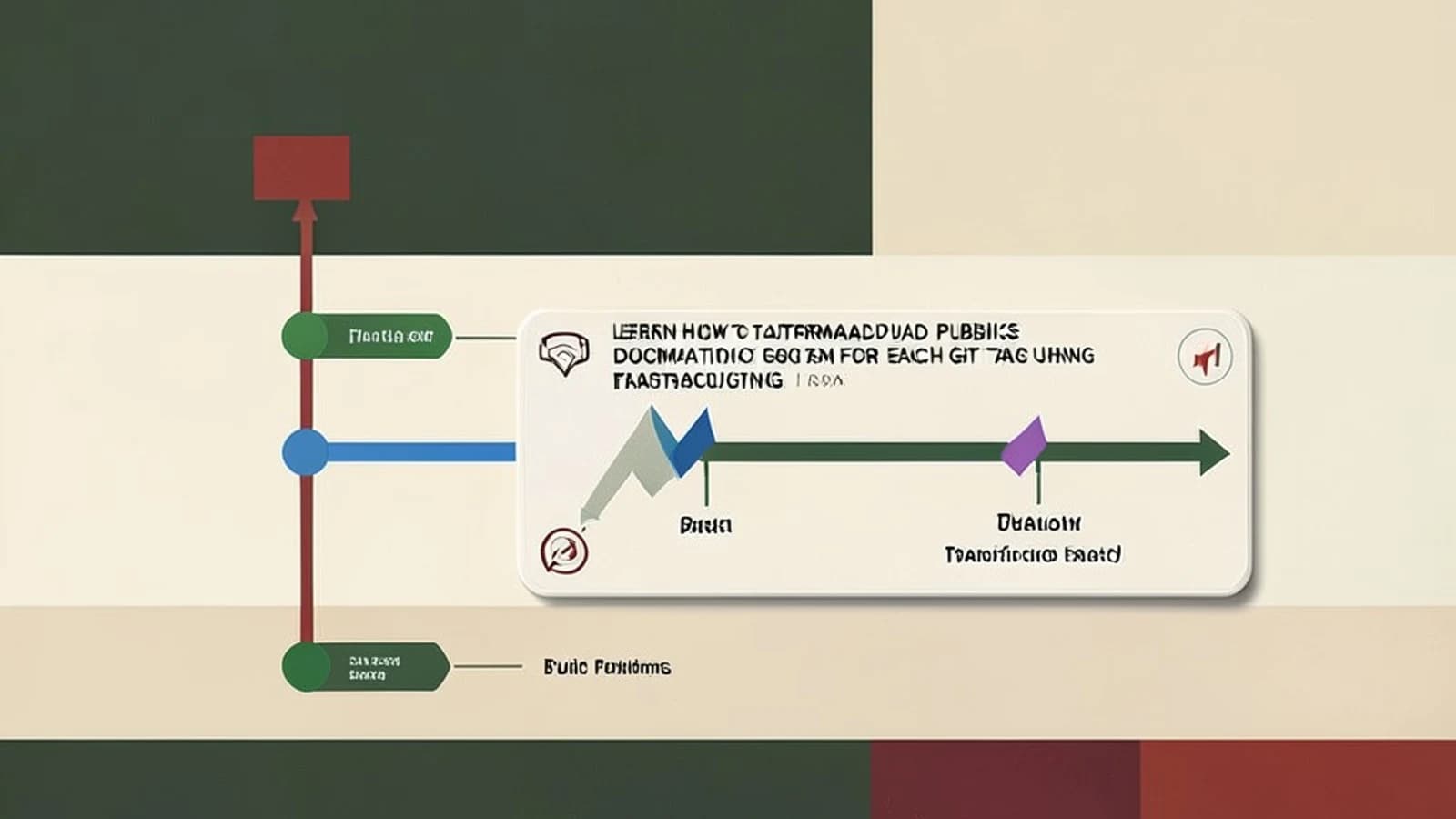
Problem: Keeping documentation in sync with releases
When you ship a new release, users often need to refer to the exact documentation that matches that version. Manually copying files or maintaining separate branches for each release is error‑prone and adds overhead.
Thesis: Let Read the Docs turn Git tags into versioned documentation automatically
Read the Docs can detect a Git tag that matches a version pattern, create a corresponding version, build it in isolation, and expose it through a version selector—all without extra tooling.
How it works
- You push a tag like
v2.1.0to the remote repository. - Read the Docs webhook receives the push, checks the tag against its version pattern (default: semantic‑like strings such as
v*or*). - If the tag matches, a new version is created, the
.readthedocs.ymlconfiguration is read, and a build is triggered. - The built HTML is stored under a URL like
https://.readthedocs.io/en/v2.1.0/and appears in the version selector at the bottom of the sidebar.
Worked example: publishing documentation for a new release
Assume you have a project my‑lib already connected to Read the Docs and a .readthedocs.yml at the repo root.
1. Create and push the tag
# Run locally, you need write access to the repo
$ git checkout main
$ git pull
$ git tag v2.1.0
$ git push origin v2.1.0
Permissions: You must be able to push tags to the remote (usually the same rights as pushing branches).
2. Wait for the build
Read the Docs usually starts the build within a minute. You can monitor progress in the project’s “Builds” page.
3. Verify the version appears
- Open the documentation site.
- Scroll to the bottom of the sidebar; you should see a version selector with an entry labeled
v2.1.0. - Select it and confirm the URL changes to
https://my-lib.readthedocs.io/en/v2.1.0/. - Check that the content reflects the source at that tag (e.g., a new function added in v2.1.0 is documented).
4. Optional: direct URL test
Even if you later deactivate the version, the built files remain accessible via the direct URL unless you delete them. Visit https://my-lib.readthedocs.io/en/v2.1.0/index.html to confirm.
Trade‑off: storage and build time
Each active version retains its built artifacts indefinitely. Activating many branches or tags as versions increases:
- Storage usage on Read the Docs servers.
- Overall build queue time, because each version triggers a separate build when its source changes.
Practical check: In the project admin dashboard, go to “Versions” and note the “Size” column. If the total size approaches your plan’s limit, consider deactivating older versions.
Actionable closing: keep your version set lean
1. **Prune old releases** – Deactivate tags you no longer need to serve (they stay accessible via direct URL if you haven’t deleted the build).
ci/*).By treating Git tags as the source of truth for versioned docs, you reduce manual steps and give readers a reliable way to find the exact documentation that matches the code they are using.
 readthedocs
 git
git