Pull‑Request Previews on ReadTheDocs: Build Docs Before Merge
ReadTheDocs now builds a preview of your documentation for every pull request. Learn how to enable, use, and test these builds, and understand the trade‑offs before merging.
19 Nov 2025, 02:24 UTC
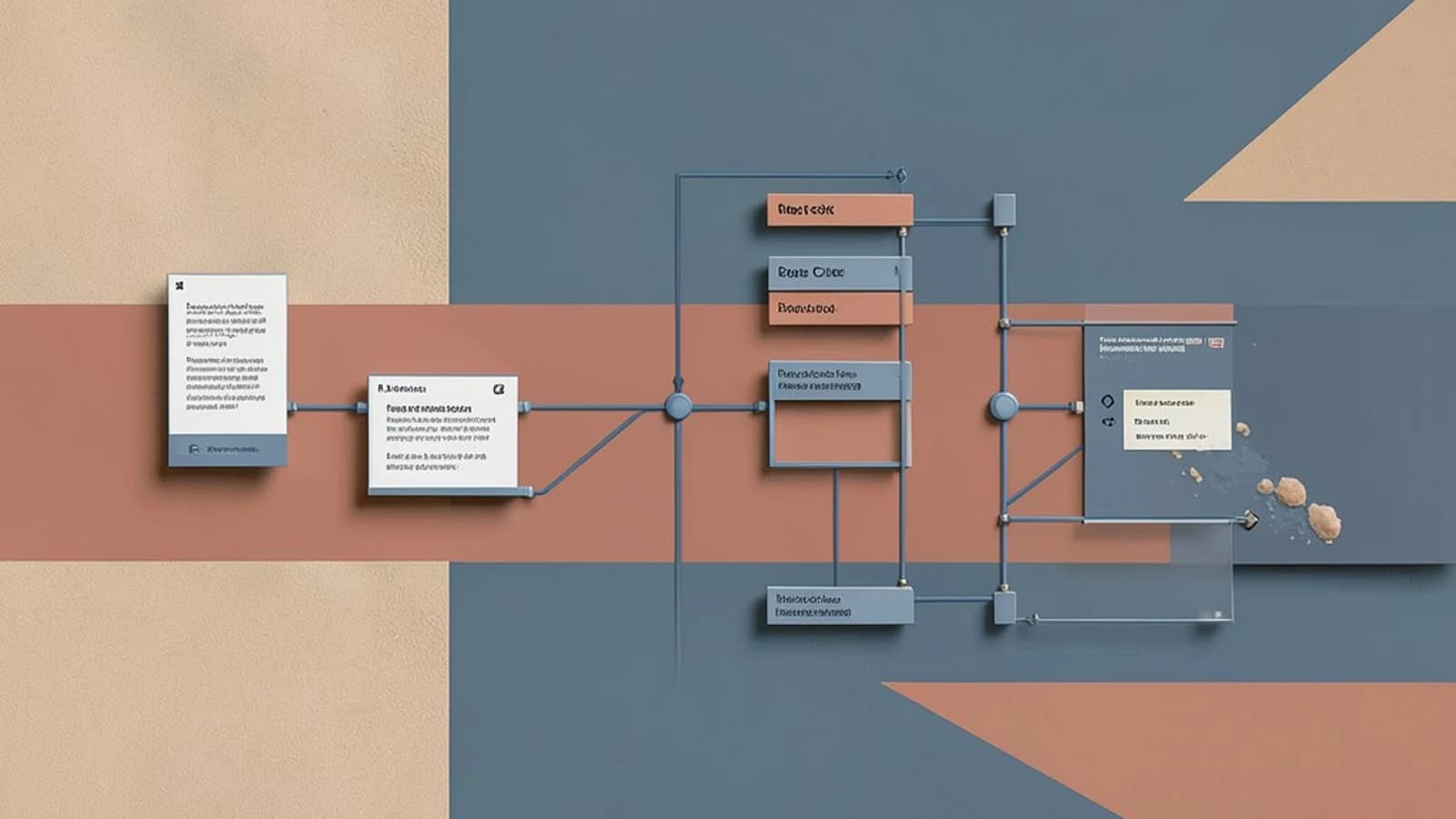
Why a PR preview matters
When a feature or bug fix touches the docs, the last thing you want is a broken or missing page that slips into production. A common pain point is that a PR can be merged before the documentation is verified, leading to a broken user experience. ReadTheDocs’ Pull‑Request Previews solve this by automatically building a temporary, versioned copy of your docs for every PR. The preview URL is unique to the PR number, so reviewers can inspect the exact rendered output before the change lands in the main branch.
How ReadTheDocs builds a preview
ReadTheDocs listens to pull_request events from GitHub, GitLab, or Bitbucket. On GitHub, the ReadTheDocs GitHub App handles the webhook plumbing, so you don’t need to configure any custom webhooks. When a PR is opened or updated, the App triggers a build using the same .readthedocs.yaml configuration that drives the normal project builds. This guarantees that the preview reflects the exact Sphinx or MkDocs environment, dependencies, and extensions you normally use.
Enabling the feature
- Install the ReadTheDocs GitHub App on your repository. Ensure it has the following permissions:
- Pull requests – read/write
- Checks – read/write
- Make sure your project is linked to ReadTheDocs (via the project’s
Repositorysettings on ReadTheDocs.org). - Commit a change that triggers a PR (e.g., edit a
.rstor.mdfile). - Open the PR and look for a new check named “ReadTheDocs: Build” in the PR’s status checks. Once the build completes, a preview URL appears in the check details.
Concrete example – a preview build in action
Suppose you have a Sphinx project with the following .readthedocs.yaml:
version: 2
build:
  os: ubuntu-22.04
  tools:
    python: "3.11"
  jobs:
    pre_build:
      - pip install -r requirements.txt
    build:
      - sphinx-build -b html . _build/html
    post_build:
      - echo "Build finished"
When you create a PR that, for example, adds a new page new_feature.rst, ReadTheDocs will:
- Clone the PR branch
- Install the dependencies listed in
requirements.txt - Run the Sphinx build command
- Publish the output to
https://.readthedocs.io/en/pr-42/(where 42 is the PR number)
The PR’s status check will show a green tick once the preview is ready, and the preview URL will be clickable directly from the PR page. Team members can now navigate to that URL, verify the new content, and confirm that no existing pages were broken.
Using the preview as a status check
In GitHub branch protection rules, you can require the “ReadTheDocs: Build” check to pass before a PR can be merged. This enforces that documentation always builds successfully, preventing regressions from slipping through.
Trade‑offs and limitations
| Aspect | What to watch for |
|---|---|
| Build minutes | PR previews consume the same build minutes as normal builds. On the free community plan, the limit is 1,000 minutes per month. Frequent PR activity can quickly exhaust this quota. |
| Private repositories | On ReadTheDocs.org, PR previews for private repos are only available if you have the Business plan. The preview URL is publicly accessible unless you enable IP allowlisting or authentication. |
| Configuration mismatch | If your .readthedocs.yaml specifies a Python version or system package not available in the preview image, the build may fail. Test locally with readthedocs-build before relying on the preview. |
| Ephemeral nature | Preview URLs expire 30 days after the PR is closed or after 30 days of inactivity. They are not meant for long‑term hosting. |
| App permissions | Missing or incorrect GitHub App permissions can cause silent failures. Verify that the App has both “Pull requests” and “Checks” permissions. |
Practical checklist before you merge
- Open the PR and confirm the ReadTheDocs build passed.
- Click the preview URL and verify that:
- All pages render correctly.
- New content appears where expected.
- No broken links or redirections exist.
- Run
readthedocs-buildlocally to ensure the build environment matches the preview. - Check the build log for any warnings that might indicate missing dependencies.
- If satisfied, merge the PR.
Next steps for your team
- Add the ReadTheDocs build check to your branch protection rules.
- Monitor build minutes usage and consider upgrading if you hit the limit.
- For private projects, set up IP allowlisting or enable authentication on the preview URL if confidentiality is required.
- Document the preview workflow in your project’s contribution guide so new contributors know to review the preview before merging.
Pull‑Request Previews give you an exact, isolated rendering of your docs for every change, turning documentation quality into a measurable, enforceable part of your CI pipeline. By following the steps above, you can catch regressions early, maintain a clean documentation history, and keep your users happy.
 readthedocs
0 replies
A thoughtful contribution can make all the difference. Be the first to share one.