Portainer RBAC and Plugin Architecture: Engineering Decisions for Multi-Environment Container Management
Engineering teams often struggle to maintain consistent access control and extensibility across Docker and Kubernetes clusters managed by Portainer. This blog outlines a practical RBAC scoping plugin and version-alignment strategy.
25 Jul 2025, 21:37 UTC
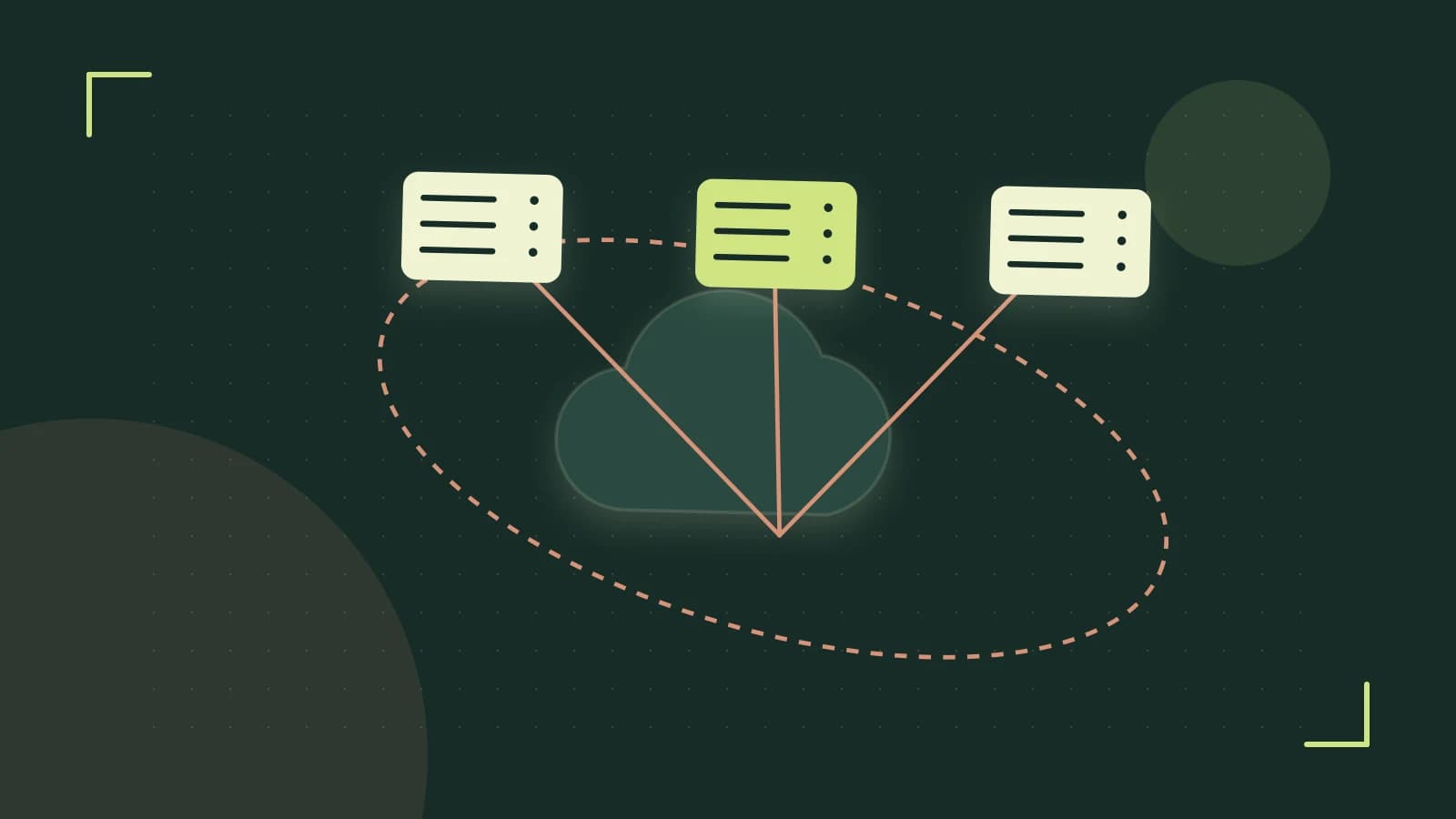
The problem of consistent access and extensibility across Docker and Kubernetes
Teams managing mixed container environments often deploy Portainer as a unified control plane. Without a deliberate strategy role boundaries blur and plugin integration becomes ad-hoc leading to inconsistent permissions and fragile extensions.
1. RBAC scoping at the API level
Portainer enforces role-based permissions at the API layer. Each role scopes access to a specific Docker server Kubernetes cluster or application group. A role must be explicitly assigned before any management operation executes. Importantly role changes are not applied retroactively existing user sessions retain prior permissions until they re-authenticate. This means a newly granted scope only takes effect after the user signs out and back in.
portainer role list --server ${SERVER_ID}Run the Portainer CLI with admin credentials on a machine network-connected to the Portainer endpoint. Required permission admin role on the target Docker server. Meaningful placeholder ${SERVER_ID} identifies the Docker server or Kubernetes cluster. Expected check the command lists all roles and their scopes allowing you to verify assignments match the intended permission model. Relevant risk exposing the server ID may reveal internal topology ensure the CLI is run in a trusted environment.
To confirm RBAC enforcement assign a restricted role and attempt a disallowed API endpoint. The expected response is 403 access denied verifying that enforcement is active.
2. Plugin architecture for safe extension
Portainer's plugin system exposes extension points for custom validators notification hooks and third-party service integrations enabling feature expansion without modifying the core binary and preserving upgrade safety. Plugins run as separate containers and are loaded without altering the core binary which preserves upgrade safety. When selecting a plugin verify that its version aligns with the Portainer server major release mismatched versions can cause management operations to fail until both components are updated to compatible versions.
portainer plugin install --name ${PLUGIN_NAME} --version ${PLUGIN_VERSION}Run the Portainer CLI with appropriate service-account tokens. Required permission read-write access to the plugins registry. Meaningful placeholders ${PLUGIN_NAME} the plugins identifier ${PLUGIN_VERSION} the target version. Expected check the plugin appears in the Portainer UI plugin list and health checks pass. Relevant risk installing a plugin with a version mismatched to the server major release can cause management operations to fail until both components are updated.
3. UI versus API an engineering trade-off
The Portainer web UI accelerates ad-hoc management tasks such as inspecting container logs or restarting a service. The API-first approach supports reproducible CI/CD pipelines infrastructure-as-code workflows and automated role propagation. However some granular configuration options available in the UI may not be exposed through the API and vice versa. Teams should map their most common operations to the appropriate interface: use the UI for exploratory troubleshooting and the API for orchestrated deployments.
| Interface | Strength | Limitation |
|---|---|---|
| Web UI | Fast visual discovery-friendly | Limited scriptability UI-specific options may not map to API |
| API | CI/CD compatible reproducible granular programmatic control | May omit UI-specific workflows requires auth token management |
4. Version alignment and agent considerations
Portainer's agent-based architecture processes management commands locally reducing latency and bandwidth but demands strict TLS and firewall configuration to prevent unauthorized remote access to the container environment. However agent versions must match the Portainer server major release mismatched versions can cause management operations to fail until both components are updated to compatible versions. When rolling out changes across multiple environments synchronize server and agent versions before adjusting RBAC or plugin configurations.
- Assign a role with limited scope via the Portainer UI or CLI.
- Re-authenticate the user session or initiate a new login.
- Attempt an API operation outside the role's scope such as retrieving endpoints not in the role's scope.
- Confirm the response is 403 access denied.
If the operation succeeds the role scope may be misconfigured or the session still holds prior permissions Re-examine the role assignment and re-authenticate.
 portainer
0 replies
A thoughtful contribution can make all the difference. Be the first to share one.