Managing Distributed Docker Hosts Without Opening Firewalls
Learn how to manage remote Docker hosts behind NAT and firewalls using Portainer's Edge Agent architecture to eliminate inbound port requirements.
30 Jan 2026, 14:12 UTC
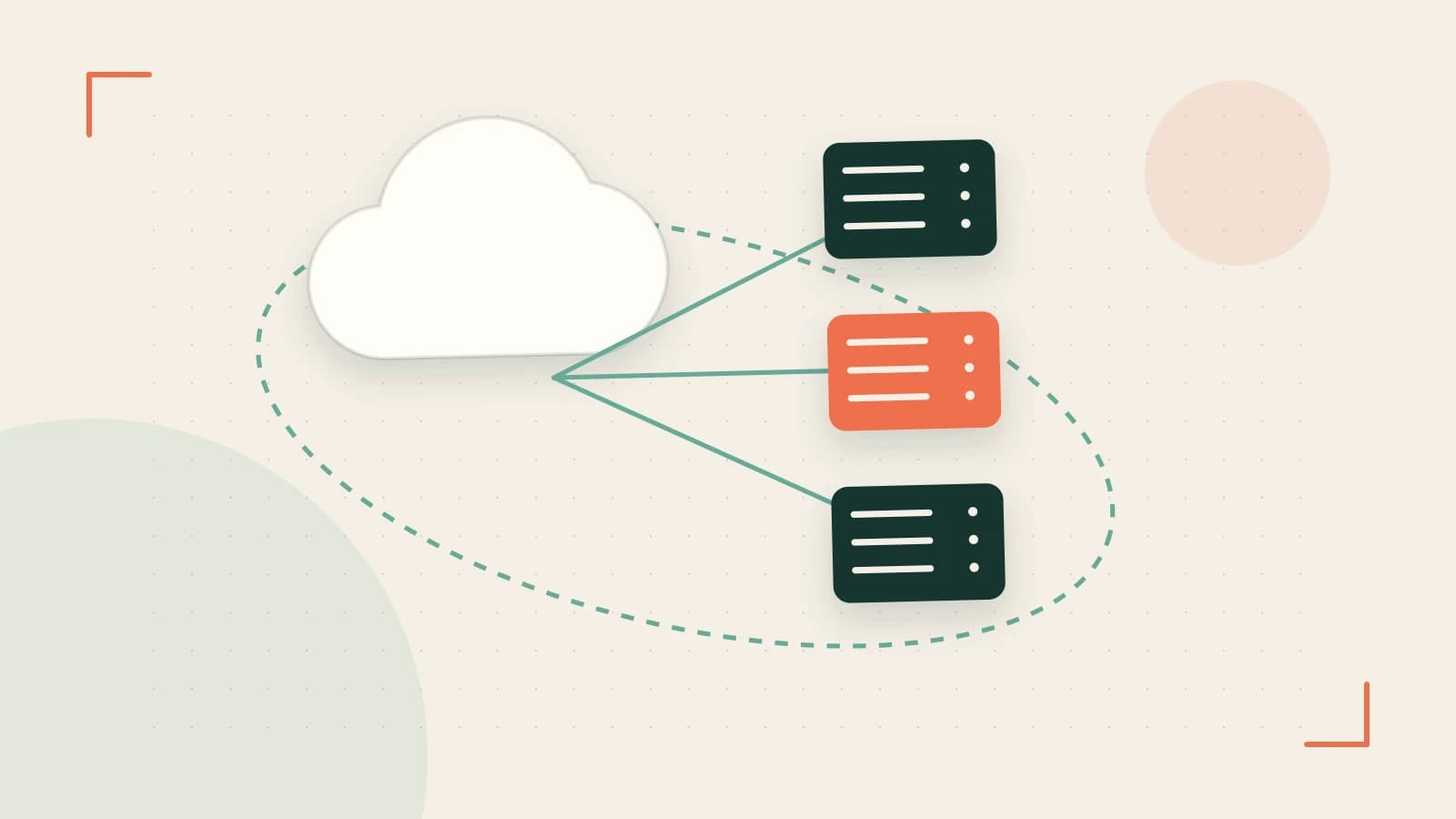
The Firewall Dilemma in Edge Computing
Managing a handful of Docker hosts in a single data center is straightforward. However, when your containers are spread across branch offices, retail stores, or remote IoT gateways, you face a networking wall. Standard Docker remote management requires exposing the Docker socket over TCP (port 2375/2376), which is a significant security risk and often impossible due to NAT (Network Address Translation) or strict corporate firewalls that block inbound traffic.
The solution is to flip the connection logic. Instead of the management server reaching out to the node, the node must reach out to the server. Portainer's Edge Agent architecture solves this by using an outbound tunnel, allowing you to manage remote environments without modifying firewall rules on the remote site.
How the Edge Agent Architecture Works
The Edge Agent is a lightweight container deployed on the remote host. Unlike a standard agent, which waits for the Portainer server to connect, the Edge Agent initiates an outbound connection to the Portainer server's designated port. This creates a secure communication channel that the server can use to send commands back to the host.
This design provides two primary engineering advantages:
- Security: The Docker socket remains accessible only to the local agent. You do not need to expose the Docker API to the public internet or a VPN.
- Resilience: Edge Agents are designed for unstable networks. If the connection to the Portainer server drops, the agent can buffer configuration changes and apply them once connectivity is restored, preventing the node from entering an inconsistent state during a brief outage.
Deploying to a Fleet with Edge Groups
Managing one hundred remote nodes individually is an operational failure. Portainer utilizes Edge Groups to treat clusters of remote hosts as a single target. By assigning Edge Agents to a specific group, you can push a Docker Compose stack to every node in that group simultaneously.
This allows for variable substitution. For example, you can deploy the same monitoring stack to ten different sites but use environment variables to ensure each site reports its unique location ID to your central dashboard.
Practical Implementation: Registering an Edge Node
To connect a remote host, you first define the environment in the Portainer UI, which generates a deployment command. This command must be run on the remote host with sudo or root permissions to allow the agent to interact with the local Docker socket.
# Run this on the remote edge node
# Replace [SERVER_IP] and [PORT] with your Portainer server details

docker run -d
  --name portainer_edge_agent
  --restart always
  -v /var/run/docker.sock:/var/run/docker.sock
  -v /var/lib/portainer_edge_agent:/data
  portainer/agent:latest
  --port 9001
  --edge-id [UNIQUE_ID]
  --edge-key [SECRET_KEY]
  --edge-port 8000
  --edge-server [SERVER_IP]
Verification and Diagnostics
After running the command, you can verify the connection status through two methods:
- Portainer UI: Navigate to the Environments view. The status will transition from "Pending" to "Up" once the agent successfully handshakes with the server.
- Node Logs: Run
docker logs portainer_edge_agenton the remote host. Look for entries confirming the outbound connection to the server IP on the specified edge port.
Operational Trade-offs and Limitations
While the Edge Agent removes firewall headaches, it introduces specific constraints:
- Version Parity: The Edge Agent version must be compatible with the Portainer server version. Updating the server without updating the agents can lead to feature mismatches or connection failures.
- Resource Overhead: While lightweight, the agent is an additional container consuming memory and CPU on the edge device. In extremely resource-constrained IoT environments, this overhead must be accounted for.
- Queue Limits: The local buffering of configuration changes is not infinite. If a node remains offline for an extended period, older queued updates may be overwritten or fail depending on the specific version's retry policy.
Closing Action
If you are managing distributed Docker environments, stop trying to punch holes in your firewalls. Deploy a test Portainer server, register one remote node using the Edge Agent, and intentionally disconnect the network to observe how the agent handles queued updates. This will give you the confidence to scale your fleet management without compromising network security.
 docker
 portainer
0 replies
A thoughtful contribution can make all the difference. Be the first to share one.