Photon Fusion Interest Management: Server-Authoritative AOI Architecture Note
Server-authoritative Area of Interest in Photon Fusion filters NetworkObject updates by spatial proximity. This architecture note covers minimal design, trust boundaries, and operational checks.
04 Jul 2026, 01:26 UTC
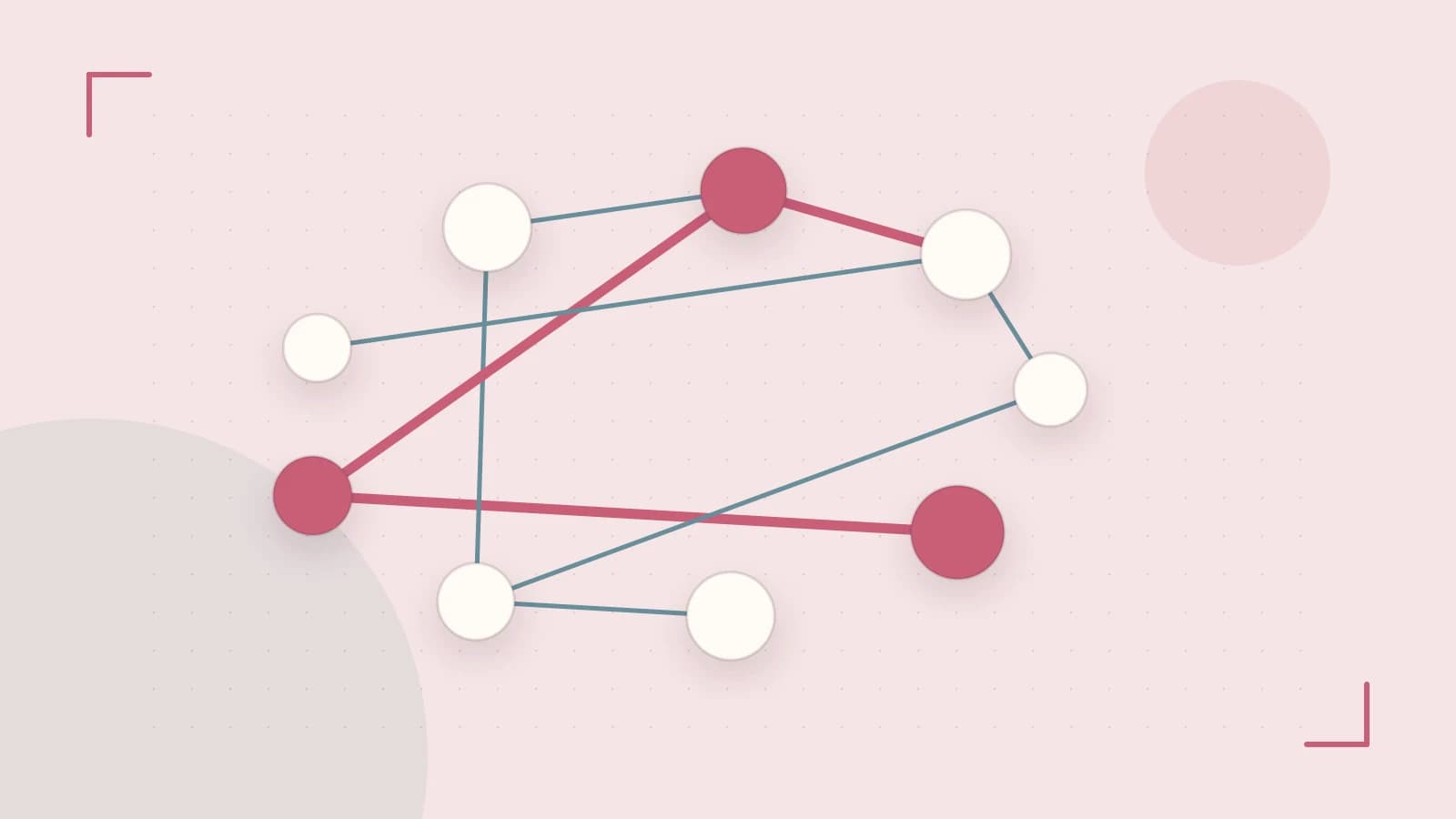
The Problem
In large-scale multiplayer worlds, replicating every NetworkObject to every client creates a bandwidth bottleneck and overwhelms client-side simulation. The solution is a server-authoritative Area of Interest (AOI) system that filters state updates based on spatial proximity, ensuring clients only process entities relevant to their current position.
Requirements for AOI in Shared Worlds
To maintain performance with 100+ concurrent players, the system must meet these criteria:
- Dynamic Filtering: Clients receive updates only for objects within a specific radius that follows the player avatar.
- Server Authority: The host/server must decide visibility to prevent clients from requesting data for hidden objects (anti-cheat).
- Configurability: The AOI must be adjustable per object type or player role (e.g., a sniper needs a larger radius than a melee fighter).
- State Management: Hidden objects must not be instantiated on the client to save memory and CPU.
Smallest Suitable Design
The baseline implementation uses a global AOI radius without complex custom interest groups. In Photon Fusion 2.x, this relies on a uniform spatial grid maintained by the server.
To implement the minimal design, enable Interest Management on the NetworkRunner. Every entity that requires culling must have a NetworkObject component. By default, the AOI center is the player's transform, but this can be overridden for drones or spectator cameras using Runner.InterestManagement.AoiCenterOverride.
// Implementation within a server-authoritative SimulationBehaviour
void FixedUpdateNetwork()
{
    // Set the global radius for visibility (e.g., 50 meters)
    Runner.InterestManagement.AoiRadius = 50f;

    // Enable the filtering system on the runner
    Runner.InterestManagement.Enabled = true;
}
Design Limitations: Interest Management is opt-in; if disabled on the host, the system reverts to full-state replication. Furthermore, NetworkObjects lacking a NetworkTransform or custom position synchronization cannot be spatially culled and will remain visible to all clients.
Trust and Data Boundaries
The server owns the spatial index and all visibility computations. The client is treated as an untrusted observer.
- Data Flow: The client sends its AOI center position via Input or RPC. The server validates this position against the known server-side transform.
- Information Leakage: Object state (health, inventory, exact coordinates) never leaves the server for objects outside the client's visible set.
- Cheat Mitigation: Since the server computes the visible set, a compromised client cannot "force" the server to send data for distant objects. However, a client could spoof its AOI center to "spy" on distant areas. To prevent this, implement server-side clamping in the
SimulationBehaviourto reject AOI center jumps that exceed maximum movement speed.
Operational Checks
To verify the health of the AOI system, monitor the following metrics:
| Metric | Target Threshold | Tool/Method |
|---|---|---|
| Visible Object Count | < 200 per client | Runner.GetAllObjects() |
| Downstream Bandwidth | < 150 KB/s | Fusion Network Profiler |
| Culling CPU Time | < 2 ms per tick | Fusion.Statistics.SimulationTimings |
| AOI Center Desync | < 1 meter | Server-side position logs |
Practical Verification: Deploy 200 NetworkObjects across a 500m² area with 4 clients. Set the AOI radius to 30m. Verify that Runner.GetAllObjects() on the client returns only the ~30-40 objects within range, rather than the full 200. Use the NetSimulator to inject 10% packet loss and ensure no "ghost objects" (objects that remain visible after they should have been culled) persist on the client.
Failure Modes
- Radius Mismatch: A radius too large causes bandwidth spikes and client lag; a radius too small causes visible "pop-in" of entities, breaking gameplay for long-range interactions.
- Entity Clustering: If 500 players gather in one small zone, the server culling cost can scale toward O(N²). Mitigation requires switching to
InterestGroups(zonal partitioning) or implementing spatial hashing with dirty flags. - Packet Loss: Stale AOI center reports can cause brief visibility gaps. The server should extrapolate the center position based on last known velocity rather than relying on a single potentially lost packet.
Conditions That Change the Design
The minimal AOI design should be replaced if the following conditions occur:
- World Sharding: If the world is split across multiple servers, replace the global AOI with per-shard
InterestGroupsand a handoff protocol. - Low Entity Count: If the simulation has < 50 objects, disable Interest Management entirely to reduce server CPU overhead.
- Deterministic Simulation: When using Photon Quantum, the AOI must run within the simulation frame to ensure visibility sets are deterministic and compatible with rollback.
- Self-Hosting: If moving from Photon Cloud to a self-hosted server, tune
SendRateandMaxDatagramSizeto optimize the frequency of AOI updates.
 photonengine
0 replies
A thoughtful contribution can make all the difference. Be the first to share one.