Reducing Network Noise with Photon Interest Groups
Stop wasting bandwidth on invisible players. Learn how to use Photon Interest Groups to filter network traffic and optimize client CPU performance in multiplayer games.
28 Jul 2025, 23:55 UTC
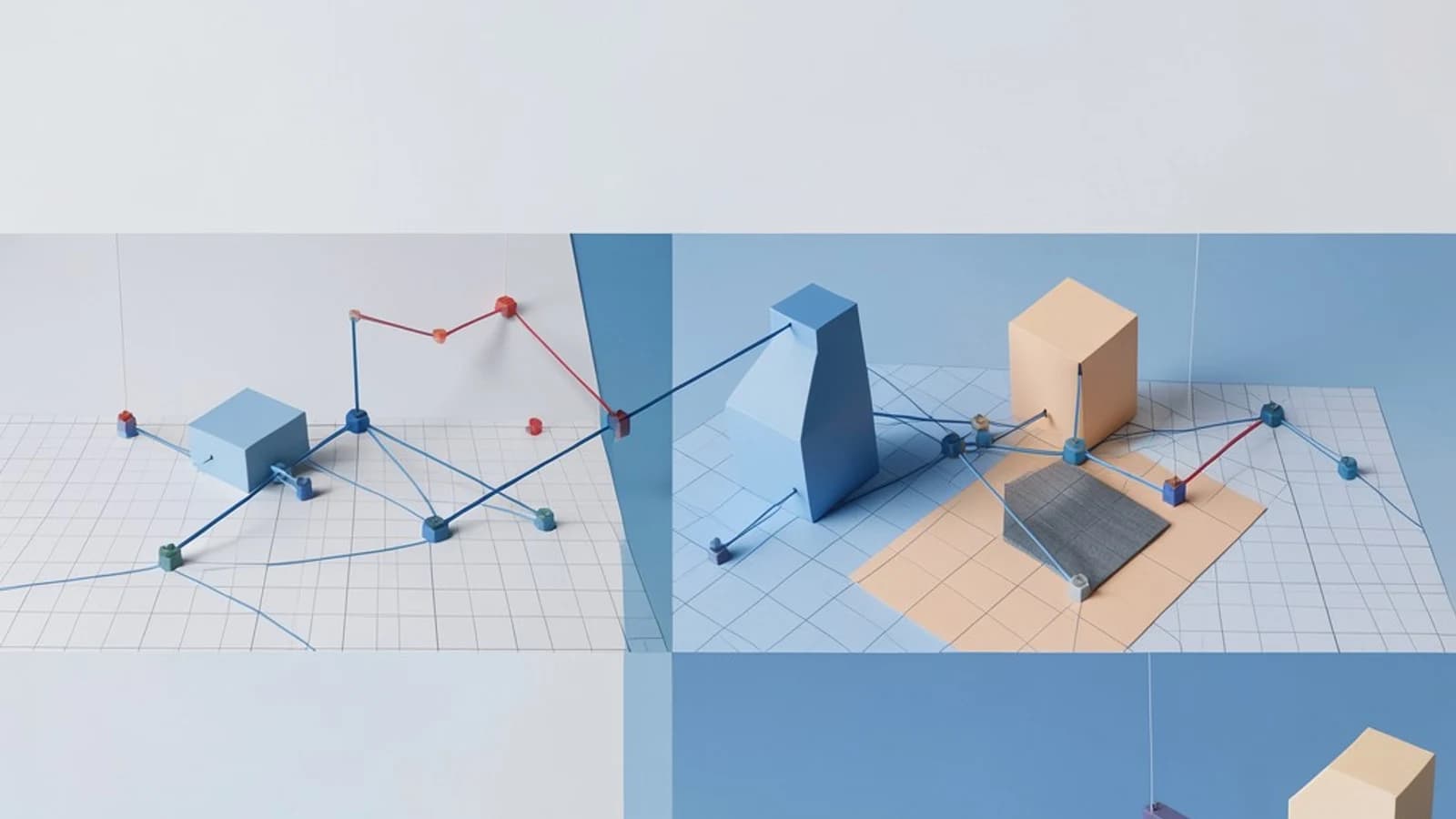
The Problem: The "Everything, Everywhere" Network Bottleneck
In a multiplayer environment, the default behavior is often to broadcast every state change to every connected client. While this works for a four-player lobby, it fails in larger worlds. When 50 players are moving, shooting, and interacting across a map, sending every position update to every client creates a "network storm." This results in high bandwidth consumption and forces the client CPU to waste cycles processing updates for objects that are miles away from the player's current view.
The solution is Interest Management. Instead of a global broadcast, you implement a filter that ensures clients only receive data they actually need to render or simulate. In Photon Realtime, the most direct way to achieve this is through Interest Groups.
How Interest Groups Filter Traffic
Interest Groups allow you to categorize players into logical subsets. When a network event is raised or a property is synchronized, you can specify a group identifier. Only clients currently joined to that specific group will receive the packet. This shifts the burden of filtering from the client's application logic to the network layer.
This is particularly useful for two primary scenarios:
- Spatial Partitioning: Dividing a large map into a grid. Players in "Grid_A1" only receive updates from other players in "Grid_A1" and adjacent cells.
- Logical Partitioning: Separating players by team, instance, or game state (e.g., players in a "Trading Hall" don't need to receive combat data from the "Battlefield").
Implementation Example: Spatial Grid Logic
To implement this, you must manage group membership as the player moves. Below is a conceptual configuration for a grid-based system using the Photon Realtime API. Exact method signatures and property names vary between the core Realtime SDK and PUN, so verify the current API reference before integrating.
// Run this on the client moving through the world
// Required Permissions: Client must be connected to a room
void UpdateInterestGroup(Vector3 currentPosition) {
    // Calculate grid coordinates (e.g., 50x50 unit cells)
    int gridX = Mathf.FloorToInt(currentPosition.x / 50);
    int gridZ = Mathf.FloorToInt(currentPosition.z / 50);
    string groupName = $"grid_{gridX}_{gridZ}";

    if (currentGroupName != groupName) {
        // Leave the previous group to stop receiving old updates
        if (!string.IsNullOrEmpty(currentGroupName)) {
            PhotonNetwork.LeaveGroup(currentGroupName);
        }

        // Join the new group to start receiving local updates
        PhotonNetwork.JoinGroup(groupName);
        currentGroupName = groupName;
    }
}

// When sending a position update, target the group
void SendPositionUpdate() {
    ExitGames.Client.Photon.Realtime.RaiseEventOptions options = new RaiseEventOptions();
    options.InterestGroup = currentGroupId; // Core Realtime uses a byte group ID

    PhotonNetwork.RaiseEvent(EVENT_CODE_POSITION, positionData, options);
}
Verification Steps
To verify that the filtering is working, you can use a network monitor or a simple debug log inside the OnEvent callback. If Player A is in grid_0_0 and Player B is in grid_1_1, the OnEvent callback on Player B's client should not trigger when Player A sends a group-targeted event.
The Trade-off: The "Ghosting" Risk
Interest Management is not a "set and forget" feature; it introduces a synchronization challenge known as ghosting. Ghosting occurs when a player enters a new interest group but the objects already present in that area were synchronized before the player joined.
Because Interest Groups filter events, they do not automatically provide a historical snapshot of the state. If a player joins grid_0_0, they will see new movements, but they may not know where the other players are currently standing until those players send a new update.
Mitigation Strategy: When a client joins a new group, trigger a request for a "State Snapshot." The client can send a targeted request to the Master Client or other group members to send their current position and status immediately upon entry.
Practical Limitations
While powerful, avoid creating an excessive number of tiny groups (e.g., one group per player). Each group membership change requires a network call to the server. If players are constantly flickering between group boundaries, the overhead of joining and leaving groups can outweigh the bandwidth savings of the filtering itself. Use larger buffers or "hysteresis" (a small overlap zone) to prevent rapid group switching.
 photonengine
0 replies
A thoughtful contribution can make all the difference. Be the first to share one.