Managing Shared State with Apollo Client InMemoryCache Normalization
Learn how to use Apollo Client's InMemoryCache to eliminate stale data through normalization, custom typePolicies, and direct cache manipulation.
09 May 2026, 20:52 UTC
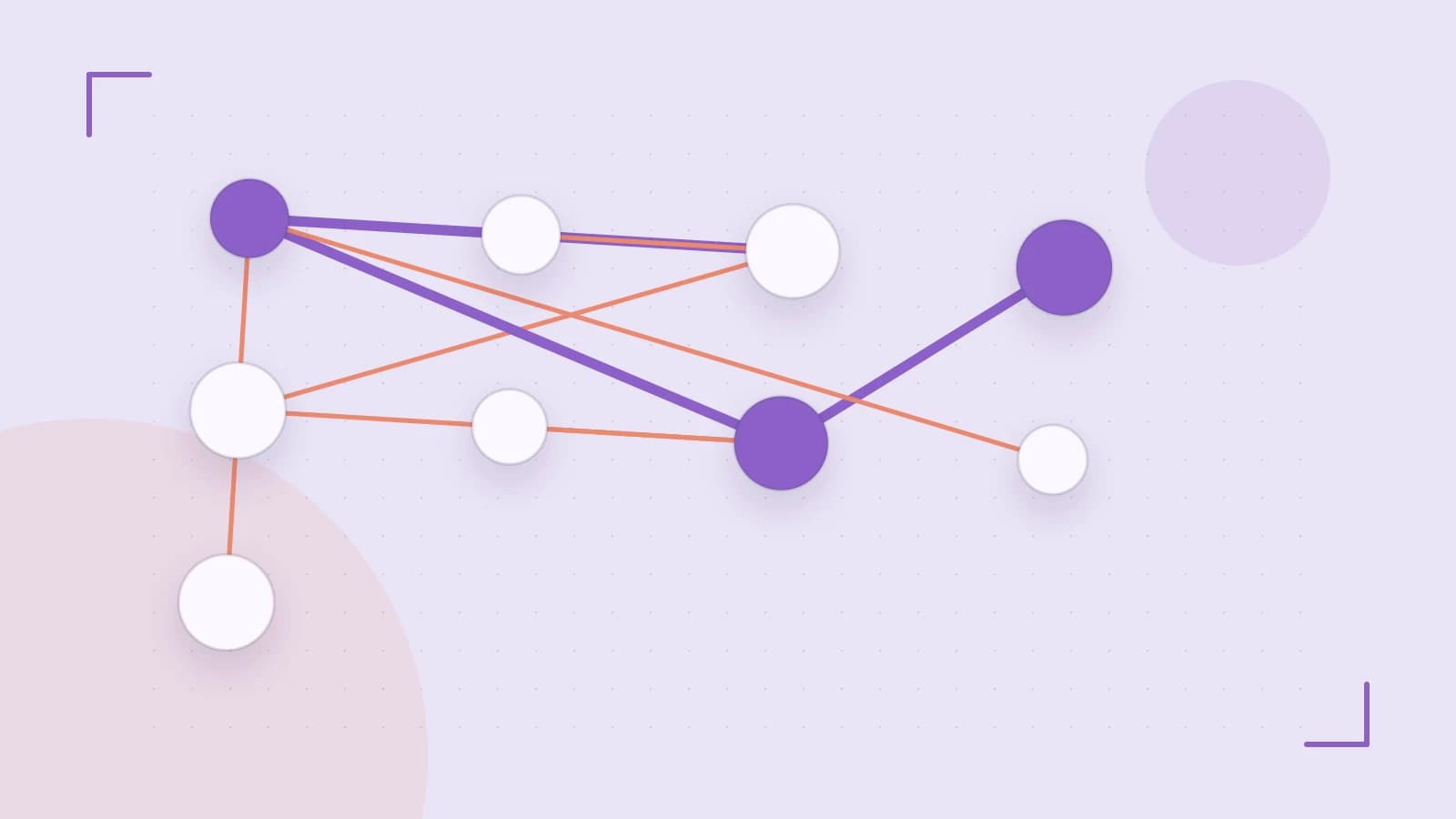
Solving Data Inconsistency Across UI Components
A common problem in GraphQL applications is "stale data," where a mutation updates a record on the server, but other components displaying that same record do not reflect the change. This happens when the client treats every query response as a unique, isolated object rather than a reference to a shared entity.
The solution is normalization. Apollo Client's InMemoryCache flattens nested API responses into a lookup table. Instead of storing a deeply nested tree, it stores objects by a unique identifier (typically __typename:id). When any query updates an object with a specific ID, every component observing that ID updates automatically, eliminating the need for manual refetching.
How Normalization Works
When the cache receives a response, it looks for a unique identifier. By default, it checks for fields named id or _id. If found, the cache extracts the object, generates a key (e.g., User:123), and replaces the object in the original query result with a reference.
Example: Implementing a Custom Cache Policy
While default normalization works for IDs, some APIs use different primary keys or require specific merging logic for arrays (like pagination). You can define these using typePolicies during cache initialization.
import { ApolloClient, InMemoryCache } from '@apollo/client';

const cache = new InMemoryCache({
  typePolicies: {
    // Customizing how the 'Product' type is identified
    Product: {
      keyFields: ['sku'], // Use 'sku' instead of 'id'
    },
    // Managing a paginated list of comments
    Query: {
      fields: {
        comments: {
          // Merge incoming pages instead of overwriting the list
          merge(existing = [], incoming) {
            return [...existing, ...incoming];
          },
        },
      },
    },
  },
});

const client = new ApolloClient({
  uri: 'https://your-api.com/graphql',
  cache,
});
Updating Local State Without Network Requests
To ensure the UI feels instantaneous, you can manipulate the cache directly using cache.modify. This is useful for adding an item to a list after a mutation without triggering a full page reload.
Execution Context: Run this within the update function of a useMutation hook. This requires the client instance from the Apollo provider.
const [addTodo] = useMutation(ADD_TODO_MUTATION, {
  update(cache, { data: { addTodo } }) {
    cache.modify({
      fields: {
        todos(existingTodos = []) {
          // Add the new reference to the existing array
          const newTodoRef = cache.writeFragment({
            data: addTodo,
            fragment: gql`
              fragment NewTodo on Todo {
                id
                text
              }
            `,
          });
          return [...existingTodos, newTodoRef];
        },
      },
    });
  },
});
Critical Limitations and Common Pitfalls
- The Missing ID Trap: If your GraphQL query omits the
idfield, Apollo cannot normalize the object. It will store the data as a nested object inside the specific query. If another query updates that same entity, the UI will not update because the cache sees them as two different pieces of data. - Memory Bloat: Because
InMemoryCachepersists data for the duration of the session, very large datasets can increase browser memory usage. Usecache.evict()orcache.gc()(garbage collection) to remove unused data. - Reference Errors: Using
cache.modifyto inject data that doesn't match thetypePoliciescan lead to runtime errors orundefinedvalues in your components.
Verifying Cache State
To confirm normalization is working, use the Apollo Client DevTools browser extension:
- Open the Cache tab.
- Look for entries formatted as
TypeName:ID(e.g.,Product:abc-123). - If you see long, nested trees under
ROOT_QUERYinstead of flat references, you are missingidfields in your queries. - Trigger a mutation and observe the specific
TypeName:IDentry; it should update in real-time without theROOT_QUERYbeing refetched.
Rollback Strategy
If a cache.modify operation causes UI glitches, the most reliable rollback is to call cache.reset(). This clears the entire local state and forces the application to fetch fresh data from the server on the next render.
 apollographql
0 replies
A thoughtful contribution can make all the difference. Be the first to share one.