Handling Twilio Messaging Webhooks: From Simple Replies to Status Tracking
Learn how to use TwiML and Status Callbacks in Twilio to handle asynchronous messaging, track delivery states, and avoid common concurrency pitfalls.
11 Jun 2026, 09:34 UTC
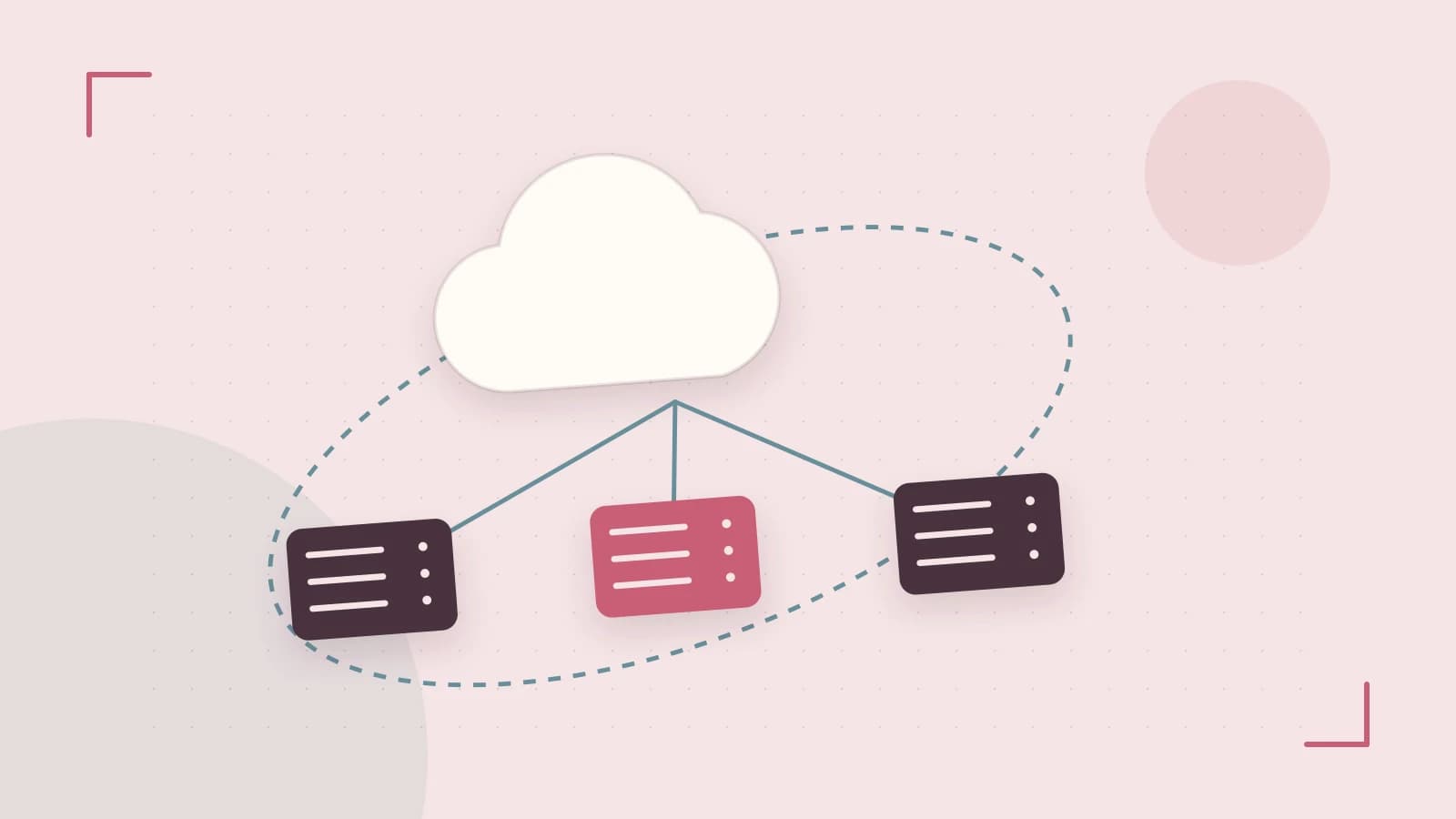
The Challenge of Asynchronous Messaging
When you send a message via an API, you get an immediate response confirming the request was accepted. However, knowing if that message actually reached the user's handset is a different problem. Messaging is inherently asynchronous; carriers may delay delivery, numbers may be landlines, or users may have blocked the sender. Relying solely on the initial API response leads to "blind spots" in your application logic.
The solution is a combination of TwiML for immediate responses and Status Callbacks for lifecycle tracking. By configuring your application to listen for Twilio's HTTP POST requests, you can transform a one-way notification into a reliable communication loop.
Immediate Interaction with TwiML
TwiML (Twilio Markup Language) is a set of XML instructions used to tell Twilio what to do when it receives a message. Instead of writing complex logic to send a separate API request back to the user, your server simply returns a TwiML payload in the HTTP response of the incoming webhook.
This approach reduces latency and simplifies the request-response cycle. If your server returns a <Message> tag, Twilio handles the delivery to the end user automatically.
Tracking Delivery with Status Callbacks
While TwiML handles the incoming flow, Status Callbacks handle the outgoing flow. When you trigger a message via the API, you can provide a StatusCallback URL. Twilio will then send an asynchronous POST request to this URL every time the message state changes.
The message lifecycle typically follows this progression:
- queued: Twilio has accepted the request and is preparing to send it.
- sent: The message has been handed off to the carrier.
- delivered: The carrier has confirmed the message reached the device.
- failed/undelivered: A permanent error occurred (e.g., invalid number).
Implementation Example: Node.js Express Endpoint
To implement this, you need a publicly accessible endpoint. For local development, tools like ngrok are required to tunnel Twilio's requests to your localhost.
// Required: npm install express body-parser
const express = require('express');
const bodyParser = require('body-parser');
const app = express();

app.use(bodyParser.urlencoded({ extended: false }));

// Endpoint for incoming messages (TwiML)
app.post('/sms-incoming', (req, res) => {
  const incomingMsg = req.body.Body;
  console.log(`Received message: ${incomingMsg} from ${req.body.From}`);

  // Return TwiML to send an immediate reply
  res.set('Content-Type', 'text/xml');
  res.send(`<Response>
    <Message>You said: ${incomingMsg}. We have received your request!</Message>
  </Response>`);
});

// Endpoint for delivery status updates
app.post('/sms-status', (req, res) => {
  const messageSid = req.body.MessageSid;
  const status = req.body.MessageStatus;

  console.log(`Message ${messageSid} updated to status: ${status}`);

  // Always return a 200 OK to Twilio to acknowledge receipt
  res.sendStatus(200);
});

app.listen(3000, () => console.log('Server running on port 3000'));
Configuration and Verification
- Permissions: Ensure your server allows POST requests and the firewall permits traffic from Twilio's IP ranges.
- Setup: In the Twilio Console, navigate to your phone number settings. Set the "A MESSAGE COMES IN" webhook to
https://your-domain.com/sms-incoming. - Testing: Send a text to your Twilio number. Check your server logs for the
BodyandFromparameters. - Verification: If the user receives the "You said..." reply, the TwiML is valid. If you see a 12100 error in the Twilio Debugger, check for XML syntax errors in your response.
Security and Performance Trade-offs
Exposing an endpoint to the public internet introduces risks. Any actor who discovers your URL can send spoofed POST requests to your server. To mitigate this, you should validate the X-Twilio-Signature header, which uses your Auth Token to sign the request.
Additionally, consider webhook concurrency. If you send 10,000 messages simultaneously, Twilio may attempt to send 10,000 status callback POST requests to your server in a very short window. If your server processes these synchronously (e.g., writing to a database on every request), you may experience a denial-of-service (DoS) condition. For high-volume apps, the best practice is to receive the webhook and immediately push the payload into a message queue (like RabbitMQ or SQS) for background processing.
Closing Action
To move from a prototype to production, start by implementing the X-Twilio-Signature validation and move your status callback logic into an asynchronous worker. This ensures your application remains secure and responsive regardless of message volume.
 twilio
 nodejs
0 replies
A thoughtful contribution can make all the difference. Be the first to share one.