Delivering Secure, Reliable Auto‑Updates in Tauri Apps: A Practical Guide
Learn how to set up Tauri’s built‑in updater, trigger it from the renderer, and verify the update flow for small cross‑platform desktop apps.
06 Dec 2025, 11:04 UTC
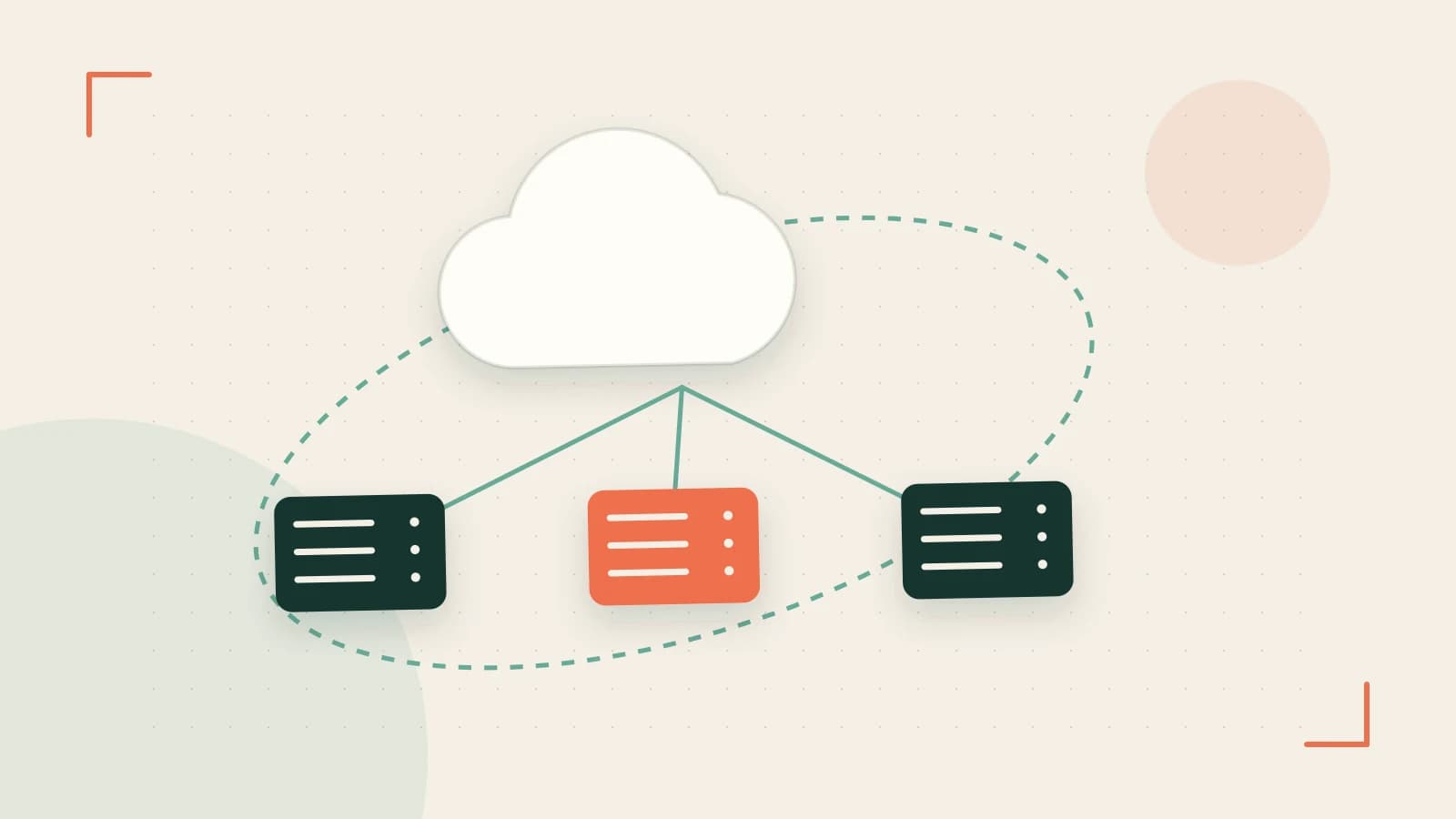
Problem: Keeping a Tiny Desktop App Up‑to‑Date
When you ship a small cross‑platform Tauri app, you still want users to receive bug fixes and new features without manual downloads. Tauri offers a lightweight updater that can be enabled or disabled, but many developers are unsure how to configure it securely and verify that it works across Windows, macOS, and Linux.
Thesis: Configure, Trigger, Verify – That’s All You Need
The built‑in updater relies on a simple HTTP(S) channel, semantic versioning, and optional binary signing. By following a few configuration steps, calling the updater from the renderer, and running targeted tests, you can deliver a reliable auto‑update experience without bloating the production build.
1. Configuring the Updater in tauri.conf.json
The updater configuration lives under the updater key. The most common fields are url, activeRelease, and allowDowngrade. Below is a minimal, production‑ready example:
{
  "tauri": {
    "bundle": {
      "activeRelease": "stable",
      "targets": ["all"]
    },
    "updater": {
      "activeRelease": "stable",
      "url": "https://updates.example.com/tauri/myapp",
      "checksum": "sha256",
      "allowDowngrade": false
    }
  }
}- url: Must be HTTPS; the runtime blocks HTTP for security.
- activeRelease: Matches the release channel you publish.
- checksum: Enables integrity checks; choose
sha256orsha512. - allowDowngrade: Prevent accidental rollbacks.
During development (cargo tauri dev), the updater flag is ignored, keeping the dev build lightweight.
2. Triggering Updates from the Renderer
In the renderer you can call the Rust updater via invoke. The API returns progress events that you can display in your UI.
import { invoke } from '@tauri-apps/api/tauri';

async function checkForUpdates() {
  try {
    const result = await invoke('tauri::updater::check');
    if (result.isUpdateAvailable) {
      // Show a prompt: "Update available: vX.Y.Z"
      const confirmed = await showConfirmation(result.version);
      if (confirmed) {
        await invoke('tauri::updater::update', { version: result.version });
        // Listen for progress
        const progress = await invoke('tauri::updater::progress');
        progress.on('progress', (p) => {
          updateProgressBar(p.percent);
        });
      }
    }
  } catch (e) {
    console.error('Update error', e);
  }
}
Replace showConfirmation and updateProgressBar with your UI logic. The update call triggers a download, verifies the checksum, and replaces the running binary. After replacement, the app restarts automatically.
3. Testing the Update Flow
To confirm the updater works, run the following steps:
- Build a production release:
cargo tauri build --config tauri.conf.json.- Verify the generated
tauri.conf.jsoncontains theupdaterblock.
- Verify the generated
- Host a test release: Spin up a local HTTPS server (e.g.,
python -m http.server 8443 --bind 127.0.0.1with a self‑signed cert) and place a newmyapp_X.Y.Z.exe(or .dmg/.AppImage) file there.- Update
tauri.conf.jsonurlto point to this server.
- Update
- Trigger the update from the renderer: Call
checkForUpdatesand confirm the progress events fire. After completion, the app should restart with the new binary.- Check the
tauri::updater::progressevents forpercentvalues 0–100.
- Check the
- macOS Gatekeeper test: Sign the update bundle with an Apple Developer certificate. Attempt to install the signed update; Gatekeeper should accept it. Repeat with an unsigned bundle to confirm the installer aborts.
4. Trade‑offs & Limitations
| Aspect | Pros | Cons |
|---|---|---|
| Binary Signing | Ensures authenticity on macOS and Windows. | Requires developer certificates; adds build complexity. |
| Checksum Verification | Prevents corrupted downloads. | Must match the exact release file name and path. |
| HTTPS Only | Prevents man‑in‑the‑middle attacks. | Local testing needs self‑signed certs; browsers may warn. |
Because the updater is optional, you can disable it in dev mode by setting updater.enabled = false in the config. This keeps the dev bundle small and avoids accidental network traffic during testing.
Actionable Closing
1. Add the updater block to tauri.conf.json.
2. Expose tauri::updater::check and tauri::updater::update in your renderer.
3. Host release files on a secure HTTPS server.
4. Run the test flow above to confirm progress events and binary replacement.
5. For macOS, sign the update bundle with an Apple Developer certificate before shipping.
Once verified, you’ll have a lightweight, secure auto‑update mechanism that works across all major desktop platforms, letting users stay on the latest version without manual intervention.
 rust
rust tauri
tauri0 replies
A thoughtful contribution can make all the difference. Be the first to share one.