Implementing Secure Auto-Updates in Tauri
Learn how to configure Tauri’s built-in updater, verify binary signatures, and manage the trade-offs of full-binary updates for desktop applications.
11 Sept 2026, 03:45 UTC
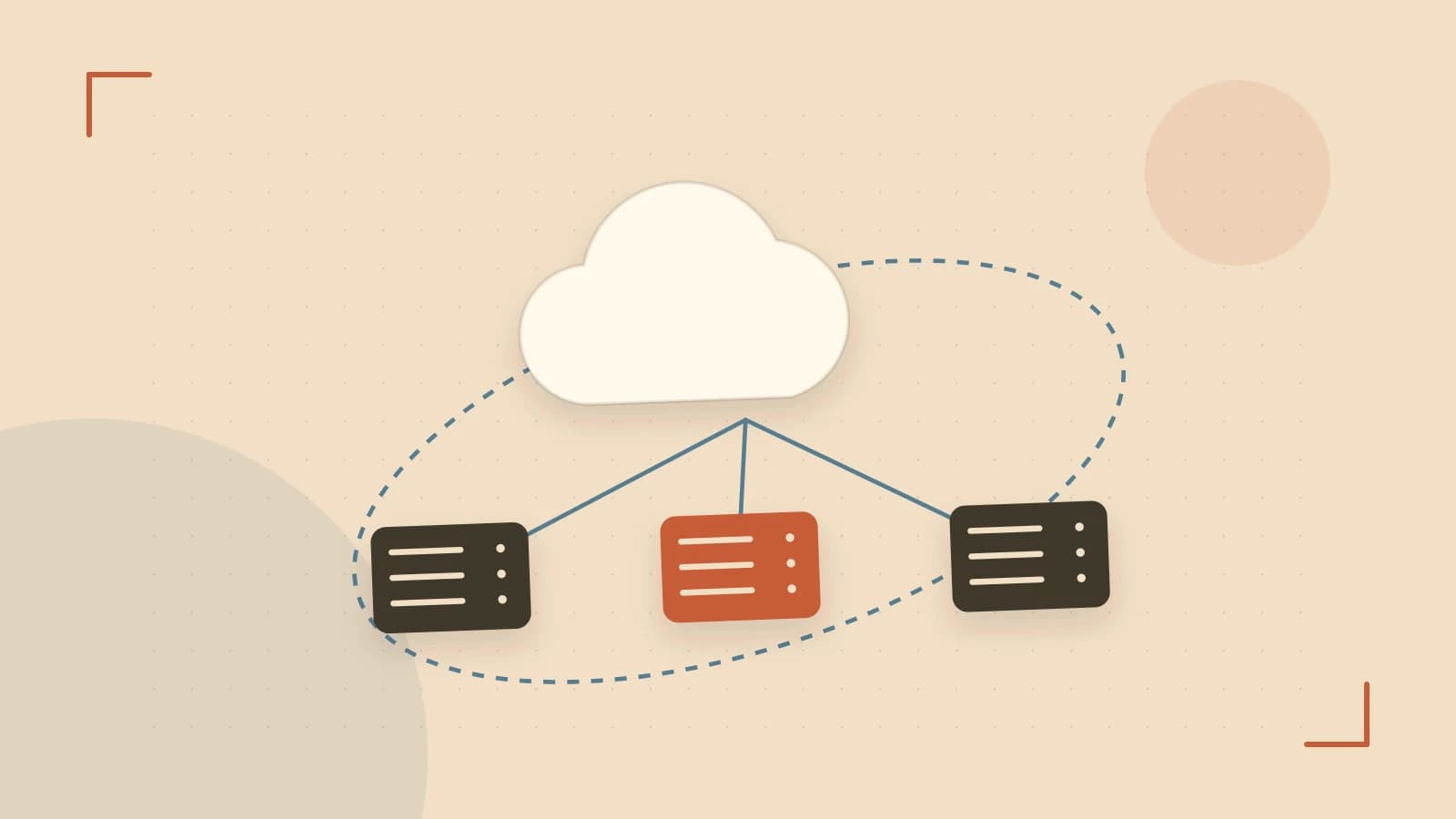
The Problem: Friction in Desktop Software Distribution
Shipping a desktop application is only half the battle; keeping users on the latest version without forcing them to manually download and run a new installer every few weeks is a significant engineering challenge. Manual updates create friction, leave users on buggy versions, and increase support overhead. Tauri provides a built-in updater mechanism to solve this, but it requires a specific security handshake between your build process and your distribution server to prevent malicious binaries from being installed on user machines.
Thesis: Secure Updates Require a Tight Loop of Signing and Verification
Tauri's updater works by comparing the current app version against a remote JSON manifest. To ensure security, the updater verifies a cryptographic signature of that manifest using a public key embedded in the binary at build time. By correctly configuring the updater block in tauri.conf.json and managing a private signing key, you can automate the update lifecycle while maintaining a high security posture.
Configuration: Setting Up the Trust Chain
The updater relies on asymmetric encryption. You generate a key pair: the private key stays in your secure build environment, and the public key is distributed within the app.
To generate a compatible key pair using OpenSSL (run this in your terminal):
# Generate private key
openssl genpkey -algorithm RSA -pkeyopt rsa_keygen_bits:2048 -out private.key
# Extract public key
openssl rsa -pubout -in private.key -out public.key
The content of public.key must be added to your tauri.conf.json. Ensure the key is formatted as a single string with escaped newline characters:
{
  "updater": {
    "pubkey": "-----BEGIN PUBLIC KEY-----\nMIIBIjANBgkqh...\n-----END PUBLIC KEY-----",
    "endpoints": ["https://updates.example.com/update.json"]
  }
}
When you run tauri build, this public key is baked into the executable. Any update manifest fetched from the endpoints must be signed by the corresponding private key, or the app will reject the update for security reasons.
Runtime Implementation: Triggering the Update
Tauri provides the tauri::api::updater module to handle the logic. The process generally follows a three-step flow: checking for availability, downloading the bundle, and applying the install. In a Rust-based command, this looks like:
use tauri::api::updater::{check_for_update, download_and_install};

#[tauri::command]
async fn perform_update() -> Result<(), String> {
    // 1. Check if a newer version exists in the manifest
    let update = check_for_update(None).await
        .map_err(|e| e.to_string())?
        .ok_or("No update available".to_string())?;

    // 2. Download and prepare the binary
    download_and_install(&update, None).await
        .map_err(|e| e.to_string())?;

    Ok(())
}
The download_and_install function handles the platform-specific logic (MSIX for Windows, DMG for macOS, AppImage for Linux). Once the download is complete and verified, the app will typically prompt for a restart to replace the running executable.
Worked Example: Local Verification Loop
Testing updates in production is risky. Instead, simulate the environment locally to verify your signature and manifest logic.
- Host a Local Server: Place your update manifest and the new binary in a folder and run a simple server:
python3 -m http.server 8080 - Create a Signed Manifest: Create a
update.jsonfile with a version higher than your current app. You must sign this file using your private key:
Place the resulting base64 string into theopenssl dgst -sha256 -sign private.key update.json | base64"signature"field of the JSON manifest. - Point the App to Localhost: Update
tauri.conf.jsonto point tohttp://localhost:8080/update.json. - Execute and Verify: Run the app and trigger your update command. Check the logs for
update-availableevents. If the signature is incorrect, the updater will fail silently or return an error, confirming that the security check is active.
Trade-offs: Bandwidth and Key Management
Tauri's current updater implementation has two primary limitations that engineers must account for:
- Full Binary Downloads: The updater does not support delta patches. If your app is 100MB and you change one line of code, the user must download the full 100MB again. For apps with frequent releases, consider implementing a "Download over Wi-Fi only" setting in your UI.
- The "Single Point of Failure" Key: The private key is the root of trust. If this key is lost, you cannot push updates to existing installations; users will be forced to manually reinstall the app. Store this key in a secure vault (like AWS KMS or HashiCorp Vault) rather than in your git repository.
Actionable Summary
To deploy a secure update system: generate your RSA key pair, embed the public key in tauri.conf.json, and implement a Rust command to handle the check_for_update and download_and_install sequence. Always validate the flow with a local HTTP server and a signed manifest before pointing your production build to a live CDN.
 rust
rust tauri
tauri0 replies
A thoughtful contribution can make all the difference. Be the first to share one.