Decoupling Godot Game Logic with the Signal Bus Pattern
Stop creating messy dependencies in Godot. Learn how to implement a Signal Bus (Singleton) to decouple your game objects and maintain a clean, scalable architecture.
29 Apr 2026, 08:55 UTC
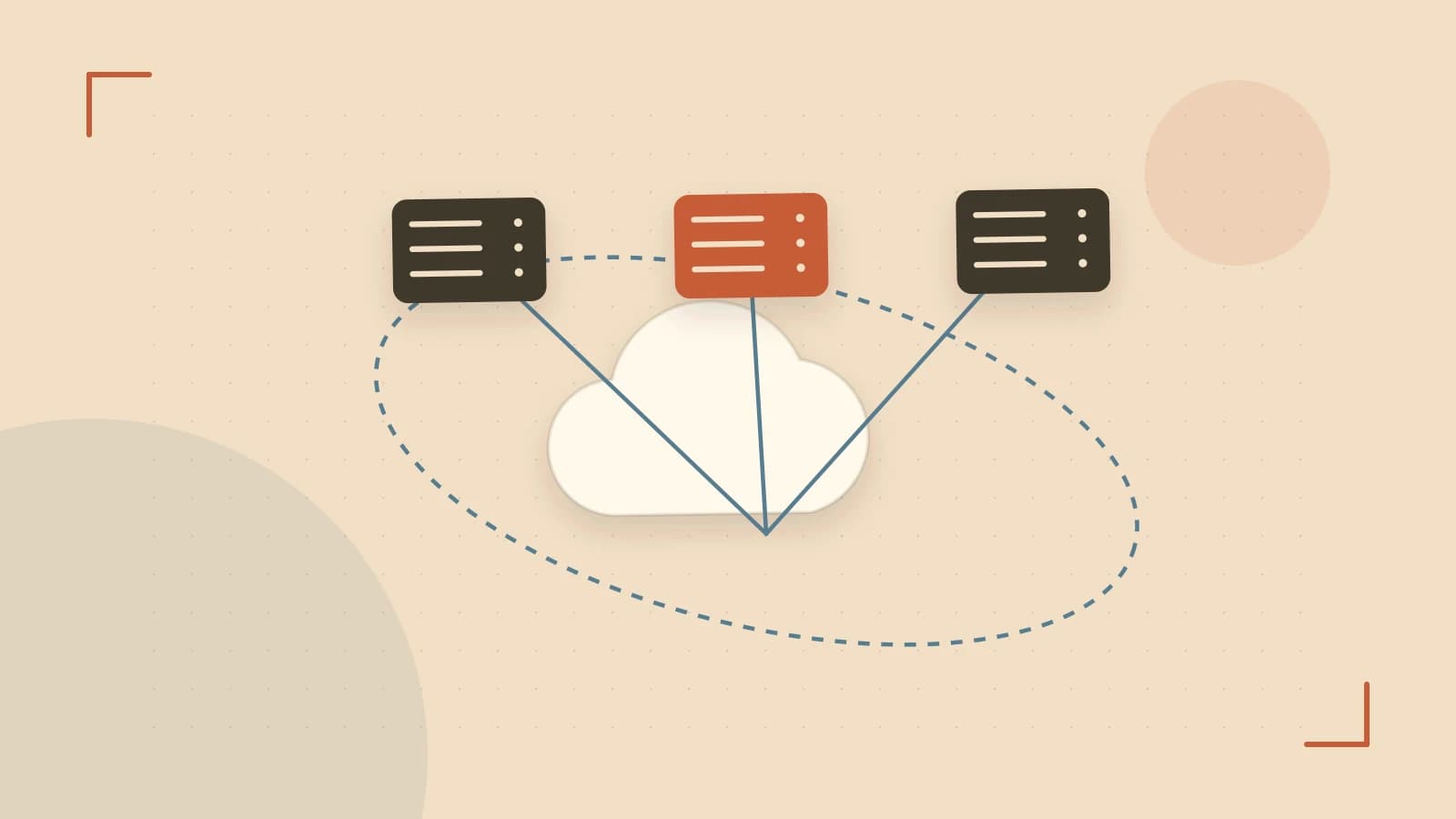
The Problem: The 'Spaghetti' Connection Trap
In a small Godot project, connecting a button to a door is simple: you drag a connection from the Button node to the Door node in the editor. However, as your scene tree grows, this approach fails. If your Player node needs to tell the UI, the SoundManager, and the AchievementSystem that a coin was collected, you end up with a web of dependencies. The Player node must hold references to every single one of those systems just to call a function.
This creates "tight coupling," where changing the structure of your UI scene breaks the Player script. The solution is to move from direct references to an event-driven architecture using a Signal Bus.
How the Signal Bus Works
A Signal Bus is a Singleton (an Autoload in Godot) that acts as a central post office. Instead of Node A talking directly to Node B, Node A sends a signal to the Bus, and Node B listens to the Bus. Neither node needs to know the other exists.
In Godot 4.x, this is most effective when using strongly typed signals. By defining the signal's arguments in the Singleton, you get IDE autocompletion and avoid the runtime crashes common with string-based signal names.
Implementing a Global Event System
To set this up, create a script named GameEvents.gd and add it to your project's Autoload list (Project Settings > Autoload). This ensures the script is instantiated once and accessible from any other script via the GameEvents name.
Example: The Coin Collection Flow
# GameEvents.gd (The Signal Bus)
extends Node

signal coin_collected(amount: int, total: int)
Now, the Coin object doesn't need to find the UI; it simply notifies the bus:
# Coin.gd
extends Area2D

func _on_body_entered(body):
    if body.is_in_group("player"):
        # Emit to the global bus instead of a specific node
        GameEvents.coin_collected.emit(1, 100)
        queue_free()
Finally, the UI script connects to the bus during its initialization:
# CoinUI.gd
extends Label

func _ready():
    # Connect the global signal to a local function
    GameEvents.coin_collected.connect(_update_coin_text)

func _update_coin_text(amount: int, total: int):
    text = "Coins: %d" % total
Handling State Changes with Deferred Connections
A common pitfall occurs when a signal triggers a change in the scene tree—such as deleting a node—while the engine is still processing physics or a previous signal. This can lead to "locked" scene tree errors.
To prevent this, use CONNECT_DEFERRED. This tells Godot to wait until the current frame's processing is complete before executing the connected function.
# Example of a safe connection for node removal
GameEvents.player_died.connect(_cleanup_game_objects, CONNECT_DEFERRED)
Trade-offs and Limitations
While the Signal Bus solves coupling, it introduces obscurity. Because there is no direct line between the emitter and the receiver, it can become difficult to track which script is triggering a specific behavior during debugging. If every single interaction in your game goes through the Signal Bus, your GameEvents.gd file will become a bloated bottleneck.
Practical Rule of Thumb: Use direct signals for parent-to-child communication (downward) and the Signal Bus for cross-system communication (sideways).
Verification Checklist
- Check Autoload: Ensure
GameEventsappears in the Project Settings Autoload list; otherwise, you will receive a "null instance" error. - Test Decoupling: Delete the
CoinUInode from your scene. TheCoinscript should still run without errors, proving it is not dependent on the UI's existence. - Monitor Loops: Ensure your receiver function doesn't emit the same signal it is listening to, which would create an infinite loop and a stack overflow.
 godot
godot0 replies
A thoughtful contribution can make all the difference. Be the first to share one.