Decoupling Godot Game Logic with a Signal-Driven Architecture
Stop using rigid node paths in Godot. Learn how to implement the Observer pattern using signals to create modular, decoupled game logic that won't break when you reorganize your scene tree.
18 Jul 2026, 07:14 UTC
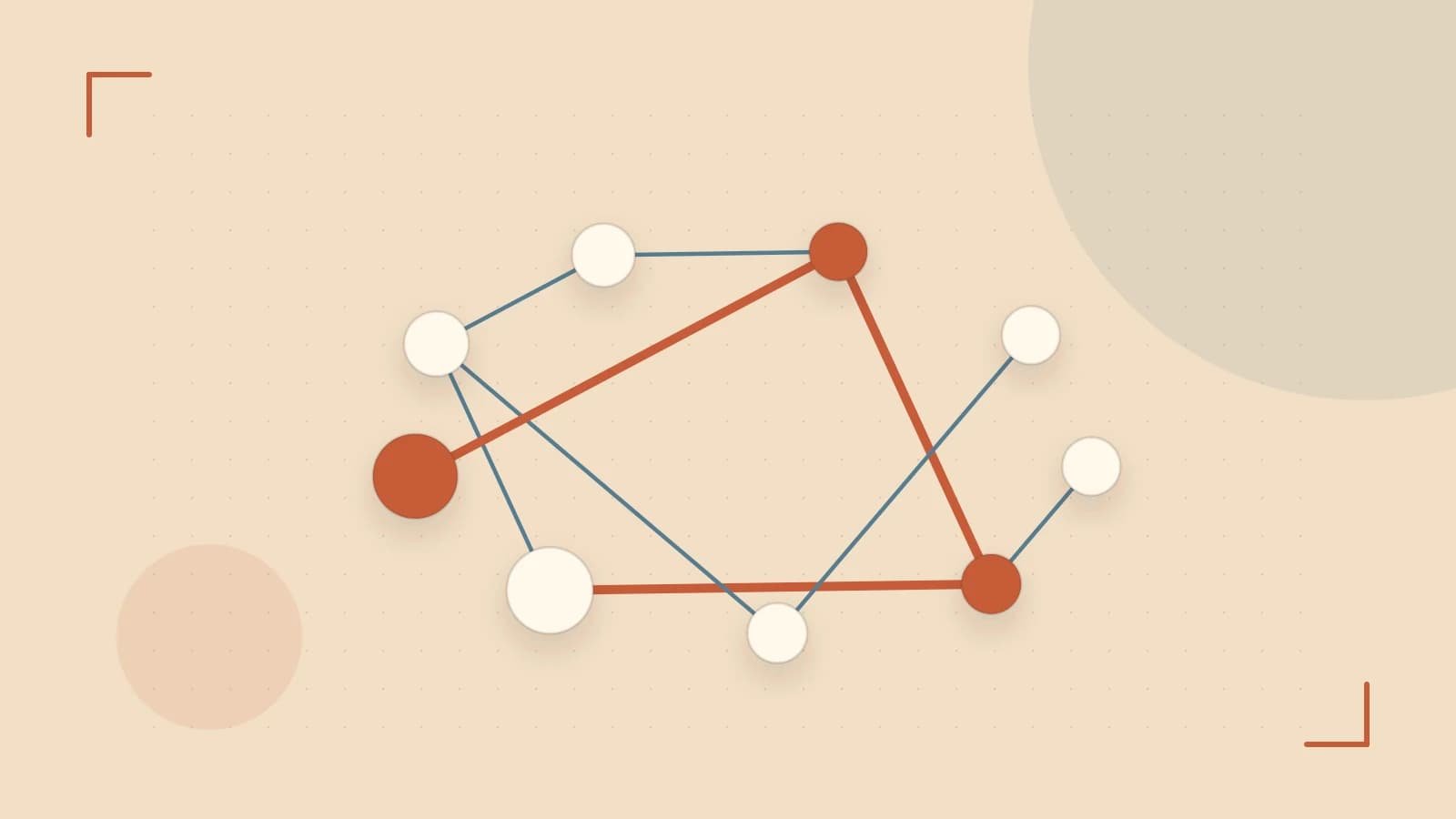
The Dependency Trap in Scene Trees
A common friction point in Godot development is the "spaghetti reference." This happens when a child node needs to tell a parent—or a distant sibling—that something happened, leading to code like get_parent().get_node("UI/HealthBar").update_value(). This creates a rigid dependency: if you move the HealthBar to a different container, the player script crashes because the path is no longer valid.
The solution is the Observer Pattern, implemented in Godot as Signals. Signals allow a node to announce an event ("I took damage") without knowing or caring who is listening. This decouples the emitter from the receiver, making your scenes modular and easier to refactor.
Custom Signals vs. Built-in Events
Godot provides built-in signals for common engine events—such as body_entered for an Area2D—but the real power lies in custom signals. By using the signal keyword in GDScript, you define a contract that other nodes can subscribe to.
When designing signals, pass the necessary data as arguments. Instead of a generic signal player_hit, use signal player_hit(damage_amount, attacker). This ensures the listener has the context it needs to react without having to query the player's state manually.
Implementation: The Health System Example
Consider a scenario where a Player node manages health, and a UI node displays it. To keep them decoupled, the Player should not reference the UI.
The Emitter (Player.gd)
extends CharacterBody2D

# Define the signal with specific data types
signal health_changed(new_health, max_health)

var health = 100
var max_health = 100

func take_damage(amount):
    health -= amount
    # Emit the signal to anyone listening
    health_changed.emit(health, max_health)
The Listener (UI.gd)
The UI node connects to the Player's signal. This connection is best handled by a parent "Main" scene or via the Editor's Node tab to keep the UI script independent of the Player's specific node path.
extends Control

@onready var health_label = $HealthLabel

# This function is called when the signal is emitted
func _on_player_health_changed(new_health, max_health):
    health_label.text = "HP: %d / %d" % [new_health, max_health]
Connecting via Code
If you are instantiating the player dynamically, run this in the parent script (requires access to both nodes):
# Run in the scene manager or parent node
player.health_changed.connect(ui._on_player_health_changed)
Handling State Changes with Deferred Connections
A frequent cause of crashes in Godot is modifying the scene tree (like calling queue_free() on a node) while the physics engine is still processing a collision. If a signal triggers the immediate deletion of a node involved in a physics calculation, the engine may throw an error.
To solve this, use Deferred Connections. By using the CONNECT_DEFERRED flag (or the call_deferred() method), Godot pushes the signal execution to the end of the current frame, ensuring the physics state is locked and safe to modify.
Trade-offs and Performance Constraints
While signals are powerful, they are not a replacement for all communication. There are two primary limitations to consider:
- Overhead: Signals are slightly slower than direct function calls. Avoid emitting signals inside
_process(delta)or_physics_process(delta)every single frame if the logic is high-frequency. Use direct references for internal child-to-parent updates that happen 60+ times per second. - Traceability: In very large projects, it can become difficult to track which node is triggering a specific action because the connection is "invisible" in the code. Use the Debugger > Signals tab in the Godot Editor to monitor active connections and emissions during runtime.
Verification Checklist
To ensure your signal architecture is working correctly, verify the following:
- Isolation: If you delete the UI node from the scene, does the Player script still run without errors? (It should).
- Data Flow: Does the listener receive the correct arguments? Check this by printing the values in the listener function.
- Lifecycle: If the emitter is freed, does the connection automatically disconnect? (Godot handles this automatically for node-based signals).
 godot
godot0 replies
A thoughtful contribution can make all the difference. Be the first to share one.