Cloudflare Workers KV as an Edge Session Store: Example and Limits
Store user sessions at the edge with Cloudflare Workers KV. Includes a working Worker example, consistency trade-offs, and verification steps.
30 Aug 2026, 19:20 UTC
Problem and Takeaway
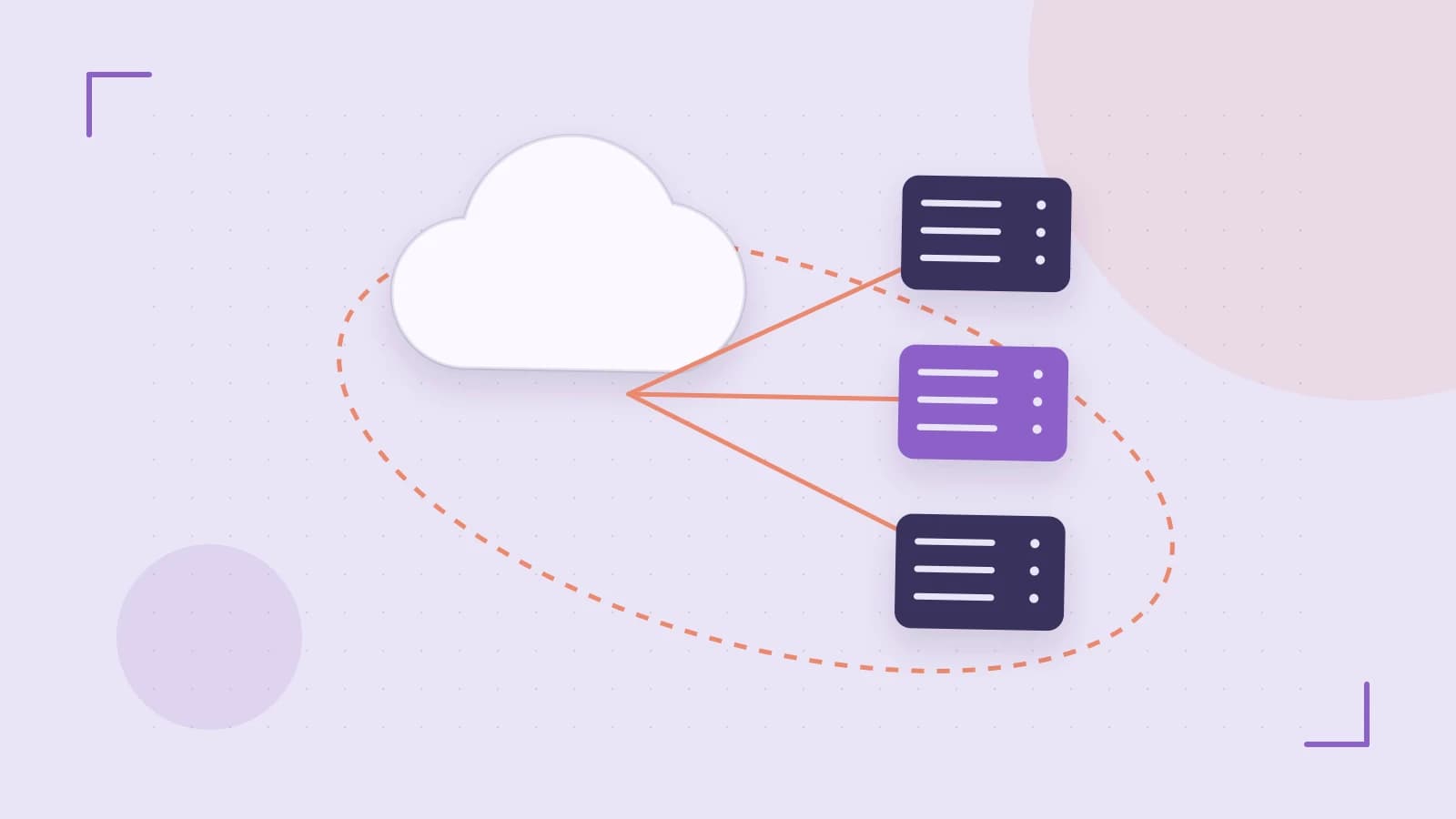
A login check that calls a central database or Redis cluster forces every page request to wait for a round-trip to one region. Users far from that region feel the delay, and the session store becomes a bottleneck. Cloudflare Workers KV is a globally distributed key-value store reachable directly from an edge worker. It can hold session data closer to the user, but it is eventually consistent and has per-key write limits, so it fits read-heavy session lookups better than high-frequency session updates.
How Workers KV Handles Session Data
Workers KV replicates keys across Cloudflare’s edge locations. A Worker can read or write a key without calling an origin server. Because replication is not instantaneous, a session written in one location may not be visible to a reader in another location right away. KV also limits how often a single key can be written; writing the same session key repeatedly from many edges can trigger throttling. There is no multi-key batch write API.
Terminology: a namespace is a top-level container for keys. A binding is the name your Worker code uses to refer to that namespace.
Worked Example: Write and Read a Session
This example assumes you have a Cloudflare account with Workers enabled and Wrangler installed locally. Creating a KV namespace and deploying a Worker changes account state.
1. Create the namespace
Run in your terminal:
wrangler kv namespace create "SESSION_STORE"Copy the namespace ID from the output.
2. Bind the namespace in wrangler.toml
Add or edit the KV namespace binding. Replace <namespace-id> with the ID from the previous step.
[[kv_namespaces]]
binding = "SESSION_STORE"
id = ""
3. Write the Worker
Save as index.js in your Worker project. The handler validates the session ID before touching KV.
export default {
  async fetch(request, env) {
    const url = new URL(request.url);
    const action = url.searchParams.get("action");
    const sessionId = url.searchParams.get("id");

    if (!sessionId) {
      return new Response("Missing session id", { status: 400 });
    }

    if (action === "write") {
      const session = {
        userId: "user123",
        role: "viewer",
        updatedAt: Date.now(),
      };
      await env.SESSION_STORE.put(sessionId, JSON.stringify(session), {
        expirationTtl: 3600,
      });
      return new Response("Session saved", { status: 201 });
    }

    if (action === "read") {
      const data = await env.SESSION_STORE.get(sessionId);
      if (!data) {
        return new Response("Session not found", { status: 404 });
      }
      return new Response(data, {
        headers: { "Content-Type": "application/json" },
      });
    }

    return new Response("Invalid action", { status: 400 });
  },
};
4. Deploy and test
wrangler deployTest with curl, replacing the hostname with your Worker’s route:
curl "https://your-worker.your-subdomain.workers.dev/?action=write&id=session-abc"
curl "https://your-worker.your-subdomain.workers.dev/?action=read&id=session-abc"
Expected result: the write returns 201, and the read returns the JSON session object. If the read returns 404 immediately after the write, that may be replication delay rather than a missing key.
Trade-offs and Limitations
- Eventual consistency: A write may not be visible to a read from a different edge location for a short window. Do not rely on KV for immediate logout or privilege revocation without additional checks.
- Per-key write limits: KV throttles writes to a single key that exceed its limit. Use one key per session (for example,
session:{userId}) and avoid updating the same key from many clients at once. - Value size: KV values are capped at a limit that has changed over time. Check Cloudflare’s current documentation for the exact maximum and keep session payloads small.
- No batch writes: KV does not offer a multi-key put operation. Write one key at a time.
- Access control: Cloudflare Access is not a substitute for Worker-level authorization of KV operations. Protect session data through the Worker’s own authentication logic and by restricting API token scopes.
Verification Checklist
- Deploy the Worker and run the write/read curl commands above. Confirm the read returns the same JSON object.
- In the Cloudflare dashboard, go to Workers & Pages > KV >
SESSION_STOREand review metrics for reads, writes, and stored bytes. - For load testing, use unique session IDs per request. Repeating the same ID creates a hot key and will not measure real KV throughput. Example loop:
for i in $(seq 1 100); do
  curl -s -o /dev/null -w "%{http_code}\
" \
    "https://your-worker.your-subdomain.workers.dev/?action=write&id=load-test-$i"
done
Check that HTTP codes stay in the 2xx range and that the dashboard does not show throttling.
To test cross-region visibility, run the write from a client in one geography and the read from a client in another shortly afterward. A different Worker URL does not change the edge location; Cloudflare routes based on the client’s network path.
Rollback
Deploying a Worker changes state. To revert, redeploy the previous Worker script using wrangler rollback or select an earlier deployment in the Cloudflare dashboard, then redeploy.
Next Steps
- Start with a low-traffic login flow to validate the pattern.
- Monitor KV metrics for throttling and storage growth.
- Add TTL-based expiration (
expirationTtl) so old sessions are removed automatically. - Document your key format so other developers know how session data is stored.
 cloudflare
0 replies
A thoughtful contribution can make all the difference. Be the first to share one.