Choosing Redis Persistence: RDB vs. AOF for Durability and Recovery
A technical guide for choosing between Redis RDB snapshots and AOF logging, comparing durability, recovery speed, and performance impact for engineering decisions.
24 Dec 2025, 23:32 UTC
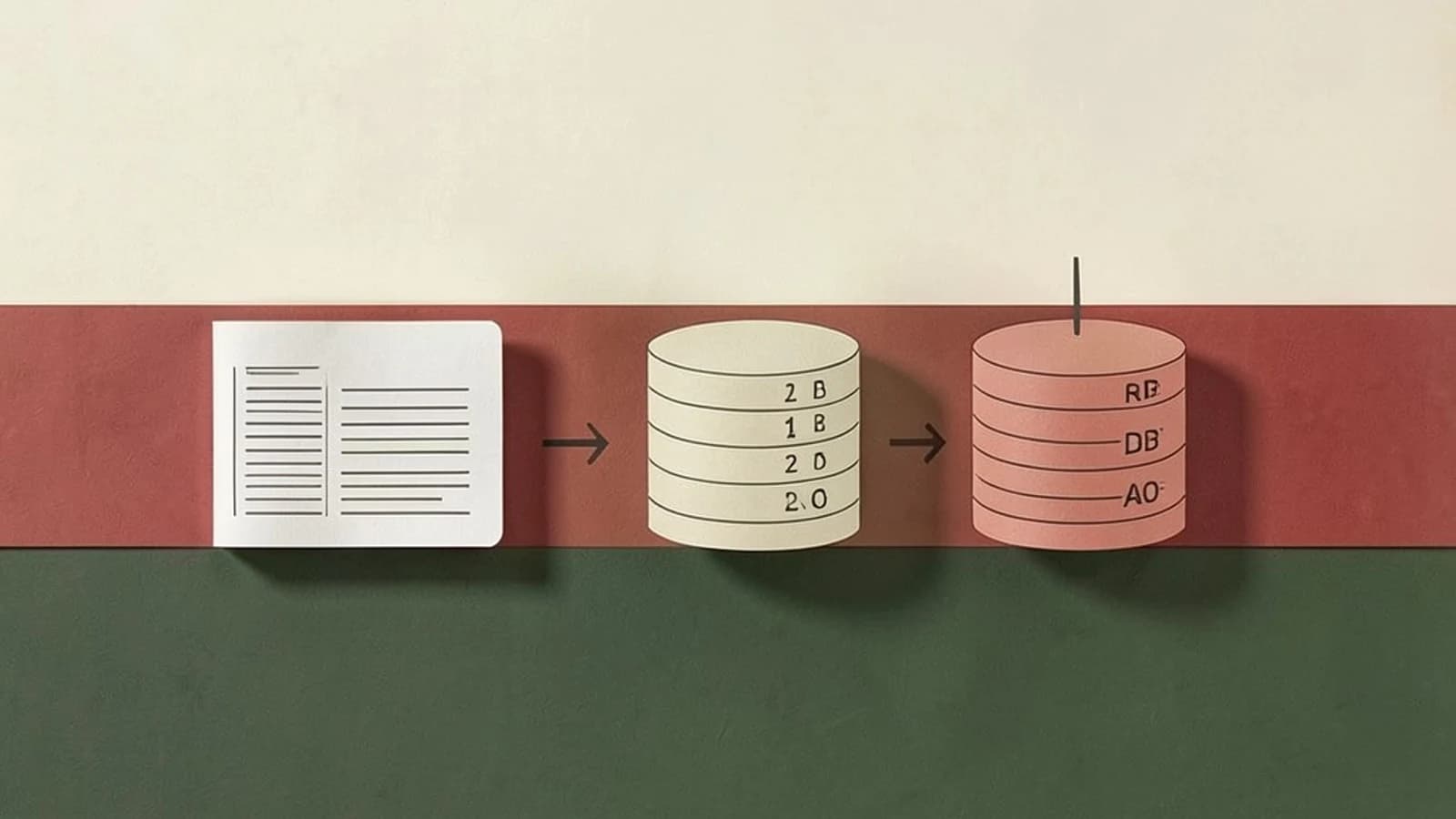
The Durability Trade-off
When deploying Redis, the primary challenge is balancing durability (how much data you can afford to lose during a crash) against performance (the impact of writing to disk on request latency). Because Redis is an in-memory store, a power failure or process crash wipes all data unless a persistence strategy is configured.
The decision rests on your Recovery Point Objective (RPO)—the maximum acceptable period of data loss—and your Recovery Time Objective (RTO)—how quickly the system must be back online.
Persistence Strategy Comparison
| Feature | RDB (Redis Database) | AOF (Append Only File) | Hybrid (RDB + AOF) |
|---|---|---|---|
| Mechanism | Point-in-time snapshots | Log of every write operation | RDB base + AOF delta |
| Data Loss Risk | High (since last snapshot) | Very Low (seconds) | Very Low |
| Recovery Speed | Fast (loads binary file) | Slow (replays all logs) | Moderate/Fast |
| Runtime Impact | Low (forked process) | Higher (constant disk I/O) | Moderate |
| Disk Space | Compact binary | Large (unless rewritten) | Moderate |
Analyzing the Trade-offs
RDB: The Snapshot Approach
RDB creates a compressed binary image of your dataset at specific intervals. It uses the fork() system call to create a child process that writes the data to disk, allowing the main Redis process to continue serving requests.
- Constraint: If your server has limited RAM, the
fork()operation can cause latency spikes or trigger Out-of-Memory (OOM) errors because the operating system uses copy-on-write memory. - Use Case: Ideal for read-heavy workloads, backups, or environments where losing 5–15 minutes of data is acceptable.
AOF: The Write-Ahead Log
AOF records every write operation received by the server. When Redis restarts, it replays these operations to rebuild the state.
- Constraint: AOF files grow linearly with the number of writes. Redis manages this via an AOF Rewrite, which collapses the log into the shortest sequence of commands needed to reach the current state.
- Use Case: Mandatory for critical data (e.g., session stores or financial counters) where data loss must be minimized.
Implementation and Validation
Persistence is configured in the redis.conf file. To implement a high-durability setup using AOF with an RDB backup, apply the following configurations.
# --- RDB Configuration ---
# Save the DB if 900 sec elapsed and 1 key changed
save 900 1
# Save the DB if 300 sec elapsed and 10 keys changed
save 300 10
# Save the DB if 60 sec elapsed and 10000 keys changed
save 60 10000

# --- AOF Configuration ---
appendonly yes
# fsync every second (balance between safety and performance)
appendfsync everysec
# Automatically rewrite AOF when file grows 100% and is at least 64mb
auto-aof-rewrite-percentage 100
auto-aof-rewrite-min-size 64mb
Verifying the Configuration
Run these checks from the terminal on the server hosting Redis (requires permissions to access the Redis CLI and the data directory):
- Verify AOF is active: Run
redis-cli CONFIG GET appendonly. The expected output is"yes". - Inspect the AOF file: Locate the
appendonly.aoffile in your working directory. Runhead -n 20 appendonly.aof. You should see a sequence of Redis commands in the Redis serialization protocol format. - Validate RDB generation: Check the directory for a
dump.rdbfile. Usels -lh dump.rdbto verify the file exists and has a recent timestamp.
Operational Risks and Rollback
Risk: Enabling appendfsync always can severely bottleneck throughput, as every single write must be flushed to disk before the client receives a response.
Rollback: To disable persistence and return Redis to a pure in-memory cache (maximizing speed but removing durability), run the following commands via redis-cli:
CONFIG SET appendonly no
CONFIG SET save ""
Note: This changes the state of the running instance; you must update redis.conf to make these changes permanent across restarts.
 redis
redis0 replies
A thoughtful contribution can make all the difference. Be the first to share one.