RocksDB Column Families: Logical Isolation, Design Limits, and Operational Safeguards
RocksDB column families let you separate data inside one instance, but they share WAL and process resources. This guide covers design limits, operational checks, failure modes, and when to move to separate databases.
29 Jul 2026, 06:49 UTC
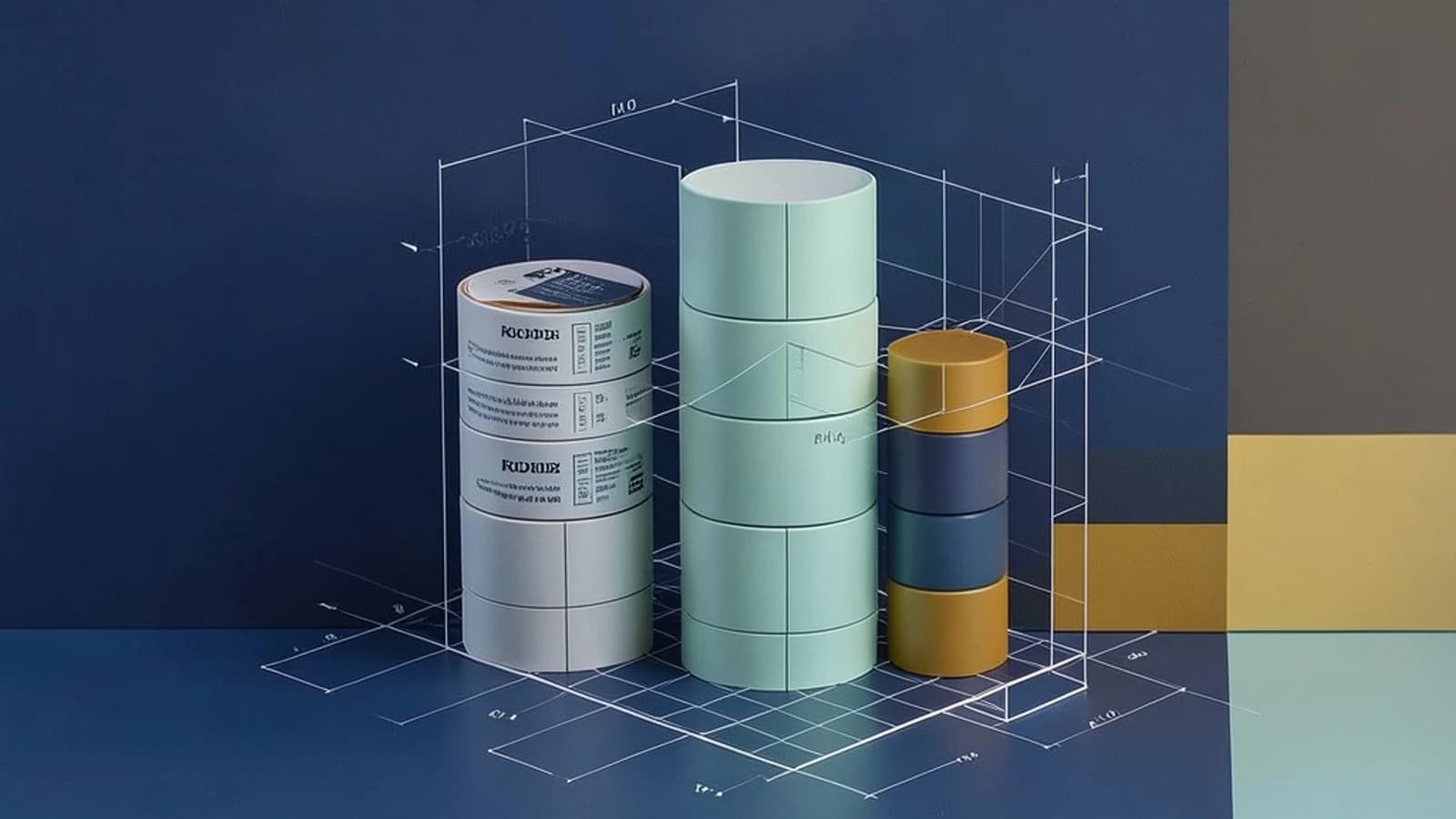
Why Column Families Matter
RocksDB lets you create multiple column families (CFs) inside a single database instance. Each CF owns its own memtable and set of SST files, but they all share the same process, filesystem, and write‑ahead log (WAL). This makes CFs a convenient way to separate hot from cold data, or to give different compaction strategies to distinct workloads, without spinning up separate RocksDB processes.
Design Requirements
- Logical isolation – CFs should be used when you need to keep write buffers, compaction schedules, or columnar statistics separate, not for security or quota enforcement.
- Resource budgeting – Each CF consumes memory for its memtable, disk space for its SSTs, and file descriptors for its open files.
- Write consistency – A
WriteBatchcan atomically apply changes to multiple CFs, but a crash after the WAL commit can still leave the application‑side state inconsistent. - Operational visibility – Per‑CF statistics must be monitored to detect stalls or resource contention.
Smallest Suitable Design
For most use cases, a two‑CF database is enough: one for hot data that receives frequent writes and needs aggressive compaction, and one for cold data that is read‑heavy and can tolerate slower compaction. Keep the total number of CFs to ~10–20; beyond that the overhead on file descriptors and compaction threads grows linearly.
Example Configuration (C++)
rocksdb::Options opts;
opts.create_if_missing = true;
opts.create_missing_column_families = true;

// Global options
opts.write_buffer_size = 64 * 1024 * 1024; // 64 MB
opts.max_write_buffer_number = 3;
opts.max_background_compactions = 4;

// Column family specific options
rocksdb::ColumnFamilyOptions hot_cf_opts;
hot_cf_opts.compression = rocksdb::kSnappyCompression;
hot_cf_opts.write_buffer_size = 256 * 1024 * 1024; // 256 MB

rocksdb::ColumnFamilyOptions cold_cf_opts;
cold_cf_opts.compression = rocksdb::kZstdCompression;
cold_cf_opts.write_buffer_size = 128 * 1024 * 1024; // 128 MB

std::vector<rocksdb::ColumnFamilyDescriptor> cf_descriptors = {
    rocksdb::ColumnFamilyDescriptor(rocksdb::kDefaultColumnFamilyName, opts),
    rocksdb::ColumnFamilyDescriptor("hot", hot_cf_opts),
    rocksdb::ColumnFamilyDescriptor("cold", cold_cf_opts)
};

rocksdb::DB* db;
rocksdb::Status s = rocksdb::DB::Open(opts, "/var/lib/rocksdb/mydb", cf_descriptors, &cf_handles, &db);
After opening, you can perform an atomic write across families:
rocksdb::WriteBatch batch;
batch.Put(cf_handles[1], "key1", "value1"); // hot
batch.Put(cf_handles[2], "key2", "value2"); // cold
rocksdb::WriteOptions write_opts;
write_opts.sync = true;
rocksdb::Status st = db->Write(write_opts, &batch);
Trust and Data Boundaries
CFs are a logical boundary. All families run in the same process, share the same filesystem mount, and write to the same WAL files. This means:
- There is no built‑in isolation for access control; a misconfigured or malicious application can still read or delete another family’s data.
- Disk I/O from one family can starve others if the underlying filesystem becomes saturated.
- WAL space is shared; a family that writes a burst of data can cause the WAL to grow and trigger flushes that affect all families.
Operational Checks
To keep the system healthy, monitor these metrics per CF:
WRITE_STALL– indicates that a write was delayed because the memtable was full.BLOCK_CACHE_HIT– shows cache effectiveness per family.NUM_FILES_AT_LEVEL– helps spot compaction pressure.WAL_FILES– track WAL growth.
Use the RocksDB stats API or rocksdb_bench --stats to query these values. Example command to dump stats after a workload run:
# Run a workload that writes to both families
./my_rocksdb_app --write-batch-size 1000

# After the run, dump stats
./rocksdb_bench --stats --db=/var/lib/rocksdb/mydb
Failure Modes and When to Re‑Design
- Write Stalls Across All Families
- Cause: One CF’s memtable exceeds
write_buffer_size, triggering a flush that blocks writes on the entire instance. - Mitigation: Increase
write_buffer_sizeormax_write_buffer_numberfor that CF, or reduce the overall write rate. - Re‑Design: If stalls persist, consider splitting the CF into a separate RocksDB instance.
- Cause: One CF’s memtable exceeds
- WAL Exhaustion
- Cause: A burst of writes to a single CF fills the shared WAL before compaction can catch up.
- Mitigation: Tune
wal_bytes_per_syncandmax_total_wal_size, or enableWAL_TTL_MILLISfor short‑lived WAL files. - Re‑Design: If one tenant or workload consistently floods the WAL, move that CF to its own instance.
- File Descriptor Exhaustion
- Cause: Each CF opens files for its SSTs and the WAL. Hundreds of CFs can exceed the OS
ulimit -n. - Mitigation: Raise the file‑descriptor limit and ensure the filesystem has enough inodes.
- Re‑Design: Limit the number of CFs; consider a multi‑tenant design that uses separate databases.
- Cause: Each CF opens files for its SSTs and the WAL. Hundreds of CFs can exceed the OS
- Delayed Recovery
- Cause: Dropping a CF is asynchronous; SST files remain until compaction cleans them up, potentially delaying recovery after a crash.
- Mitigation: Monitor
pending_compaction_bytesand schedule periodic compaction windows. - Re‑Design: For workloads that frequently drop CFs, use a separate RocksDB instance per tenant.
When to Move Beyond Column Families
Keep CFs if:
- You need logical separation but can tolerate shared resources.
- The total CF count stays below 20.
- Write workloads are moderate and can be tuned with per‑CF options.
Move to separate RocksDB instances when:
- Tenants require strict isolation, including separate WALs and disk partitions.
- Write rates per tenant are high enough to saturate shared resources.
- Security or compliance mandates prevent shared process boundaries.
Practical Checklist Before Deploying
- Run a synthetic workload that exercises all CFs and verify
WRITE_STALLstays below 1%. - Ensure
ulimit -n> 1000 for the RocksDB process. - Verify that the filesystem’s inode limit is not approached when many CFs are created.
- Set
max_background_compactionsto at least the number of CFs to allow parallel compactions. - Enable
stats_dump_period_secto log per‑CF metrics for long‑term trend analysis.
Conclusion
Column families give you a lightweight way to partition data inside a single RocksDB instance, but they do not provide true isolation. By keeping the CF count modest, tuning per‑family options, and monitoring key metrics, you can avoid the common pitfalls of shared WAL, write stalls, and resource exhaustion. When the workload grows beyond these limits, or when stricter isolation is required, the next logical step is to split the database into separate RocksDB processes or use a multi‑tenant architecture that isolates tenants at the filesystem or process level.
 rocksdb
0 replies
A thoughtful contribution can make all the difference. Be the first to share one.