Automating Sphinx Documentation Deployments with Read the Docs
Learn how to automate your Sphinx documentation pipeline using Read the Docs, including .readthedocs.yaml configuration, dependency management, and versioning strategies.
10 Oct 2025, 05:24 UTC
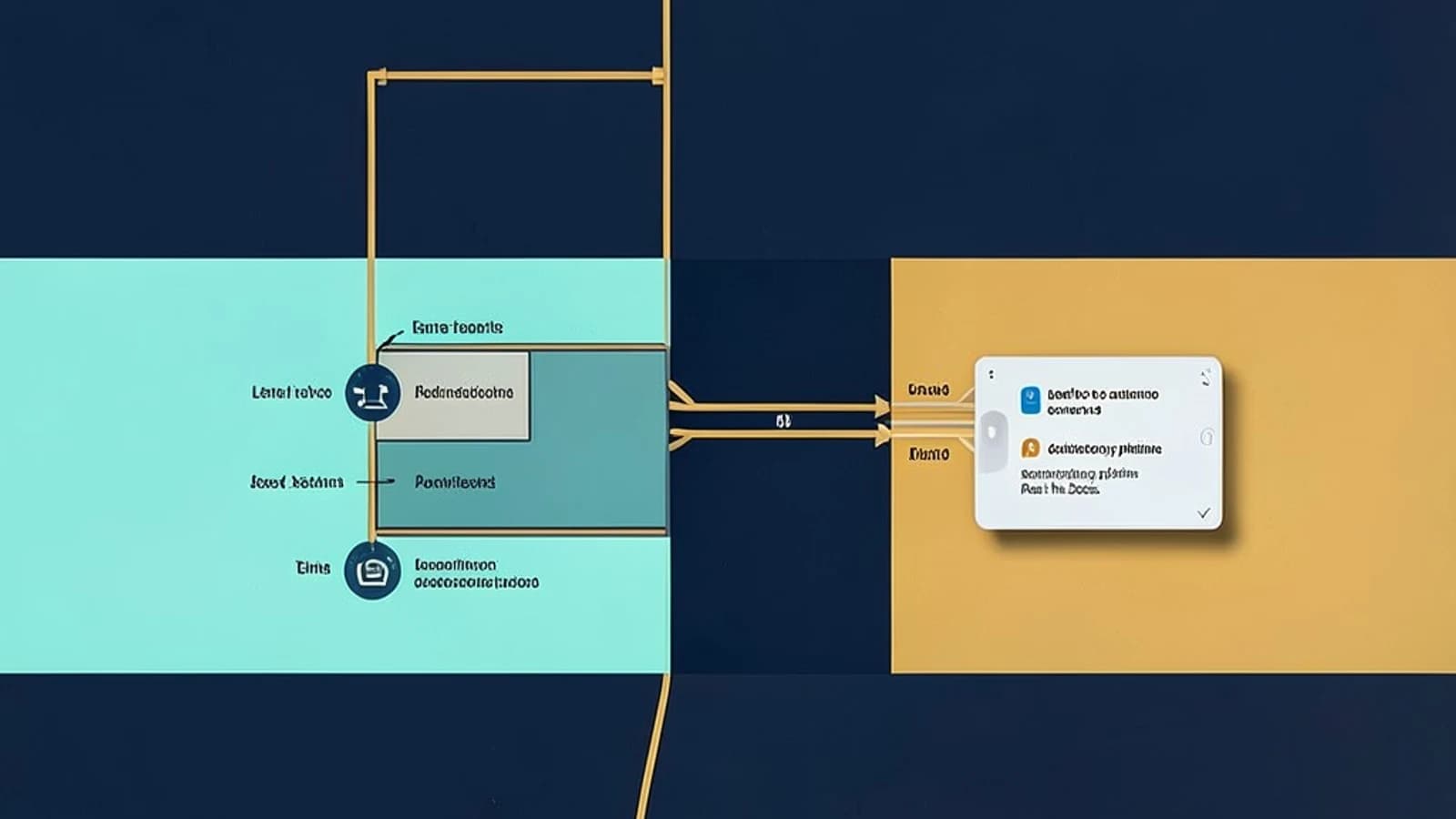
The Problem: Manual Documentation Drift
When documentation is updated manually or hosted on a local server, it quickly drifts from the actual state of the codebase. This leads to "documentation rot," where users rely on outdated instructions. The goal is to establish a Continuous Integration (CI) pipeline where every git push automatically triggers a Sphinx build and deploys the updated HTML to a public URL.
Prerequisites
- A GitHub repository containing your project code.
- Sphinx installed locally to verify your
conf.pyandindex.rst(orindex.md) files. - A Read the Docs (RTD) account linked to your GitHub organization or profile.
Configuring the Build Environment
Read the Docs uses a virtual environment to build your site. To avoid build failures caused by missing dependencies or incorrect Python versions, you must define a .readthedocs.yaml file in the root of your repository.
The .readthedocs.yaml Configuration
This file tells the RTD build server exactly how to set up the environment. A common mistake is omitting the Python version, which can lead to incompatibilities with newer Sphinx extensions.
# .readthedocs.yaml
version:
  python: 3.11

build:
  os: ubuntu-22.04
  tools:
    sphinx: "latest"
Handling Custom Extensions
If your documentation uses specialized Sphinx extensions (such as sphinx-autodoc for pulling docstrings from code or sphinx-copybutton), you must list them in a requirements.txt file. RTD will install these before starting the Sphinx build.
# requirements.txt
sphinx==7.2.6
sphinx-rtd-theme
sphinx-autodoc-typehints
Connecting the Repository
- Log into the Read the Docs dashboard and select Import a Project.
- Select your repository from the GitHub list.
- Set the Project Name and Slug (this defines your URL, e.g.,
yourproject.readthedocs.io). - Click Import Project.
Managing Versioning and Branches
RTD allows you to host multiple versions of your documentation simultaneously. This is critical for projects that support legacy versions of software.
| Version Type | Git Trigger | URL Path |
|---|---|---|
| Latest | Default branch (e.g., main) |
/latest/ |
| Stable | Tagged release or stable branch |
/stable/ |
| Custom | Specific branch (e.g., v2.0-dev) |
/v2.0-dev/ |
Adding a Version
To add a specific version: Navigate to Versions > Add Version in the RTD dashboard. Enter the branch name or git tag. RTD will now track that specific reference and build it independently of the main branch.
Verification and Troubleshooting
After pushing your .readthedocs.yaml and requirements.txt, verify the deployment using these steps:
- Build Status: Go to the Builds tab in the RTD dashboard. A green "Successful" badge indicates the HTML was generated and deployed.
- URL Check: Visit your project URL. Ensure the
index.htmlrenders correctly and the search bar returns results for terms defined in your content. - Version Switcher: Use the flyout menu (usually bottom-left) to switch between
latestandstableto ensure different branches are rendering distinct content.
Common Failure Points
- Indentation Errors: The
.readthedocs.yamlfile is YAML-based; a single misplaced space will cause a "Build Error" without a detailed log. Use a YAML linter if the build fails immediately. - Dependency Conflicts: If
requirements.txtcontains conflicting versions of Sphinx or its themes, the build will hang or crash. Always pin versions (e.g.,sphinx==7.2.6) rather than usinglatestin the requirements file.
Rollback Procedure
Since RTD builds are triggered by git commits, the only way to roll back a broken documentation site is to revert the commit in your version control system:
- Run
git revert [commit_hash]on your local machine. - Push the revert to the remote repository:
git push origin main. - RTD will detect the new commit and automatically rebuild the site to the previous working state.
 readthedocs