Automating Kubernetes Cluster Upgrades with Gardener Shoot Resources
Learn how Gardener automates zero‑downtime Kubernetes upgrades by treating a Shoot’s version field as a trigger for rolling control‑plane and node updates, with a worked example, trade‑offs, and verification steps.
02 Feb 2026, 17:12 UTC
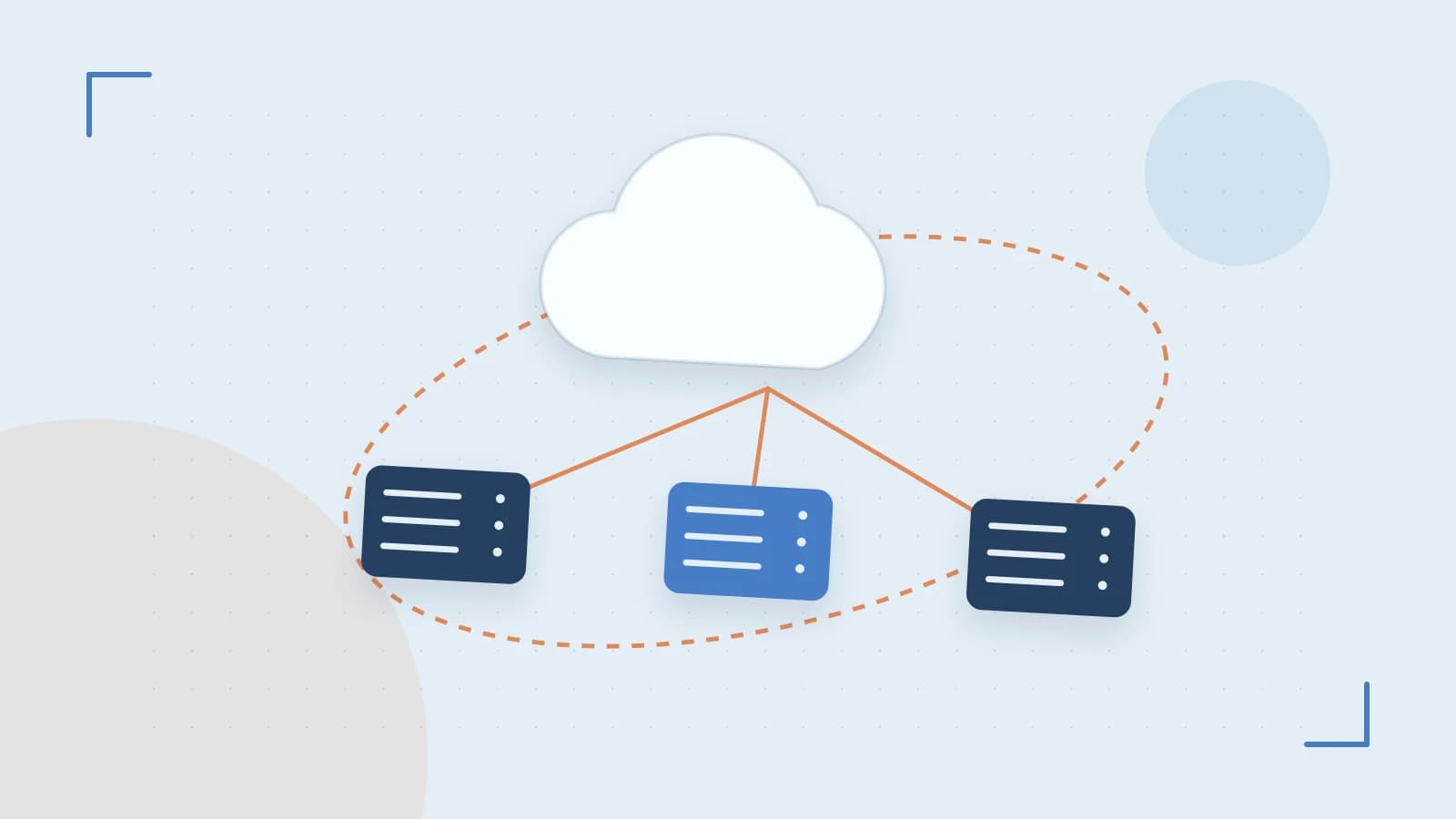
The problem: manual upgrades create drift and risk
Operators who manage dozens of Kubernetes clusters across multiple clouds often upgrade each cluster by hand. This process is time‑consuming, prone to mistakes, and can leave clusters running different versions (version drift) or cause unexpected downtime if a step is missed.
Thesis: Gardener turns a Shoot’s version field into a fully automated, zero‑downtime rolling upgrade
When you change the .spec.kubernetes.version of a Shoot resource, the Gardener controller in the Seed cluster detects the change, creates new control‑plane and worker components, and drains the old ones—all without manual intervention.
How Gardener orchestrates the upgrade
Gardener’s architecture separates concerns:
- Seed cluster: hosts the Shoot’s control plane (API server, etcd, controller manager) as Deployments.
- Gardener scheduler: renders a Shoot manifest from the user‑provided spec.
- MachineControllerManager (MCM): watches for version changes in the Shoot spec and rolls out new
MachineDeploymentobjects while draining the old ones via the provider‑specific extension (e.g., AWS, Azure, GCP).
Because the control plane runs as regular Kubernetes objects in the Seed, upgrading it follows the same rolling‑update semantics as any Deployment.
Worked example: upgrading a Shoot from 1.27.0 to 1.28.0
Assume you already have a Kind cluster registered as a Seed and the Gardener Helm chart installed.
- Create the initial Shoot (save as
shoot-127.yaml):
Apply it:apiVersion: core.gardener.cloud/v1beta1 kind: Shoot metadata: name: example-shoot namespace: garden spec: purpose: testing seedName: kind-seed region: eu-central-1 kubernetes: version: 1.27.0 provider: type: aws workers: - name: worker-pool machineType: t3.medium minimum: 2 maximum: 5 maxSurge: 1 maxUnavailable: 0 volume: type: gp2 size: 20Gikubectl apply -f shoot-127.yaml(requiresgardennamespace and Seed admin rights). - Verify the initial state:
kubectl get shoots -n garden example-shoot -o wideshould showLAST OPERATION: SucceededandKUBERNETES VERSION: 1.27.0.
Check worker nodes:kubectl get nodes -l gardener.cloud/worker=true -o widelists nodes running v1.27.0. - Trigger the upgrade: edit the Shoot to target 1.28.0.
Save asspec: kubernetes: version: 1.28.0shoot-128.yamland apply:kubectl apply -f shoot-128.yaml. - Observe the automated rollout:
Watch the Gardener controller logs:kubectl -n garden-logs logs deploy/gardener-controller-manager -f. You should see lines similar to:- "Creating new MachineDeployment for worker pool with version 1.28.0"
- "Draining old MachineDeployment (version 1.27.0)"
MachineDeploymentwith the updated version, then gradually drains the old nodes. - Confirm the result: after a few minutes, run
kubectl get nodes -l gardener.cloud/worker=true -o wide. TheVERSIONcolumn should now display 1.28.0 for all worker nodes, and the control plane pods in the Seed will also reflect the new version.
Trade‑off: provider extension maturity
The automation hinges on the cloud‑provider extension (the component that translates Gardener’s machine objects into actual VMs). If the extension for your target Kubernetes version lags behind, the upgrade may pause at the "Creating new MachineDeployment" step. In that case you must either:
- Update the provider extension to a release that supports the desired version, or
- Temporarily stay on a version the extension already knows (a version‑skew workaround).
This dependency means you should verify extension compatibility before planning a version bump.
Limitations and how to check them
Even with automation, you still need to:
- Ensure the Seed has enough CPU, memory, and etcd storage to host multiple Shoot control planes; an undersized Seed can cause throttling or increased API latency during upgrades.
- Run pre‑upgrade validation (conformance tests, custom workload checks) on a canary or staging Shoot before promoting the change to production.
- Confirm version compatibility between the Gardener controller, the Seed’s Kubernetes version, and the Shoot spec (see Gardener’s compatibility matrix).
Practical way to check Seed capacity: from the Seed cluster, run kubectl top nodes and kubectl get etcd -n kube-system to observe CPU/memory usage and etcd request latency during a test upgrade.
Actionable closing: try it yourself in a local test environment
- Start a Kind cluster:
kind create cluster --name gardener-seed - Install Gardener via Helm (add the repo first):
helm repo add gardener https://github.com/gardener/gardener-charts/releases helm install gardener gardener/gardener --namespace garden --create-namespace - Follow the official Seed registration guide to mark the Kind cluster as a Seed.
- Create a Shoot with an initial version (e.g., 1.26.0), apply it, then patch the Shoot’s
.spec.kubernetes.versionto the next minor release (e.g., 1.27.0). - Use
gardener-cli shoot <shoot-name> logsor the Gardener dashboard to verify the automated rollout proceeds without manual steps.
By treating clusters as declarative Shoot resources, Gardener removes the manual toil of upgrades while giving you a clear, observable path to verify success.
 gardener
 kubernetes
0 replies
A thoughtful contribution can make all the difference. Be the first to share one.