Architecting Documentation Pipelines: The Read the Docs Build Model
An architectural analysis of the Read the Docs build pipeline, focusing on ephemeral containers, non-destructive updates, and resource isolation for documentation generation.
28 Aug 2025, 20:51 UTC
The Problem: Balancing Build Isolation with Continuous Delivery
Generating documentation from source code introduces a conflict between stability and agility. If a build pipeline directly overwrites live assets, a single syntax error in a Sphinx configuration or a missing dependency in a requirements.txt file can take down the entire documentation site. For large-scale projects, the challenge is ensuring that builds are isolated, resource-constrained, and non-destructive.
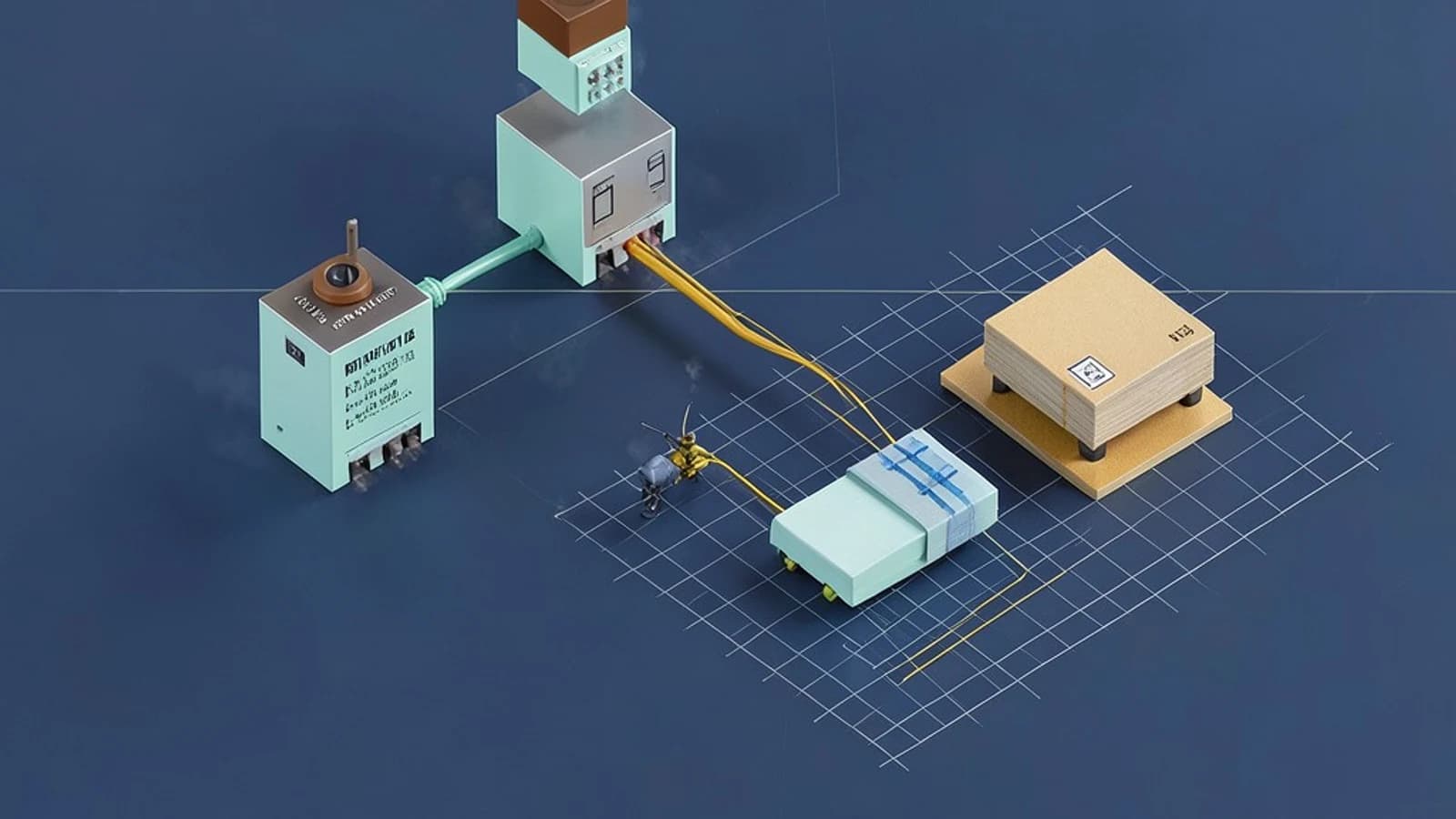
The core takeaway is the use of an ephemeral container model combined with a shadow-deployment strategy: new builds are generated in isolation and only promoted to the live environment upon successful completion.
Requirements for a Documentation Pipeline
To maintain a reliable documentation site, the architecture must satisfy these primary requirements:
- Isolation: Builds from Project A must not be able to access the environment or secrets of Project B.
- Non-Destructive Updates: A failed build must not replace the currently serving stable version.
- Resource Governance: A single massive project cannot consume all available CPU/RAM on the build cluster.
- Asynchronous Execution: The trigger (e.g., a Git push) must be decoupled from the build process to avoid timing out the VCS webhook.
The Smallest Suitable Design
The most efficient way to achieve this is through a distributed task queue architecture. Instead of the web server handling the build, it acts as a dispatcher.
The Component Flow
- Webhook Listener: Receives a payload from GitHub or GitLab. It validates the project identity and pushes a "build task" into a queue.
- Task Worker: A worker picks up the task and spins up an ephemeral container (e.g., Docker).
- Build Environment: The container clones the source repository in read-only mode, installs dependencies, and executes the build tool (like Sphinx).
- Asset Promotion: If the build tool exits with code 0, the resulting HTML assets are moved to the production storage bucket.
Trust and Data Boundaries
Security in a multi-tenant build system depends on strict boundaries between the source, the build process, and the output.
| Boundary | Access Level | Purpose |
|---|---|---|
| Source Repository | Read-Only | Prevents the build process from accidentally committing changes back to the repo. |
| Build Container | Ephemeral/Isolated | Ensures a clean state and prevents cross-project data leakage. |
| Internal Storage | Write-Once (per build) | Stores the generated HTML assets before they are promoted to the live site. |
Operational Checks and Failure Modes
Monitoring the health of the pipeline requires tracking the transition between build states. A typical lifecycle moves from Pending → Building → Success or Failure.
Failure Mode: The "Broken Build"
When a build fails (e.g., due to a Python ImportError), the system triggers a failure state. Crucially, the promotion step is skipped. The user sees a "Build Failed" notification in the dashboard, but the public-facing URL continues to serve the last successful build. This ensures 100% uptime for the documentation, even if the current source is broken.
Failure Mode: Resource Exhaustion
To prevent a "noisy neighbor" effect, the system implements hard timeouts and memory limits per container. If a build exceeds these limits, the worker kills the process and marks the build as failed.
Verification and Diagnostics
To verify the behavior of the build pipeline, you can perform the following checks in the project dashboard:
- Manual Trigger: Initiate a build manually to observe the transition from
PendingtoSuccess. - Log Inspection: Review the build logs to confirm that the environment is being initialized from a clean state each time.
- Crash Test: Introduce a deliberate syntax error in your
conf.pyfile and push it. Verify that the build fails but the live documentation remains accessible.
Design Constraints and Future Shifts
This architecture is optimized for static site generation. However, certain conditions would necessitate a redesign:
- Dynamic Content: If the documentation requires a live database or API interaction, the ephemeral container model would need to be replaced by a persistent service or a more complex orchestration layer.
- Extreme Scale: If build times exceed several hours for a single project, the system would need to move from full rebuilds to incremental builds, requiring a persistent cache for build artifacts between runs.
 readthedocs