Adobe XD Coediting: Real‑Time Collaboration That Works — Until It Doesn’t
Adobe XD Coediting lets multiple designers edit a cloud document live via operational transformation. It works well for small teams but hits performance and feature limits — prototype mode, tokens, and plugins stay unsynced — and Adobe has placed XD in maintenance mode.
27 Aug 2025, 23:49 UTC
The problem: design teams need simultaneous editing without file‑locking friction
When a product design system lives in a single XD cloud document, two or more designers often need to move layers, tweak component states, or adjust spacing at the same time. Traditional check‑in/check‑out or duplicated files create merge headaches and version‑control noise. Adobe XD’s Coediting feature, shipped in 2019, promises sub‑second live cursors and automatic merge via operational transformation (OT) over WebSocket connections to Adobe’s collaboration servers.
How Coediting works under the hood
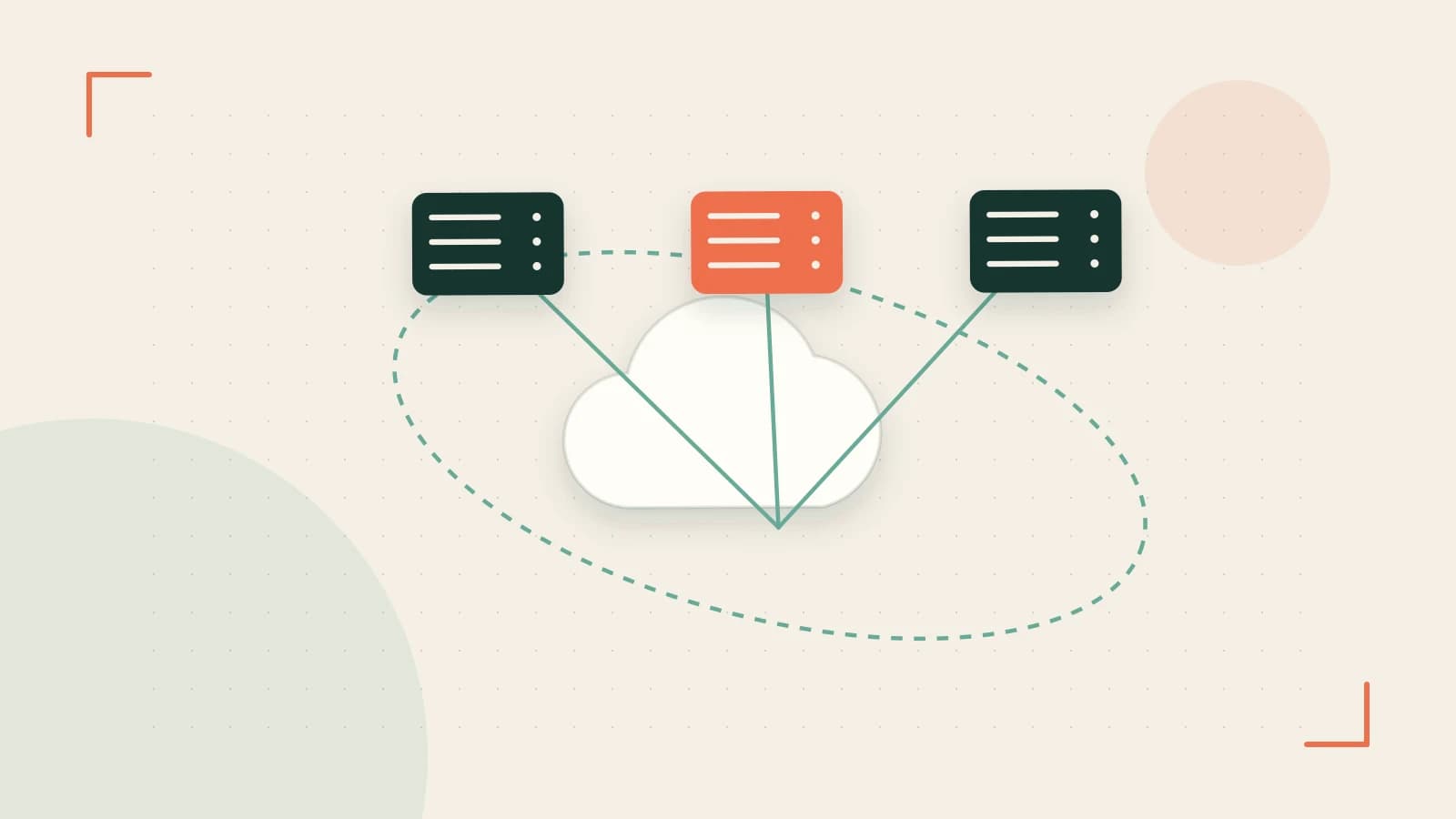
Each editor opens the same cloud document (stored in Creative Cloud Libraries) in the XD desktop app (v57+). The app establishes a WebSocket session to Adobe’s collaboration service. Every local edit — layer move, property change, artboard addition — is encoded as an operation and sent to the server. The server applies OT to reconcile concurrent operations, then broadcasts the resulting state to all participants. The result: live cursors, selection highlights, and layer‑panel presence indicators appear within seconds.
Offline edits are queued locally and replayed on reconnect. The merge policy is last‑write‑wins per object, which keeps the algorithm simple but can surprise you when two people reorder the same parent group simultaneously.
Worked example: inviting a colleague and verifying live sync
- Open the target cloud document in XD desktop (v57 or later).
- Click the Invite to Edit button (top‑right toolbar).
- Enter the colleague’s Adobe ID (email) and send the invitation.
- The invitee receives an email and a Creative Cloud notification; they open the document from the Shared with you section.
- Both editors should see each other’s colored cursors and layer selections within 1–2 seconds.
# Quick sanity check (run on each machine)
# 1. Ensure you are on an "All Apps" or "Single App XD" plan.
# 2. Verify the document appears under "Cloud documents" → "Shared with you".
# 3. Move a layer; confirm the remote cursor mirrors the move instantly.
Permissions: Both users need a paid Creative Cloud subscription that includes XD. Free starter plans are view‑only and cannot coedit.
Expected check: In the version history panel you’ll see a single merged entry for the simultaneous moves, not two separate commits.
Risk: If the document exceeds ~200 artboards with heavy raster assets, latency climbs and the UI may stutter. Adobe recommends splitting large systems into linked library files.
Trade‑offs and limitations you should weigh
- Prototype mode, design tokens, and plugin panels are not synced. Only design‑mode canvas and layer edits collaborate live.
- Performance ceiling: Above ~5 concurrent editors or very large files, latency becomes noticeable.
- Operational‑transformation quirks: Simultaneous reordering of the same group can produce unexpected layer order; the last‑write‑wins rule decides the final state.
- No public coediting API: Plugin authors cannot listen for remote cursor positions or pending operations.
- Maintenance mode: Adobe announced in 2023 that XD enters maintenance mode — only critical bug fixes are planned. No new collaboration features (e.g., prototype coediting) will arrive.
- Enterprise compliance: SSO integration and audit‑log requirements often push regulated teams toward Figma or Sketch + Abstract.
Actionable next steps
- Run the invitation test above on a representative document to measure real‑world latency for your team size.
- Stress‑test offline behavior: disconnect Wi‑Fi, move a layer, reconnect, then open version history — confirm the move appears as a single merged entry.
- Document the current workflow gaps (prototype, tokens, plugins) and decide whether they block adoption.
- If you hit the performance ceiling or need future‑proof collaboration, start a migration pilot to Figma or Sketch + Abstract, which offer live prototype editing, token sync, and plugin APIs.
Coediting is a solid, low‑friction way to let a handful of designers work on the same XD file today. Just be aware of the hard limits — file size, editor count, feature coverage — and the fact that Adobe has signaled no further investment. Use the quick verification steps to decide whether the current experience meets your team’s velocity or whether a longer‑term platform shift is warranted.
 xd
xd0 replies
A thoughtful contribution can make all the difference. Be the first to share one.