Read Adobe XD Scenegraph Selections in a UXP Plugin for Design Tokens
Read selected XD nodes with UXP, guard against empty selections and groups, and export design tokens safely.
25 Aug 2026, 22:14 UTC
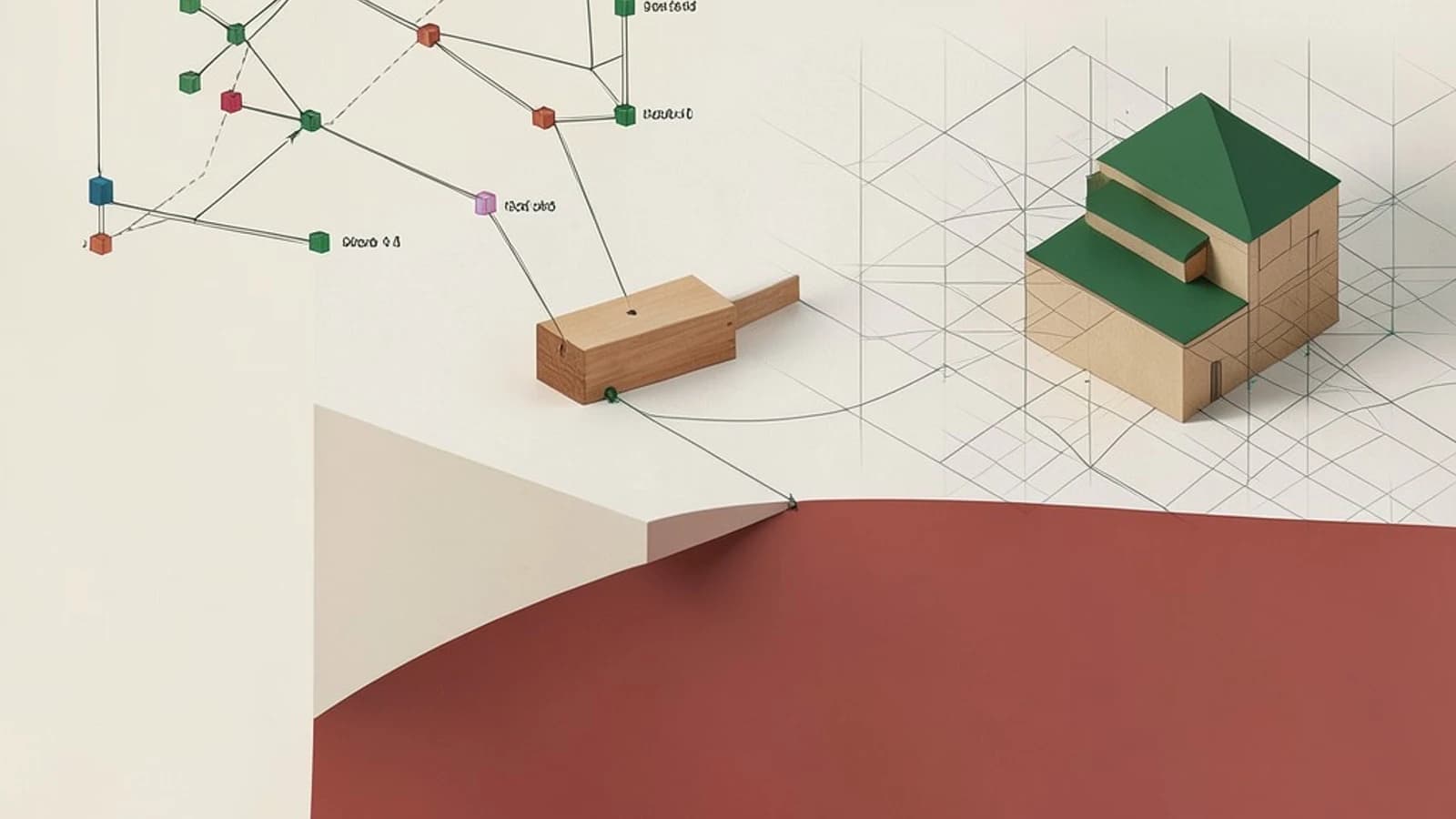
Problem and useful answer
You need design tokens—dimensions, colors, and spacing—from an Adobe XD document, but copying values by hand from the property inspector is slow and error-prone. A UXP plugin can read the currently selected scenegraph nodes and emit those values as JSON. The takeaway: use selection.items with instanceof guards to extract rectangle width, height, and fill, but expect a sandboxed plugin that cannot write files silently and does not react to selection changes unless you explicitly listen for them.
How XD exposes the selection
Adobe XD plugins run on the Unified Extensibility Platform (UXP). The scenegraph is the live object model of the open document. When a user selects one or more objects, the plugin API exposes them through selection.items. Each item is a node such as Rectangle, Group, or Text. Reading these properties reflects the document at the moment the plugin runs; it is not a live stream.
Worked configuration
This example shows a minimal plugin structure. The exact manifest schema depends on the UXP version, so verify required fields against current Adobe documentation before copying it into production tooling.
manifest.json
{
  "manifestVersion": 4,
  "id": "com.example.tokens-reader",
  "name": "Token Reader",
  "version": "0.1.0",
  "host": [
    {
      "app": "XD",
      "minVersion": "22.0"
    }
  ],
  "uiEntryPoints": [
    {
      "type": "panel",
      "id": "tokenPanel",
      "label": "Token Reader",
      "file": "ui/index.html"
    }
  ]
}
The plugin code reads the selection when the panel loads or when a refresh button is clicked.
main.js
const { selection } = require("scenegraph");

function readSelection() {
  if (!selection || !selection.items || selection.items.length === 0) {
    return { error: "No items selected" };
  }

  const tokens = [];

  for (const item of selection.items) {
    if (item instanceof Rectangle) {
      tokens.push({
        kind: "rectangle",
        width: item.width,
        height: item.height,
        fill: item.fill ? item.fill.color : null,
      });
    } else if (item instanceof Group) {
      tokens.push({
        kind: "group",
        note: "Group selected; inspect children individually if needed",
      });
    } else {
      tokens.push({
        kind: item.constructor && item.constructor.name ? item.constructor.name : "unknown",
        note: "Node type not handled by this example",
      });
    }
  }

  return tokens;
}

module.exports = { readSelection };
Send the returned array to the panel through your UXP message bridge and render it as JSON or CSS variables. Do not hardcode pixel values for production tokens without checking artboard scale, export scale, and screen density; XD stores geometry in document coordinates, which may not match the target CSS pixel scale.
Loading and checking the plugin
- Place
manifest.json,main.js, and the panel HTML in a local folder. - In Adobe XD, open the Plugins menu, choose Development, and reveal the plugins folder.
- Copy your folder there, then reload plugins from the Development submenu.
- Open the Token Reader panel, select a rectangle in the document, and confirm the panel logs width and height matching the property inspector.
- Repeat with no selection, with a group, and with a text node. The plugin should return the "No items selected" message or a guarded note rather than throwing.
Permissions: Reading the scenegraph requires no special user permission. Writing a token file to disk requires the uxp.storage module and a user-initiated file pick or folder grant; a plugin cannot silently export tokens to a CI pipeline.
Limits and common mistakes
- Empty selection: assuming
selection.itemsalways contains nodes causes runtime errors. Always checkselection.items.lengthbefore iterating. - Wrong node type: calling rectangle-specific properties on a group or text node fails. Use
instanceof Rectangleand handle other types explicitly. - Not reactive: the plugin reads a snapshot. If the user changes the selection after the panel opens, the displayed values are stale unless the plugin listens to selection events and re-runs the read function.
- Scale assumptions: hardcoding values from XD ignores export scale and density. Convert to CSS units only after confirming the target output scale.
- API drift: Adobe XD plugin support and UXP manifest details may have changed. Treat version numbers and API names as placeholders until verified against current documentation.
Practical verification
Select a 200 by 100 rectangle with a solid fill. Run the plugin and confirm the output reports width near 200 and height near 100. Then select nothing; the result should be a controlled "No items selected" message, not a crash. If either check fails, inspect the plugin console and confirm the manifest host entry targets XD rather than Photoshop, because UXP APIs differ between hosts.
When not to use this approach
If you need fully automated token export in CI, an XD UXP plugin is not suitable because it runs inside the desktop app and requires user interaction for file access. Consider exporting assets from XD first and processing the files with a separate script, or use a design-system tool with an XD importer if one is supported for your version.
 xd
0 replies
A thoughtful contribution can make all the difference. Be the first to share one.