Working with only part of a huge Git repo using sparse-checkout
Sparse-checkout lets you keep full Git history while materializing only selected paths in your working tree, saving disk space without changing the remote repository.
29 Jul 2026, 04:34 UTC
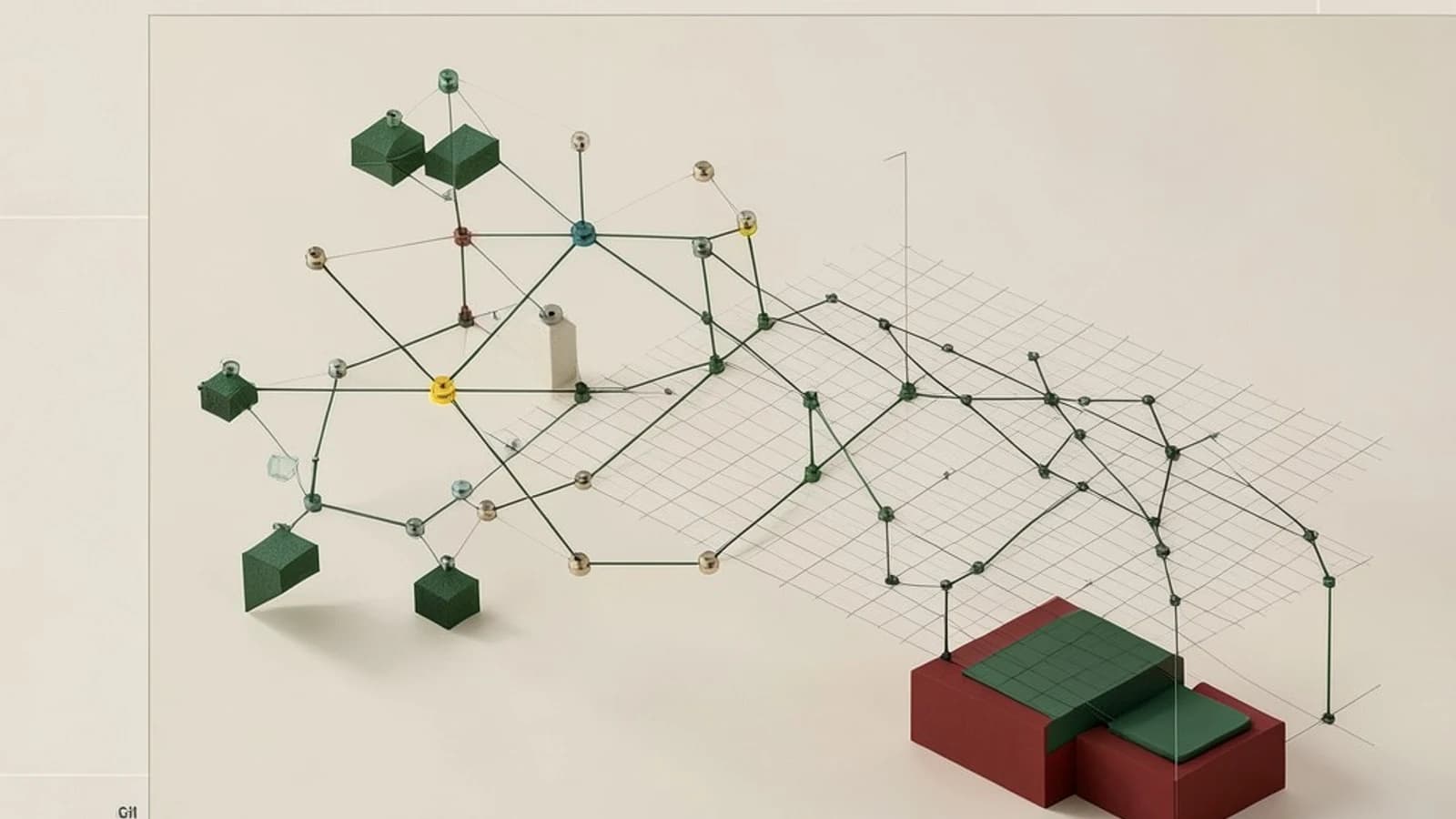
You need to edit a file in src/ but the repository also contains gigabytes of assets, docs, and generated data. Cloning the whole thing is slow and the working tree fills disk. The useful takeaway is that sparse-checkout lets you keep the full history in .git while checking out only selected paths into the working tree, without changing the remote or branch history.
What sparse-checkout actually changes
Sparse-checkout controls which paths Git materializes in the working tree. The object database remains complete. The selection is stored in .git/info/sparse-checkout and is local to your clone. Other collaborators are unaffected because it does not modify commits or push behavior.
Cone mode, enabled with git sparse-checkout init --cone, restricts patterns to whole directory trees. It is the common mode for developers who want a set of top-level folders.
Set up a partial working tree
Run the commands in a terminal where you have write permission to the target directory and read access to the remote.
git clone <repo-url> partial-repo
cd partial-repo
git sparse-checkout init --cone
git sparse-checkout set src/ tests/
Placeholders: <repo-url> is the remote HTTPS or SSH URL, src/ and tests/ are the paths you want present.
Expected checks: git sparse-checkout list should list the configured paths. A directory listing should show only the selected directories and .git. git status should not report untracked files for paths outside the sparse set.
Risks: the initial clone still downloads the full packfile, so bandwidth and .git size are unchanged until you combine sparse-checkout with a partial clone. Changing the sparse list during an active merge can cause Git to attempt merges for files that are not present, leading to unexpected conflicts.
Worked example with a partial clone
For large repositories you can reduce object download by using a partial clone first, then limiting the working tree.
git clone --filter=blob:none <repo-url> partial-repo
cd partial-repo
git sparse-checkout init --cone
git sparse-checkout set src/
Meaningful checks after setup: verify only src/ appears in the working tree, modify a file inside src/ and run git status and git diff to confirm normal tracking, and confirm that paths outside the sparse set are invisible and do not trigger errors.
Rollback if needed: git sparse-checkout disable restores a full checkout for the current branch. This changes working tree contents, so stash or commit changes first.
Trade-offs and limitations
- Initial bandwidth is unchanged with a normal clone. Sparse-checkout saves working tree disk space, not object storage.
- Tools that assume a full working tree, such as some IDEs or build systems, may fail when files are missing.
- Sparse-checkout requires Git 2.25 or newer. Earlier versions need workarounds.
- Shallow clones interact poorly unless the sparse list is configured before cloning; missing objects can cause errors.
A practical way to verify the result is git sparse-checkout list combined with ls. If you need more objects later, fetch them explicitly; sparse-checkout does not prune history.
When to use it
Use sparse-checkout when you need a small, stable set of directories from a large monorepo for day-to-day work. Do not rely on it to reduce clone size alone. Pair it with --filter=blob:none for bandwidth savings, and keep the sparse set stable across merges to avoid conflict surprises.
 git
git0 replies
A thoughtful contribution can make all the difference. Be the first to share one.