Why Bower’s Flat Dependency Tree Still Shapes Front‑End Migration Decisions
Bower’s flat dependency tree avoided duplicate downloads but forced version agreement across packages. This post explains the model, its limits, and a concrete migration to npm/Yarn workspaces.
12 Aug 2025, 07:49 UTC
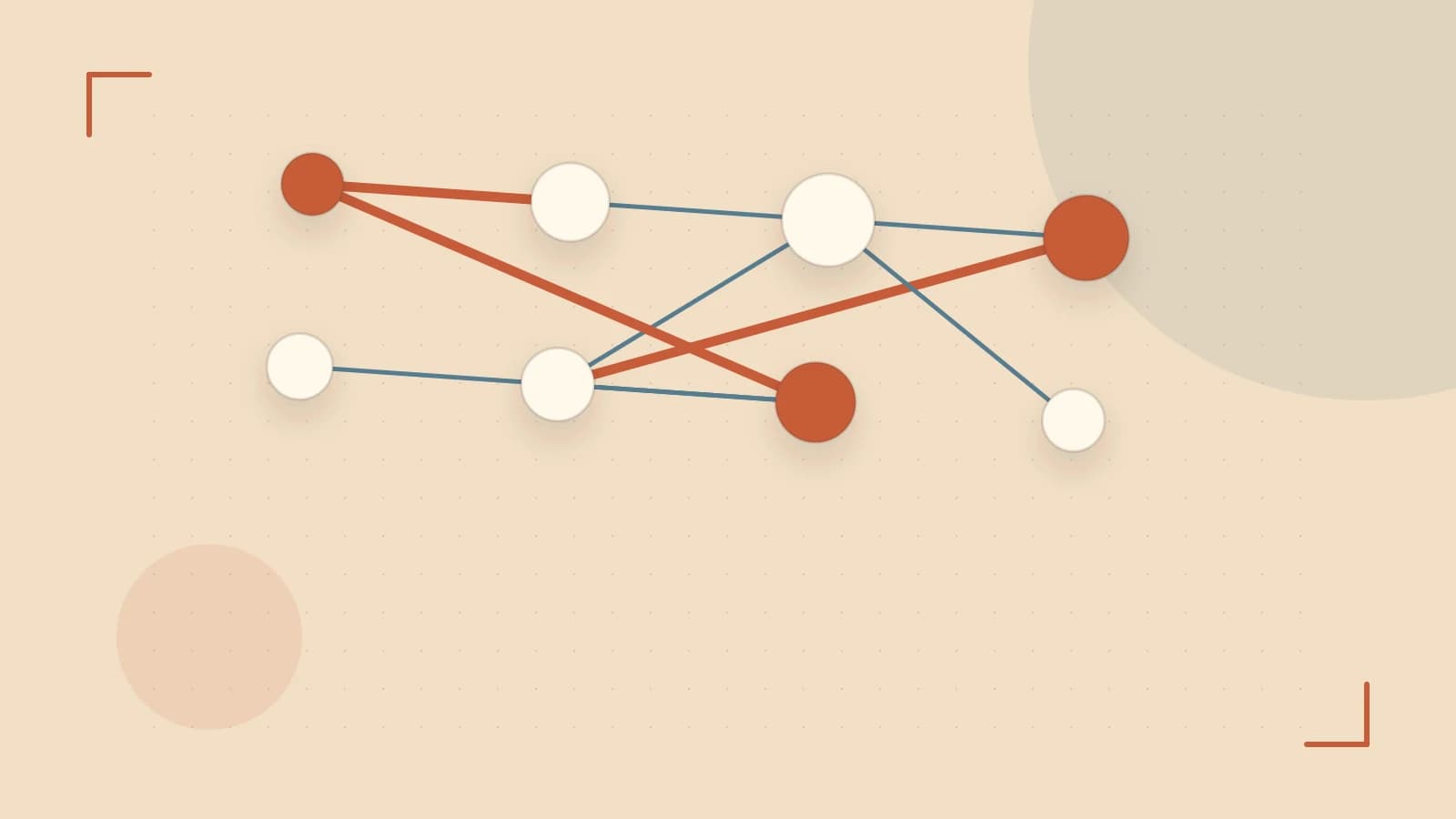
The Flat Tree Problem
When Bower launched, front‑end projects pulled libraries like jQuery, Bootstrap, and Angular directly from Git repositories. Bower’s defining engineering decision was a single flat dependency tree per project: every package had to agree on one version of each shared dependency. This avoided the duplicate downloads that plagued npm v2’s nested node_modules, but it introduced a new class of conflict — two packages requiring incompatible versions of the same library could not coexist.
How Bower Resolved Versions
Bower’s bower.json used dependencies and devDependencies fields similar to package.json. However, Bower never shipped a lockfile. Version ranges were resolved at install time, so two developers running bower install on different machines could end up with different concrete versions unless the bower_components/ directory was committed to source control — a common but repo‑inflating practice (often 100–500 MB).
Because the registry (bower.herokuapp.com) was only a metadata index, installs cloned full Git repositories. This made installs slower and heavier than npm’s tarball model. Bower also stayed agnostic about module formats (AMD, CommonJS, globals, ES modules), leaving concatenation and bundling to tools like Grunt, Gulp, or RequireJS.
A Worked Migration Example
Below is a minimal, reproducible migration path for a legacy project that still uses Bower. Run these commands in the project root (requires write permission to the directory and a working Node ≥ 14 installation).
# 1. Initialise a package.json if missing
npm init -y

# 2. Copy runtime dependencies from bower.json to package.json
#    (edit manually or use a script; example shows jq for JSON merging)
jq -s '.[0] * {"dependencies": (.[1].dependencies // {})}' package.json bower.json > package.json.tmp && mv package.json.tmp package.json

# 3. Install via npm (creates node_modules/ with hoisted flat tree)
npm install

# 4. Update build configuration to resolve from node_modules/
#    Example for a webpack config:
#    resolve: { alias: { jquery: 'jquery/dist/jquery.min.js' } }

# 5. Verify the new tree
npm ls --depth=0
Expected checks: npm ls should list each dependency once at the top level (hoisted). No bower_components/ directory should remain. If any Bower‑only packages (e.g., older Polymer elements) are missing from npm, you must fork them or find modern replacements.
Trade‑offs and Limits
- Version conflicts: Bower’s interactive resolver would prompt on clashes; CI required
--config.interactive=falseto avoid hangs — a frequent oversight. - No lockfile: Non‑reproducible builds unless
bower_components/is committed, which bloats the repository. - Git‑based installs: Cloning full histories slows CI and increases disk usage.
- Module‑format agnosticism: Flexibility delayed standardized bundling, complicating CI pipelines that now expect ES modules or CommonJS entry points.
Modern tooling (npm v7+, Yarn v1‑v3 workspaces, pnpm) solves the original use case — shared front‑end dependencies across a monorepo — with proper lockfiles, deterministic hoisting, and lifecycle scripts. Bower’s flat‑tree concept lives on in npm’s hoisted node_modules and Yarn’s Plug’n’Play.
Next Steps
- Audit your
bower.jsonfor packages not published to npm; plan forks or replacements. - Run the migration commands above in a feature branch; verify
npm lsoutput matches expectations. - Update CI pipelines to cache
node_modules/instead ofbower_components/. - Remove
bower_components/from version control and add it to.gitignore. - Consider adopting Yarn workspaces or npm workspaces if you manage multiple front‑end packages in a monorepo.
Completing these steps eliminates a deprecated toolchain, restores reproducible builds, and aligns your project with current ecosystem standards.
 bower
0 replies
A thoughtful contribution can make all the difference. Be the first to share one.