When Your LabVIEW Queue-Based State Machine Hits a Wall: Choosing Actor Framework
Your queue-based LabVIEW architecture works — until it doesn't. Actor Framework adds structure for scaling concurrency, but brings boilerplate and versioning discipline. Here's how to decide if the trade-off pays off for your application.
28 Jul 2026, 15:49 UTC
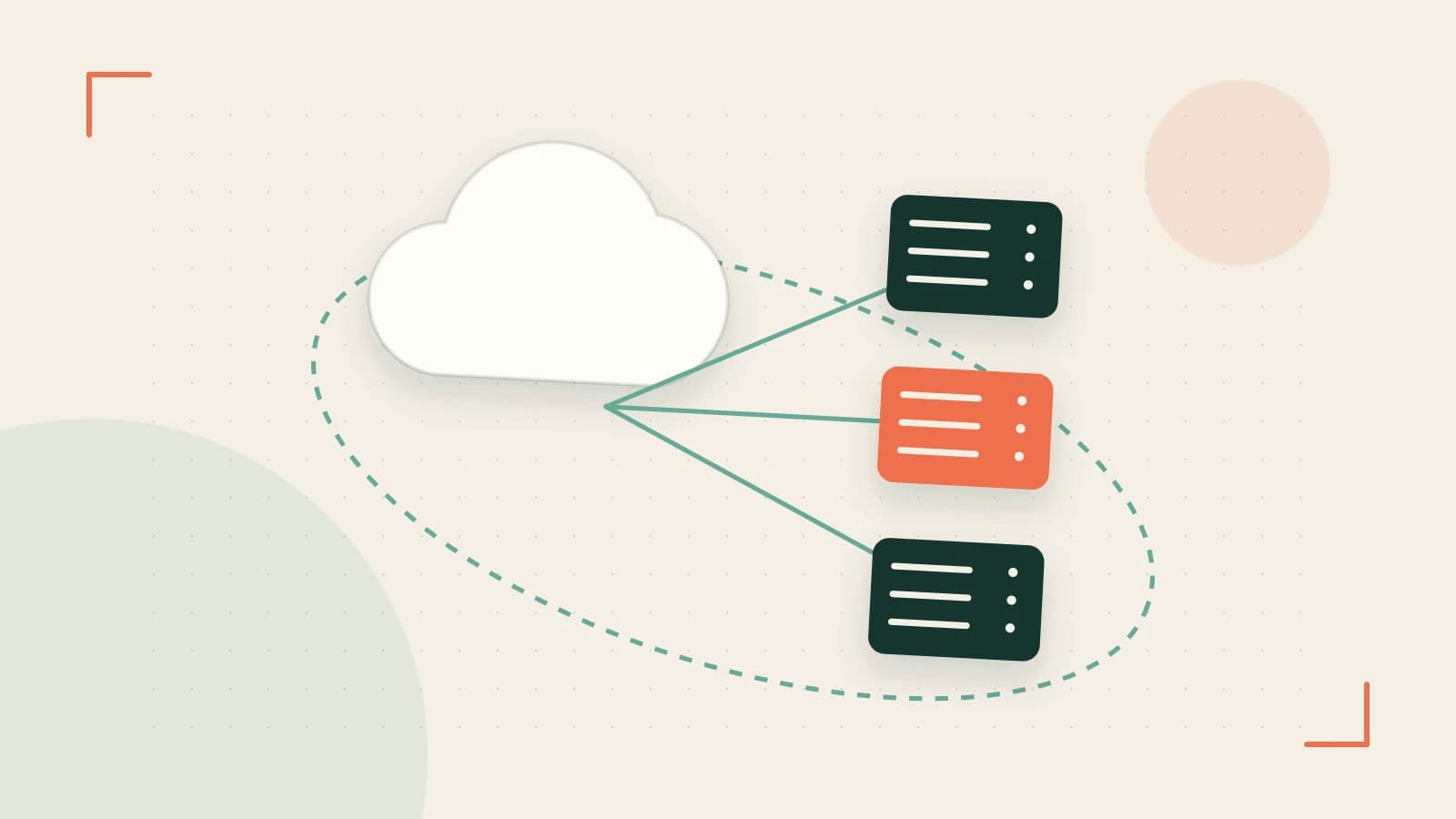
The Problem: Concurrency That Doesn't Scale
You've built a solid producer-consumer loop. Maybe two. Then a third for hardware I/O, a fourth for logging, and suddenly you're passing queue references through three layers of subVIs just to get a stop message to the right place. Debugging means probing wires across parallel loops while the application runs. Adding a new feature requires touching five VIs. This is the inflection point where many LabVIEW teams ask: is it time for Actor Framework?
What Actor Framework Actually Gives You
Actor Framework (AF) ships with LabVIEW Professional. Each actor is a LabVIEW class that runs its own message-handling loop — Actor Core.vi — and communicates exclusively through typed message classes. The framework handles launch, shutdown, error propagation, and dynamic actor creation. Because actors are classes, you get inheritance, composition, and dynamic dispatch without leaving the graphical environment.
The key architectural shift: message definition (data) is separate from message handling (behavior). A SetTemperature.lvclass message carries the setpoint; the actor decides how to act on it. This separation makes unit testing straightforward — inject a mock message, verify the response, no hardware required.
Worked Example: Refactoring a Temperature Control Loop
Imagine a cRIO application with three concurrent tasks: PID control (1 kHz), data logging (10 Hz), and a UI gateway (event-driven). In a queue-based design, you'd likely have three loops sharing a global stop queue and a cluster of control references.
With AF, each task becomes an actor:
PIDActor— owns the control loop, subscribes toSetSetpointMsgandTuneGainsMsgLoggerActor— receivesLogDataMsg(timestamp, PV, SP, output), writes to TDMSUIActor— translates front-panel events into messages for the other two
Launch sequence in Main.vi:
pidActor = Launch Actor(PIDActor.lvclass, "PID")
loggerActor = Launch Actor(LoggerActor.lvclass, "Logger")
uiActor = Launch Actor(UIActor.lvclass, "UI", pidActor, loggerActor)
Stop is a single call: Stop Actor(pidActor) cascades through the hierarchy if you've wired the Actor.enqueuer references correctly. The Message Inspector (Tools → Actor Framework → Message Inspector) shows every message in flight — timestamp, sender, payload — without probes.
Trade-offs You'll Feel Immediately
Boilerplate: Every message is a class. Every actor is a class. A minimal actor needs ~6 VIs (Actor Core, Pre/Post Launch, message classes, overrides). For <5 concurrent tasks, a well-structured queue state machine is faster to build and easier to read.
Versioning messages: Adding a field to SetSetpointMsg breaks existing actors unless you provide default values or write migration logic. Treat message classes like public APIs — version them deliberately.
FPGA reality check: AF actors can deploy to FPGA via LabVIEW FPGA Module, but dynamic dispatch, queues, and string manipulation don't synthesize. Only a subset of AF (essentially static message handling) works on FPGA. If your deterministic loop lives on FPGA, keep it in a single-cycle timed loop and communicate with a soft-processor actor via FIFOs.
Deadlocks in hierarchies: Synchronous request-reply (send message, wait for reply) between parent and child actors is a deadlock recipe. Prefer fire-and-forget with callback messages or the built-in Reply Msg pattern with timeouts.
How to Verify Before Committing
- Open LabVIEW 2023+, create a project, select Actor Framework from Project Templates. Inspect the generated
Actor.lvclassandMessage.lvclasshierarchy. - Run Help → Find Examples → Actor Framework → Hello World Actor. Launch it, send messages, watch the Message Inspector.
- If you have a cRIO or simulated RT target, deploy the Nested Actors example unchanged. Confirm cross-target compatibility.
- Install Actor Framework Test Toolkit via VI Package Manager. Write a test that sends
SetSetpointMsgtoPIDActorand verifies the internal state updates — no hardware, pure unit test.
If the boilerplate feels like structure rather than friction, and the Message Inspector saves you a debugging session, AF is earning its keep.
Closing Decision Checklist
- ≥5 independent concurrent processes that evolve separately? → AF
- Team needs to unit-test logic without hardware? → AF
- Deployment spans desktop, RT, and (carefully) FPGA? → AF
- Simple producer-consumer, <5 loops, one developer? → Stay with queues
- Hard real-time loop on FPGA? → Keep that loop native; wrap with AF on RT side
Vendor the AF GitHub tag matching your LabVIEW version (github.com/ni/actor-framework/releases/tag/v2023.0 for LabVIEW 2023) so your build doesn't drift when NI updates main.
 labview
0 replies
A thoughtful contribution can make all the difference. Be the first to share one.