When a Rate Limiter Needs a Brain: Durable Objects for Per-Tenant State at the Edge
A counter in a Worker's memory doesn't add up across locations. Here's how Durable Objects serialize per-tenant state, with a worked limiter and its limits.
23 Jul 2025, 00:31 UTC
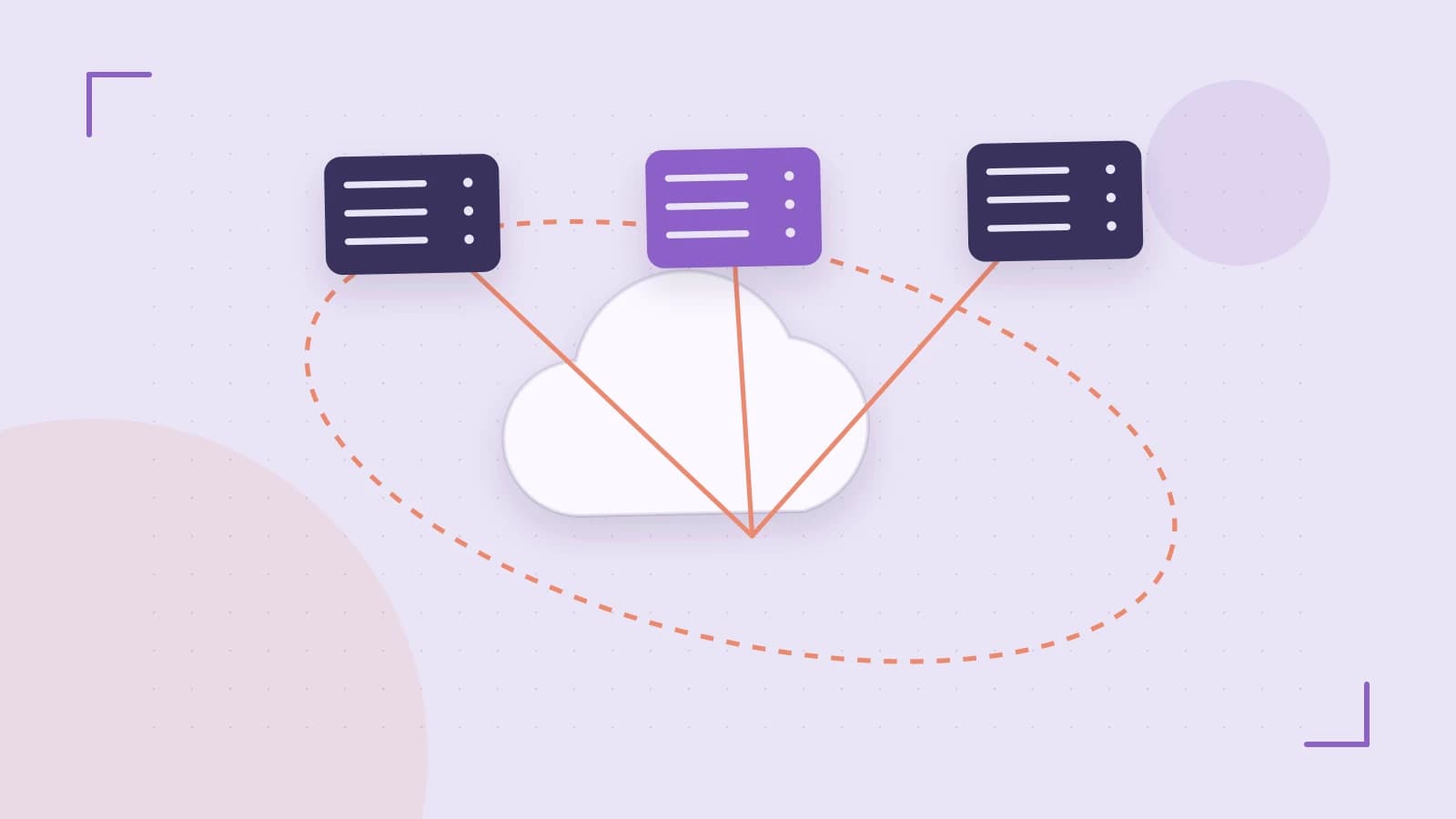
Per-tenant rate limiting looks trivial until you try to run it at the edge. A counter held in a Worker's memory is per-isolate: it resets when the isolate recycles and isn't shared with the same Worker running in another location. A counter in a centralized database is correct but adds a round trip to every request — the exact cost you moved to the edge to avoid. Cloudflare Durable Objects are the middle path: a strongly consistent, single-threaded actor per key, so a counter keyed by tenant ID is serialized by construction, with no locks, no race window and no external database call on the hot path.
What a Durable Object guarantees — and what it doesn't
A Durable Object is a class the runtime instantiates once per unique object ID. Every request routed to that ID lands on the same instance, in one location, with transactional storage that survives between invocations. Requests for the same ID are processed one at a time, so read-modify-write logic ("am I under the limit? then increment") cannot interleave.
Two boundaries matter. First, the guarantee is per object ID: two different IDs run concurrently and may live in different locations, so anything spanning tenants needs its own coordination design. Second, "single-threaded" bounds throughput per object — a hot key is a hot spot, and that's a design constraint rather than a bug.
Binding a Worker to an object class
Your Worker stays stateless; it derives an ID and delegates. The binding is declared in Wrangler's config file (Wrangler is Cloudflare's CLI for building and deploying Workers). The schema has changed across versions, so verify field names against the docs for the version you have installed.
# wrangler.toml — check the schema for your Wrangler version
name = "api-gateway"
main = "src/worker.js"
compatibility_date = "<YYYY-MM-DD>"   # set a recent date; some behavior is gated by it

[[durable_objects.bindings]]
name = "RATE_LIMITER"           # how the Worker refers to the namespace
class_name = "TenantLimiter"    # the exported class it maps to

[[migrations]]
tag = "v1"
new_classes = ["TenantLimiter"]  # registers the class on first deploy
The migration block is how the platform learns about a new class. Renaming a class or changing its storage layout is a migration concern, not a config tweak.
Worked example: a fixed-window limiter per tenant
The Worker pulls a tenant key from the request and hands the request to the object for that key.
// src/worker.js — deployed with `wrangler deploy`
export default {
  async fetch(request, env) {
    const tenant = new URL(request.url).searchParams.get("tenant");
    if (!tenant) return new Response("missing tenant", { status: 400 });

    const id = env.RATE_LIMITER.idFromName(tenant); // same key -> same object
    const stub = env.RATE_LIMITER.get(id);
    return stub.fetch(request);                     // delegate, stay stateless
  }
};
The object holds the counter. The class style below uses the DurableObject base class and this.ctx; older examples use a constructor(state, env) with state.storage. Both shapes exist in the wild — confirm which one your runtime version expects before copying.
// src/limiter.js
import { DurableObject } from "cloudflare:workers";

const LIMIT = 100;          // requests
const WINDOW_MS = 60_000;   // per minute

export class TenantLimiter extends DurableObject {
  async fetch(request) {
    const now = Date.now();
    let bucket = await this.ctx.storage.get("bucket");

    if (!bucket || now >= bucket.resetAt) {
      bucket = { count: 0, resetAt: now + WINDOW_MS };
    }
    bucket.count += 1;
    await this.ctx.storage.put("bucket", bucket);

    if (bucket.count > LIMIT) {
      return new Response("rate limited", {
        status: 429,
        headers: { "Retry-After": String(Math.ceil((bucket.resetAt - now) / 1000)) }
      });
    }
    return new Response("ok", { status: 200 });
  }
}
Because only one instance of TenantLimiter exists per tenant key, the read, the increment and the write happen without another request slipping between them. A fixed window is the simplest correct thing; a token bucket or sliding window is the same shape with more arithmetic inside the same method.
Checking that it actually behaves
Run npx wrangler dev from the project root. Local dev emulates Durable Objects, so you can exercise the logic without deploying; the CLI itself needs a supported Node.js version, and remote features need a Cloudflare account.
# second terminal, while `wrangler dev` is running
seq 1 110 | xargs -P 20 -I{} curl -s -o /dev/null -w "%{http_code}\n" \
  "http://localhost:8787/?tenant=acme" | sort | uniq -c
The parallel requests (-P 20) are the point: a sequential loop would pass even with a broken counter. What you should see is a mix of 200 and 429, with the first rejections appearing once the count passes the limit inside the window. The exact split depends on timing, so treat the shape of the result, not a specific number, as the check. Also confirm the binding resolves at all — if env.RATE_LIMITER is undefined, the config name and the exported class don't line up.
Where this gets expensive or awkward
- Storage is not a blob store. Per-object storage has limits and is meant for state, not payloads. Keep large bodies in R2 or KV and store a reference.
- One location per object. A tenant whose traffic is global pays latency to reach the object's home. For rate limiting that is usually acceptable; for read-heavy per-user data it may not be.
- Cost and lifetime semantics move. Pricing, hibernation and idle behavior have changed over time and affect both latency and bill. Re-check current documentation rather than trusting numbers from a blog post.
- Cross-object coordination is yours to design. Aggregating a global limit across many tenant objects needs a second layer, and that layer reintroduces the latency you were avoiding.
What to do next
Start with one object class keyed by the thing you must serialize — tenant, API key, session — and keep a single method responsible for the state transition. Keep stored state small and version it deliberately, since changing the shape later is a migration. Then load-test with concurrent requests before trusting it, and decide explicitly whether a per-key hot spot is acceptable for your traffic. If it isn't, the honest answer is a different design, not a bigger object.
 cloudflareworkers
0 replies
A thoughtful contribution can make all the difference. Be the first to share one.