Webflow form webhooks to AWS Lambda: design and failure modes
Route Webflow form submissions through API Gateway to Lambda, validate untrusted payloads, and plan for missed deliveries.
29 Jul 2025, 02:15 UTC
Problem and useful takeaway
Webflow forms can send submissions to an HTTPS URL you control, but the platform does not guarantee delivery or document a stable payload schema. If you connect a webhook directly to a database or email service, a malformed submission or a temporary outage can lose data or corrupt records.
Takeaway: treat Webflow as an untrusted data origin, validate every payload inside AWS Lambda before persisting or forwarding it, acknowledge receipt quickly with a 200 OK, and assume some deliveries will be missed.
Requirements
- A Webflow site with a form and access to the form’s webhook settings.
- An AWS account with permissions to create API Gateway endpoints and Lambda functions.
- An HTTPS endpoint that Webflow can reach over the public internet.
- A place to store or forward validated submissions, such as DynamoDB, an email service, or a CRM.
Smallest suitable design
Webflow sends an HTTP POST with a JSON body to an API Gateway endpoint. API Gateway invokes a Lambda function. The Lambda function parses the payload, checks required fields, then writes to downstream storage or returns an error. API Gateway returns 200 OK to Webflow only after Lambda finishes, or an appropriate 4xx/5xx if it cannot.
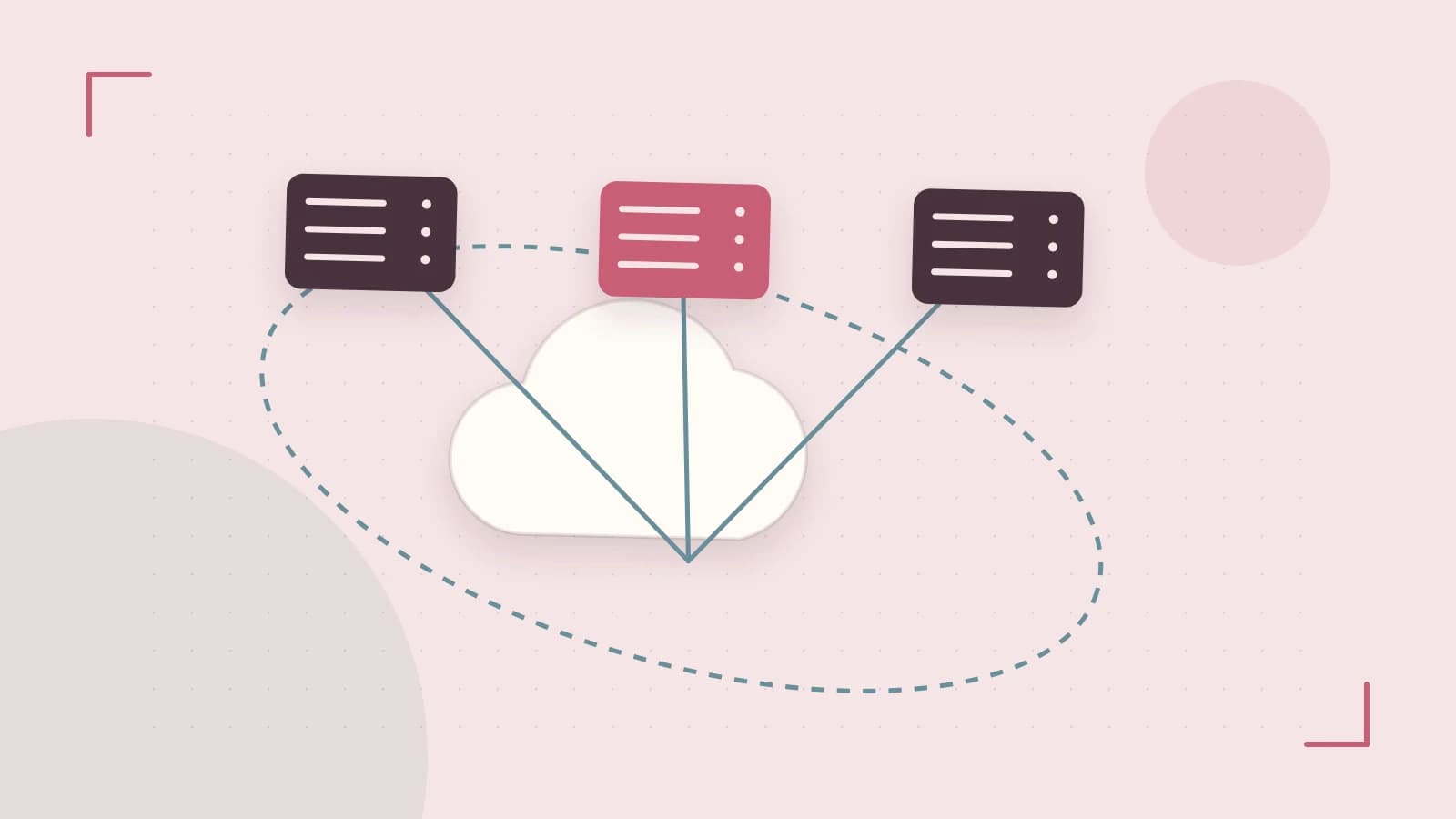
Diagram labels: Webflow form submission → API Gateway HTTPS endpoint → AWS Lambda validation function → CloudWatch logs and alarms.
Minimal component configuration
| Component | Setting | Reason |
|---|---|---|
| API Gateway | POST method, Lambda integration, payload format version 1.0 | Keeps request mapping simple for JSON webhook bodies. |
| Lambda | Runtime Node.js 18.x or Python 3.12, timeout 5–10 seconds | Webhook delivery expects a prompt response; long timeouts waste Webflow retry attempts. |
| API Gateway response | 200 OK on successful parse, 400 on invalid payload | Tells Webflow whether to retry or treat the delivery as complete. |
Example Lambda handler
Deploy this code in the Lambda console or with AWS SAM/CDK. Replace process.env.DOWNSTREAM_TABLE with your actual table name. This example has not been executed against a live Webflow account.
import { DynamoDBClient, PutItemCommand } from "@aws-sdk/client-dynamodb";

const client = new DynamoDBClient({});

export const handler = async (event) => {
  let body;
  try {
    body = typeof event.body === "string" ? JSON.parse(event.body) : event.body;
  } catch (err) {
    return { statusCode: 400, body: "invalid JSON" };
  }

  const required = ["formId", "email"];
  for (const field of required) {
    if (!(field in body)) {
      return { statusCode: 400, body: `missing field: ${field}` };
    }
  }

  try {
    await client.send(new PutItemCommand({
      TableName: process.env.DOWNSTREAM_TABLE,
      Item: {
        submissionId: { S: body.submissionId ?? "unknown" },
        formId: { S: body.formId },
        email: { S: body.email },
        receivedAt: { S: new Date().toISOString() },
      },
    }));
  } catch (err) {
    console.error(err);
    return { statusCode: 500, body: "downstream failure" };
  }

  return { statusCode: 200, body: "accepted" };
};
Where to run: AWS Lambda console, or locally with the AWS SAM CLI and deploy with sam deploy. Required permissions: lambda:CreateFunction, apigateway:PUT, and dynamodb:PutItem for the Lambda execution role. Risks: an overly permissive execution role can write to unintended tables; a missing environment variable causes runtime failure.
Trust and data boundaries
Webflow is outside your trust boundary. The payload can contain unexpected fields, missing fields, or values that do not match the form builder configuration. Do not use the raw body as a database query parameter or insert it directly into HTML without sanitization.
Lambda is the processing boundary. Validate the schema, reject malformed requests with 400, and only forward normalized data to downstream systems. If Webflow supports webhook signatures in a future release, verify them at the API Gateway or Lambda layer before processing.
Operational checks
- CloudWatch Logs: inspect Lambda invocation logs for payload shape and error stack traces.
- CloudWatch Alarms: alarm on Lambda error rate above 0% for five minutes, or duration approaching the timeout.
- API Gateway metrics: monitor 4xx and 5xx responses to distinguish client payload errors from backend failures.
- Dead-letter queue or retry: configure Lambda asynchronous invocation with a DLQ if you decouple receipt from processing; otherwise, rely on Webflow retries, which are limited.
Diagnostic decision: 4xx versus 5xx
If Webflow reports failed deliveries and API Gateway shows 400 responses, the issue is usually the payload schema or a missing required field. If API Gateway shows 502 or 504, the issue is Lambda crashing, timing out, or downstream unavailability. Check CloudWatch Logs for the corresponding request ID before changing code.
Failure modes
| Failure mode | Likely cause | Immediate check |
|---|---|---|
| Webhook never arrives | Incorrect endpoint URL, Webflow retry limit exceeded, or account-level webhook limits | Confirm the URL in Webflow project settings and test with curl -X POST <endpoint> -H "Content-Type: application/json" -d '{"test":true}' |
| Lambda returns 400 | Payload missing expected fields or invalid JSON | Inspect the raw event in CloudWatch Logs and compare against the current Webflow payload |
| Lambda returns 502 or 504 | Downstream database or email service unavailable, or function timeout | Check downstream service health and Lambda duration metrics |
| Data arrives but fields are wrong | Webflow renamed form fields or changed the JSON structure | Diff the logged payload against the previous schema; update validation logic |
The curl command runs in a local terminal or CloudShell. It requires no AWS permissions, but it does require network access to the API Gateway endpoint. Risk: sending test data to a production endpoint may create records; use a test form or a staging table.
Conditions that would change the design
- High submission volume: provisioned concurrency or an HTTP API with higher throughput may be needed; API Gateway default quotas vary by region and account.
- Privacy regulations: add data retention controls, field-level encryption, or avoid storing email addresses in plain text.
- Multi-tenant isolation: separate Lambda functions or DynamoDB tables per customer if one Webflow site serves multiple brands.
- Large file uploads: API Gateway has a default payload limit of 10 MB; Webflow form file uploads may require a separate S3 presigned URL flow instead of sending files through the webhook.
Limitations and verification
This draft describes well-established AWS and webhook behavior, but Webflow may change webhook payload structure or retry behavior without notice. Before using it in production:
- Create a test form in Webflow and point the webhook at a staging API Gateway URL.
- Submit sample data and confirm Lambda receives and logs the payload.
- Send a malformed JSON body and verify Lambda returns 400 without crashing.
- Temporarily block downstream access and confirm CloudWatch alarms trigger and failed invocations are logged.
These steps require current verification against the Webflow Designer and AWS Console; treat exact menu paths and payload field names as subject to change.
Rollback
Removing the webhook URL from Webflow form settings stops deliveries immediately. If you deployed infrastructure with AWS SAM or CloudFormation, deleting the stack removes API Gateway and Lambda resources. Confirm downstream tables are emptied or archived according to your retention policy before deletion.
 webflow
0 replies
A thoughtful contribution can make all the difference. Be the first to share one.