Version‑Safe Kubeflow Pipelines: Building, Tagging, and Reusing Components
Learn how to create immutable, version‑controlled Kubeflow Pipeline components, pass artifacts, and avoid common pitfalls. A step‑by‑step example with Docker build, registry push, and pipeline run is included.
29 Jul 2026, 20:24 UTC
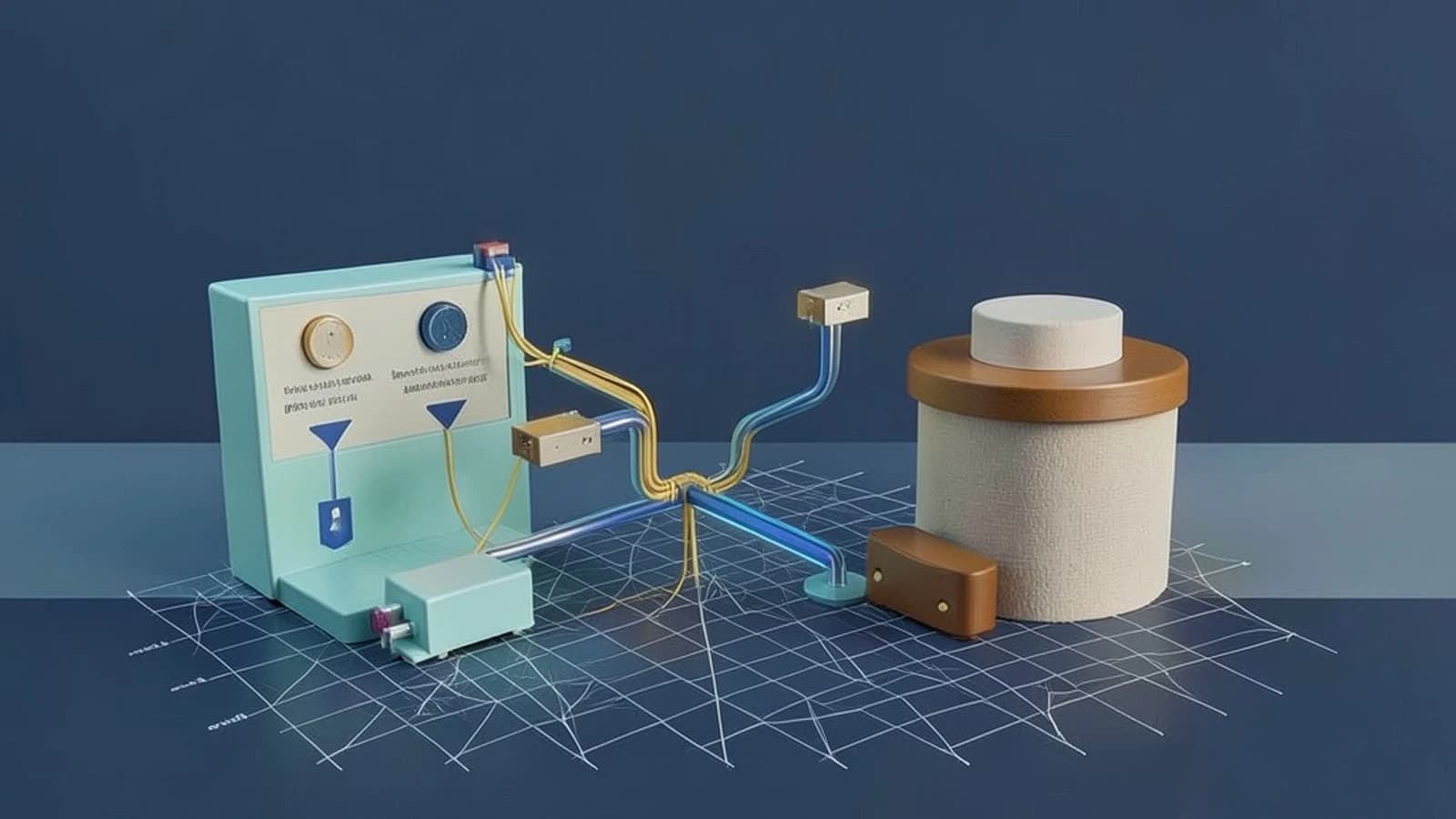
Reproducibility Starts with a Reusable Component
When a data‑science team pushes a model from a local notebook to production, the pipeline that trains, evaluates, and deploys it often drifts. The same code can run in a different cluster, use a different Python runtime, or pick up a stale library. Kubeflow Pipelines (KFP) solves this by letting you package each step as a Docker image and reference that image by an immutable tag. The SDK makes it trivial to write the component, build the image, and wire it into a larger workflow.
Why the SDK Is the Right Tool for Versioning
In KFP, a component is a Python function decorated with @kfp.dsl.component. The decorator turns the function into a ComponentSpec that the SDK turns into a container template. When you build the container and push it to a registry with a tag like my‑model‑trainer:1.2.3, you have a snapshot that can be referenced forever. The pipeline definition simply points to that tag, ensuring every run uses the exact same code and environment.
Step 1: Define a Reusable Component
import kfp.dsl as dsl

@dsl.component(
    base_image='python:3.10-slim',
    packages_to_install=['pandas', 'scikit-learn']
)
def train_model(input_path: dsl.InputPath('csv'),
                  output_path: dsl.OutputPath('pickle')):
    import pandas as pd
    from sklearn.ensemble import RandomForestClassifier
    import joblib

    df = pd.read_csv(input_path)
    X, y = df.drop('label', axis=1), df['label']
    model = RandomForestClassifier().fit(X, y)
    joblib.dump(model, output_path)
Run this file locally to generate a YAML that the SDK will use when building the Docker image. The base_image and packages_to_install arguments let you control the runtime environment.
Step 2: Build & Push the Docker Image
After the decorator runs, a Dockerfile is created in the current directory. Build it with Docker and push to a registry you control. Replace REPO with your registry and TAG with a semantic version.
# Build locally
docker build -t REPO/my-model-trainer:TAG .

# Log in to your registry (if required)
# docker login REPO

# Push the image
docker push REPO/my-model-trainer:TAG
Running these commands requires Docker installed on the machine and permission to push to the registry. After the push, the image tag is immutable; future builds must use a new tag.
Step 3: Reference the Component in a Pipeline
import kfp

@dsl.pipeline(name='train-and-evaluate')
def pipeline(input_csv: str):
    trainer = train_model(input_path=input_csv,
                          output_path='model.pkl')
    # An evaluation step could be added here, using the output_path

if __name__ == '__main__':
    client = kfp.Client(host='https://my-kfp-host')
    client.create_run_from_pipeline_func(
        pipeline,
        arguments={
            'input_csv': 'gs://my-bucket/data/train.csv'
        })
Notice that the pipeline function references the train_model component by name, not by image tag. The SDK resolves the component to the image you built earlier. If you want to pin the image directly, you can use the component_spec= argument or create a separate component YAML that contains the image reference.
Passing Artifacts Between Steps
KFP’s InputPath and OutputPath annotations mount artifacts into the container’s filesystem. The SDK automatically creates a temporary directory for each artifact and passes the path to the function. In the example above, output_path receives a path like /tmp/artifacts/model.pkl that the container writes to. Subsequent steps can declare an InputPath to read that file. This eliminates the need for manual S3 or GCS transfers between steps.
Common Pitfalls & Workarounds
- Debugging Container Builds: Because the SDK hides the underlying Dockerfile, a build failure can be opaque. Inspect the generated Dockerfile in the current directory, run
docker buildlocally with--no-cacheto see exact errors, and adjustpackages_to_installaccordingly. - Stale Images: If you forget to push a new image tag, the pipeline will reuse the last pushed one. Adopt a CI/CD pipeline that tags images automatically (e.g.,
git describe --tags) and fails the build if the tag is missing from the registry. - Default Timeout: A complex pipeline can exceed the Argo Workflow controller’s default timeout (30 minutes). Add
dsl.ContainerOp(...).set_timeout(3600)to extend it, or adjust the controller’sworkflow_timeout_secondssetting. - Artifact Storage Limits: Large artifacts may hit the storage quota of the underlying cluster. Store large datasets in object storage and pass the URI as a string input instead of a file path.
Actionable Checklist
- Define each step as a
@dsl.componentfunction with explicit base image and dependencies. - Build the Docker image locally, tag it immutably, and push to a registry you control.
- Reference the component in a pipeline function; run the pipeline with
kfp.Clientand verify the run appears in the UI. - Check the generated Argo workflow (
kubectl get workflow -o yaml) to ensure image tags match and artifact mounts are correct. - Automate the build & push step in CI, enforce semantic versioning, and add unit tests for each component.
- Monitor run logs for timeout or resource errors; adjust
set_timeoutor request more CPU/memory if needed.
By treating each component as a first‑class artifact and versioning it with immutable Docker tags, you lock in reproducibility. The SDK’s lightweight abstractions let you focus on model logic while the underlying Kubernetes infrastructure manages scaling and execution.
Next Steps
- Explore KFP’s
kfp.components.load_component_from_fileto import components built elsewhere. - Integrate model monitoring by adding a Post‑processing component that writes metrics to a time‑series database.
- Use the Argo UI to debug failed steps; the logs show the exact command executed inside the container.
 kubeflow
0 replies
A thoughtful contribution can make all the difference. Be the first to share one.