Using YugabyteDB Colocated Tables to Speed Up Joins
Learn how colocated tables keep related rows on the same tablet, removing cross‑shard network hops for joins, with a worked example, limits, and common pitfalls.
11 Aug 2025, 03:40 UTC
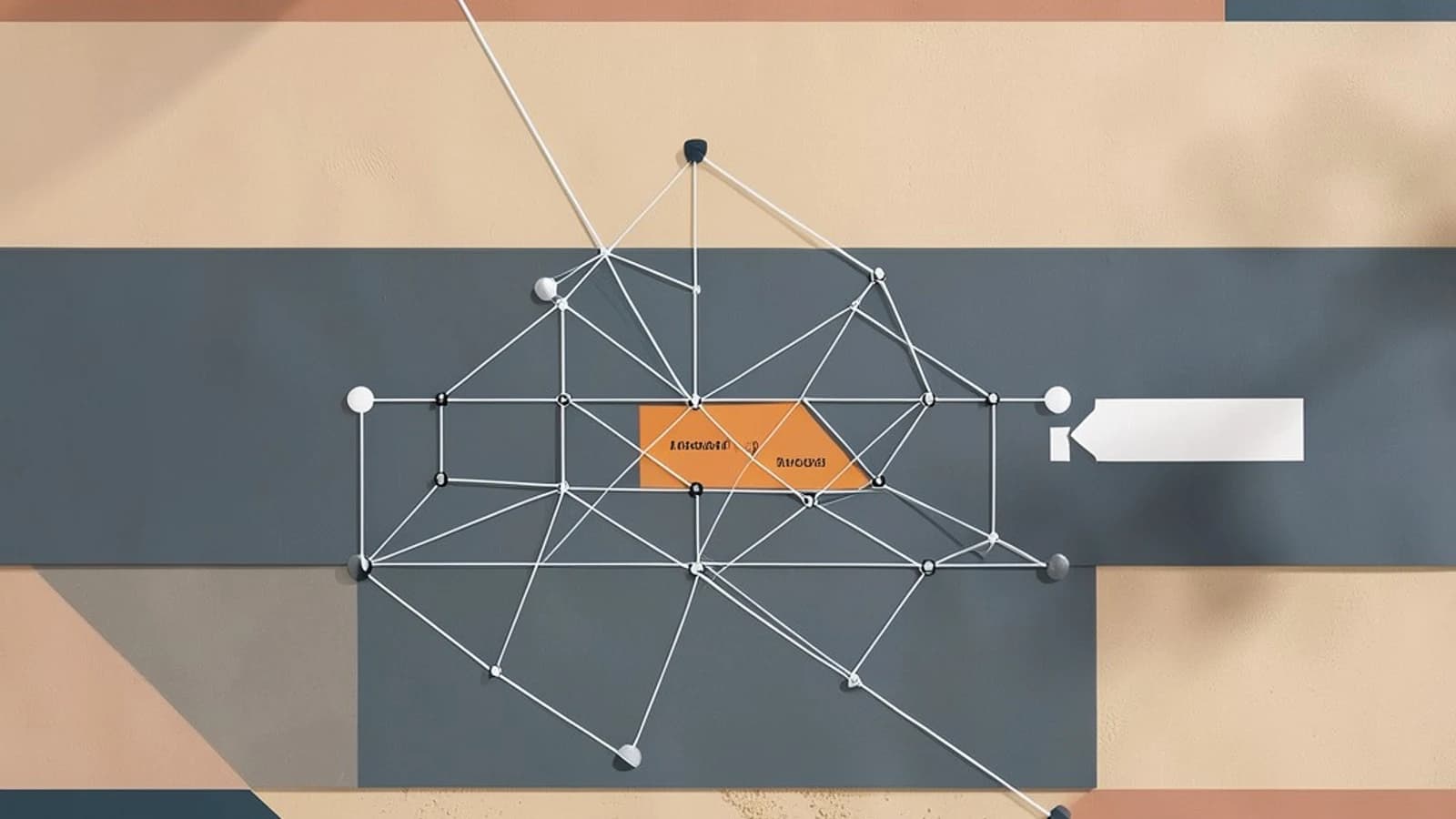
Colocated tables in YugabyteDB store rows from different tables on the same tablet when the tables share an identical primary‑key definition and are explicitly marked for colocation. This eliminates the need for the query planner to shuffle data across tablets for joins, reducing latency and network traffic.
How colocation works
When you create a table with the colocation = true property, YugabyteDB assigns it a tablet ID based on the hash of its primary key. If another table is created with colocation_with = 'other_table' and uses the exact same primary‑key column list, data types, and order, the system forces both tables to use the same hash function and the same number of tablets. Rows that share the same primary‑key value therefore land on the same tablet for both tables. A join that matches on those keys can be executed locally on that tablet, which the planner shows as a “Colocated Join” node.
Worked example
The following DDL and DML illustrate the setup. Adjust the namespace or cluster connection details as needed for your environment.
-- Parent table
CREATE TABLE parent (
    id UUID PRIMARY KEY,
    name TEXT
) WITH (colocation = true);

-- Child table that colocates with parent
CREATE TABLE child (
    id UUID PRIMARY KEY,
    parent_id UUID REFERENCES parent(id),
    val TEXT
) WITH (colocation = true, colocation_with = 'parent');

-- Load sample data
INSERT INTO parent
SELECT gen_random_uuid(), 'p'
FROM generate_series(1,1000);

INSERT INTO child
SELECT gen_random_uuid(), p.id, 'c'
FROM parent p, generate_series(1,2)
WHERE true;

-- Explain the join
EXPLAIN ANALYZE
SELECT *
FROM parent p
JOIN child c ON p.id = c.parent_id
WHERE p.name = 'p';
In the output of EXPLAIN ANALYZE you should look for a node labeled something like Colocated Join or a single‑tablet scan that indicates both tables were read from the same tablet without a redistribute step. The exact wording varies by YugabyteDB version, but the presence of a colocated join node confirms that the planner was able to avoid cross‑shard data movement.
Limits and requirements
- Identical primary‑key definition: column order, data types, and nullability must match exactly.
- Same number of tablets: YugabyteDB derives this from the primary‑key hash; mismatched keys cause different tablet counts.
- Equal replication factor and placement constraints: if you use zone‑affinity or geo‑partitioning, both tables must specify the same constraints.
- Immutability after creation: you cannot alter the primary key, add a column that participates in the hash, or change the colocation flag without recreating the table.
- Mixing colocated and non‑colocated tables in a join forces the planner to fall back to a distributed join for those pairs.
Common mistakes
- Mismatched primary key types (e.g.,
UUIDvsBIGINT) – colocation fails silently and you see regular distributed joins. - Omitting
colocation_withon the child table – the child gets its own tablet set. - Assuming all tables in a database are automatically colocated – colocation must be requested explicitly.
- Attempting to change the primary key after data is loaded – the operation is blocked; you must drop and recreate the table.
- Using different zone‑affinity configs – tablets may end up in different regions even though the hash matches.
Verification steps
- Start a local YugabyteDB cluster (e.g., via
docker‑composeor a binary release). - Run the DDL and DML from the worked example.
- Execute
EXPLAIN ANALYZEon the join query and check for a colocated join node. - List tablet IDs for both tables with
yb-admin --list_tablets <table_id>; the counts and IDs should match. - Query
yb_server_statusorpg_stat_user_tablesto confirm that rows sharing a primary‑key value reside on the same tablet for both tables.
These steps help you confirm that colocation is active and that the join benefits from reduced network hops. If you do not see the expected colocated join node, review the primary‑key definitions and colocation flags for mismatches.
 yugabytedb
0 replies
A thoughtful contribution can make all the difference. Be the first to share one.