Using Unity Addressables to Cut Build Size and Enable Hot‑Reloaded Content
Learn how Unity’s Addressable Asset System can shrink build size, enable remote updates, and simplify asset management. Follow a step‑by‑step example, understand trade‑offs, and get a quick checklist to start using Addressables in your next project.
26 Sept 2026, 13:18 UTC
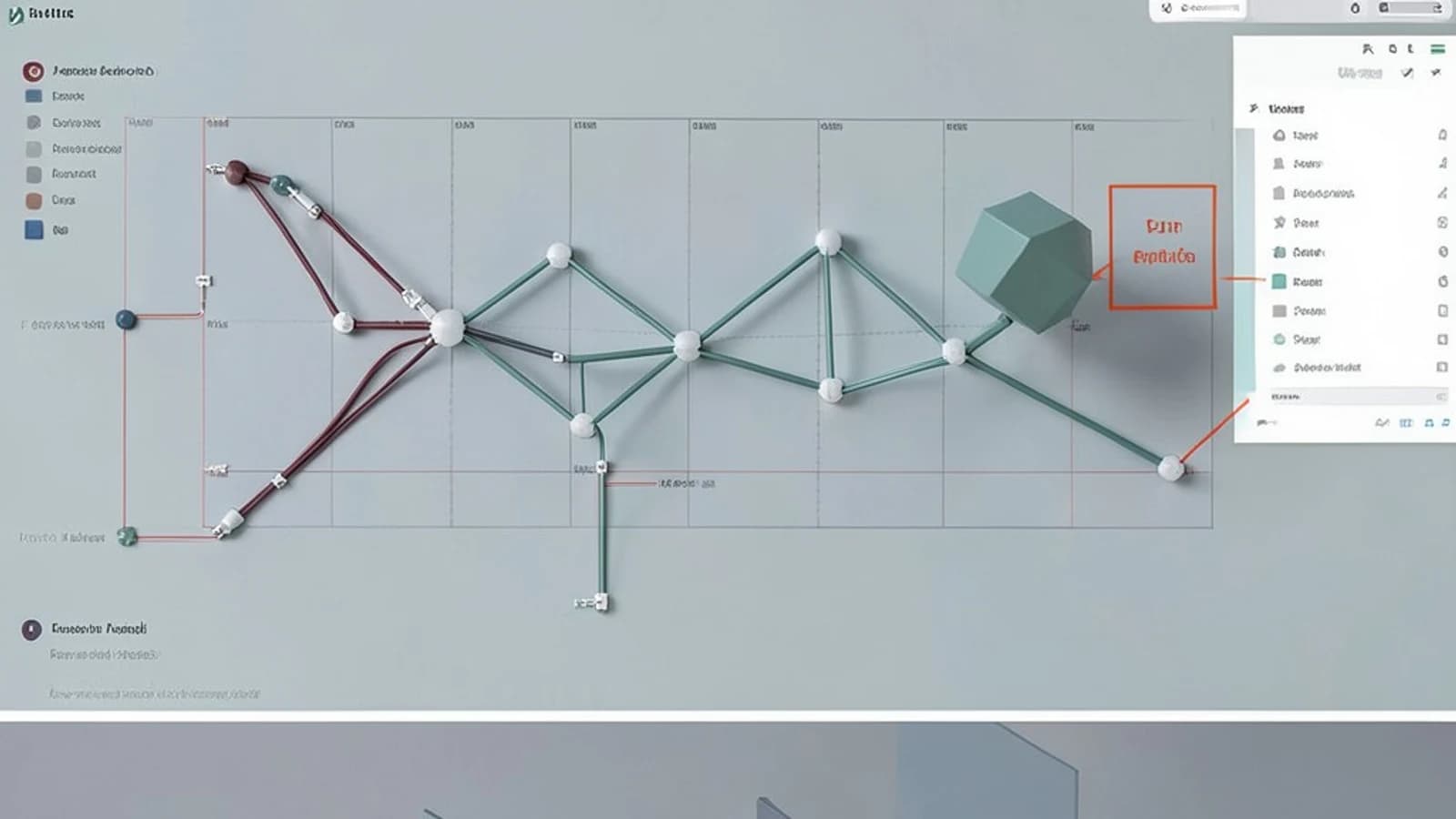
Why Addressables Matter
When a Unity build grows past a few megabytes, the first thing that slows down a player is the download time. Unity’s Addressable Asset System lets you split your content into logical bundles, load only what you need, and even swap assets in the cloud without rebuilding the entire project. The core idea is that you reference an asset by a string key or GUID instead of a hard‑coded file path.
What the System Does Under the Hood
- Decoupling: A sprite can be referenced as
"player‑idle"instead ofAssets/Characters/Player/Idle.png. - Bundle Generation: During a build, Addressables groups are turned into asset bundles. Each bundle gets a hash‑based name that guarantees uniqueness.
- Remote Hosting: The generated bundles can be uploaded to Unity’s CDN, an S3 bucket, or any HTTP server. The runtime then downloads only the bundles it needs.
- Reference Counting: The API returns a
AsyncOperationHandlethat tracks usage. When you callAddressables.Release(handle), the system knows when it’s safe to free the memory.
Hands‑On Example: Loading a Sprite from a Remote Bundle
- Mark a Sprite as Addressable
- Open the Addressables Groups window (Window > Asset Management > Addressables > Groups).
- Drag
Assets/Sprites/PlayerIdle.pnginto a new group calledCharacters. - The sprite now has an Address field (e.g.,
"Characters/PlayerIdle").
- Configure Remote Load Path
- In the group’s settings, set
Remote Load Pathtohttp://cdn.example.com/andRemote Save Pathto the same. - This tells the build system to publish bundles to that URL and the runtime to look there.
- In the group’s settings, set
- Build the Player
- Build > Build Player > Choose platform (e.g., Android).
- After the build finishes, the
AddressableAssetsDatafolder containsCatalog.jsonand the bundle files.
- Load at Runtime
using UnityEngine; using UnityEngine.AddressableAssets; using UnityEngine.ResourceManagement.AsyncOperations; public class PlayerLoader : MonoBehaviour { async void Start() { var handle = await Addressables.LoadAssetAsync<Sprite>("Characters/PlayerIdle"); if (handle.Status == AsyncOperationStatus.Succeeded) { Sprite sprite = handle.Result; GetComponent<SpriteRenderer>().sprite = sprite; } else { Debug.LogError("Failed to load sprite: " + handle.OperationException); } } } - Verify
- Run the game. The console should show
Downloading bundlemessages if the bundle isn’t cached. - Open the Profiler and look at the
Addressablessection to see the bundle’s size and load time.
- Run the game. The console should show
Trade‑Offs and Common Pitfalls
- Build Time: Every change to an addressable group triggers a rebuild of all bundles in that group. Using Incremental Builds helps, but frequent edits still add overhead.
- Missing Dependencies: If a bundle references another asset that isn’t marked addressable, the runtime will throw a
MissingAssetException. Always double‑check theDependenciestab in the group window. - Memory Pressure: Addressables rely on reference counting. Forgetting to release a handle can keep a bundle in memory longer than necessary, leading to spikes.
- Network Latency: Remote loading adds an extra round‑trip. For low‑latency games, keep critical assets local or pre‑download them.
When to Use Addressables
- Large projects where build size is a bottleneck (e.g., RPGs with many textures).
- Games that need content updates without a full re‑release (e.g., DLC, seasonal skins).
- Projects that target platforms with strict download limits (e.g., mobile).
Actionable Checklist
- Mark all high‑cost assets (textures, meshes, audio) as addressable.
- Group them by logical categories (Characters, Environments, UI).
- Set a remote load path that matches your hosting strategy.
- Use
Addressables.LoadAssetAsynceverywhere you would previously useResources.Loador direct asset references. - Test the build: ensure bundles load correctly and that the profiler shows reduced data transfer.
- Implement a simple cache‑clear routine for development builds to avoid stale bundles.
Conclusion
Unity Addressables give you fine‑grained control over when and how assets are delivered to the player. By decoupling asset references from physical paths, you unlock incremental updates, smaller initial downloads, and a cleaner build pipeline. The trade‑offs—longer build times and careful dependency management—are manageable with a disciplined workflow. Start small: mark a handful of assets, build, and load them at runtime. Once you’re comfortable, scale up to full content pipelines.
 unity
unity0 replies
A thoughtful contribution can make all the difference. Be the first to share one.