Using Travis CI build stages to gate expensive deployments
How to structure your .travis.yml with stages so fast checks run first and costly deploy jobs only trigger when they should.
20 Dec 2025, 22:29 UTC
The problem: deployments that run before you’re ready
In many CI pipelines, every push to a repository triggers the same sequence of steps: lint, unit tests, integration tests, artifact assembly, and finally a release to production or staging. As the suite grows, the test phase can take twenty minutes or more, and pulling the deploy trigger into the same job stream makes it easy for a slow test to block a release, or for a failed integration test to leave artifacts in an uncertain state. Pull requests from contributors often inherit the full pipeline, wasting compute time on jobs that should be gated.
Why Travis CI build stages work
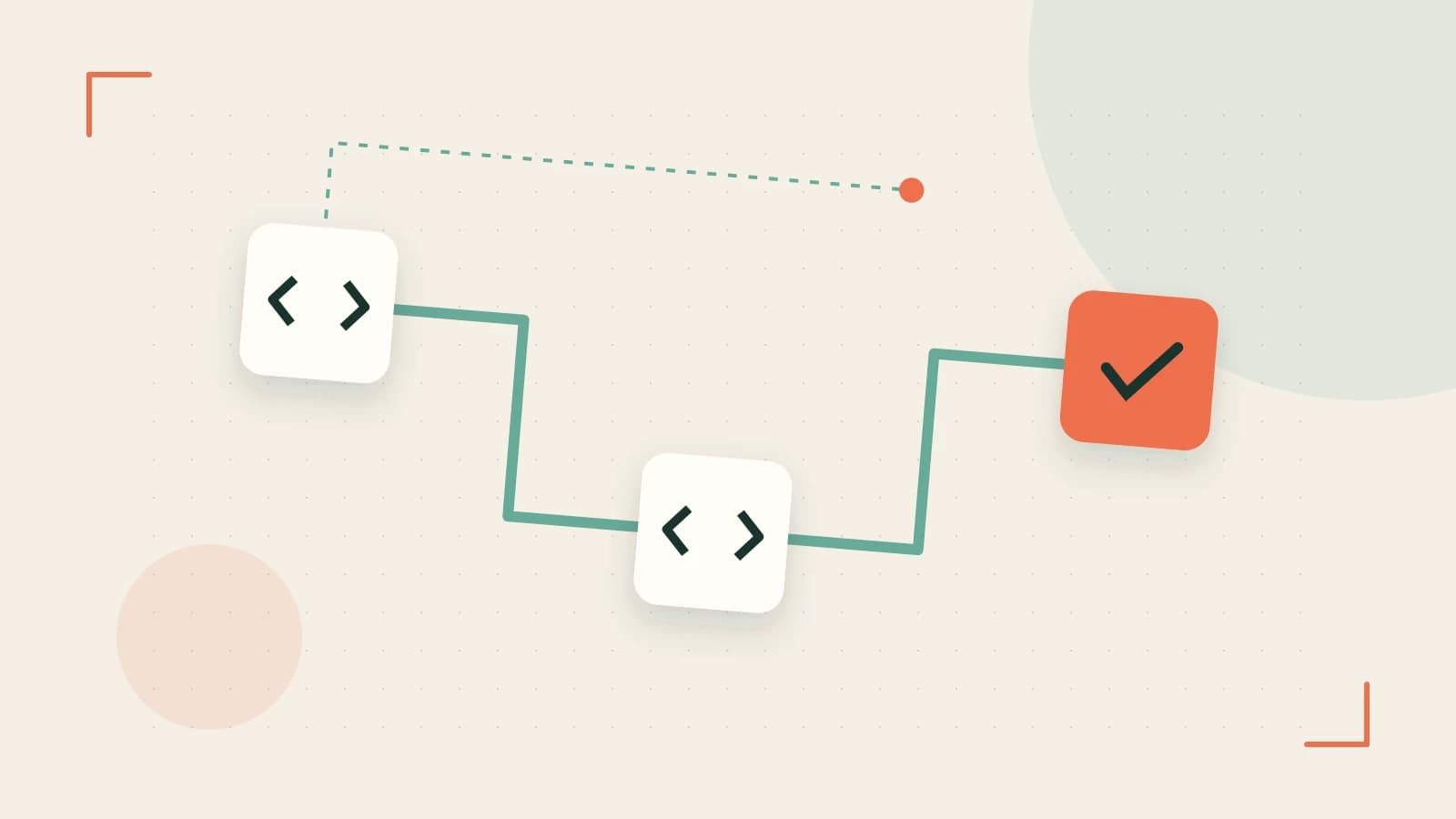
Travis CI introduced the stages key in .travis.yml to let you group jobs into named phases. All jobs in one phase must pass before the next phase begins. This structural change lets you separate fast, low-risk checks from slower, higher-risk work such as building Docker images or deploying to production.
Each stage is a label you define; each job inside a stage runs in parallel with other jobs in the same stage, subject to the concurrency limits of your plan. If any job in a stage fails, the next stage is skipped and the build is marked as failed.
A three-stage pattern for a typical web service
- test – lint, unit tests, and any fast checks. Run in parallel across language versions or feature flags.
- build – compile artifacts, generate Docker images, run slower integration suites.
- deploy – push to staging or production, guarded by branch and tag conditions.
Concrete example: a minimal .travis.yml with stages
Create or update .travis.yml at the root of your repository. Here’s a configuration that separates a fast test phase from a conditional deploy phase:
language: node_js
node_js:
  - "14"
  - "16"

stages:
  - test
  - build
  - deploy

jobs:
  include:
    - stage: test
      script:
        - npm ci
        - npm run lint
        - npm test
    - stage: build
      script:
        - npm run build
        - docker build -t myapp:${TRAVIS_COMMIT_SHA} .
    - stage: deploy
      script:
        - docker login -u "$DOCKER_USER" -p "$DOCKER_PASSWORD"
        - docker push myapp:${TRAVIS_COMMIT_SHA}
      if: branch = main AND type = push
The stages key declares three phases in order. The jobs: include block assigns each job to a stage. The deploy job carries an if: clause that ensures it only runs on pushes to the main branch, not on pull requests or feature branches. Jobs in the test stage run in parallel across Node 14 and Node 16, shortening wall‑clock time without altering the guarantee that the build and deploy stages wait for all test results.
Verifying the behavior in the Travis CI UI
- Push a commit to a feature branch. Observe that the
deploystage is skipped because theif:condition isn’t met. - Push to
main. All three stages should run in order; the console will showtestcompleting first, thenbuild, thendeploy. - Intentionally fail a lint or unit test in the
teststage. The UI should mark thebuildanddeploystages as canceled rather than running them.
Trade‑offs and limitations
- No shared filesystem between stages. Artifacts produced in the
teststage aren’t automatically available inbuildordeploy. If you need to pass a built binary or compiled asset upward, use a deploy provider (e.g., Docker, S3) or explicitly upload the artifact rather than relying on the cache alone. - Caching interaction. Travis caches directories per‑job (e.g.,
cache: bundler,cache: npm). Each job restores its own cache; sharing caches across stages requires thecache: keyconfiguration or a provider‑side store. - Fork‑pull‑request security. Encrypted environment variables are not exposed to pull requests from forks. A deploy job that references a secret will silently fail on a fork PR unless the
if:condition explicitly excludes forks or you use a different secret‑management approach. - Plan‑dependent concurrency. Free and open‑source plans have different job‑run limits. Before locking a multi‑stage pipeline into your default branch workflow, confirm that your Travis CI plan supports the number of concurrent jobs you expect.
Getting started
Add a stages section to your existing .travis.yml, promote your most expensive jobs into later stages, and add an if: clause to guard deployment against pull requests. Push a test commit and watch the stage ordering in the Travis CI web UI. If a stage fails, note that later stages are marked canceled—this is the expected behavior and tells you the gate is working.
 travis
0 replies
A thoughtful contribution can make all the difference. Be the first to share one.