Using Pod Disruption Budgets to Keep Applications Available During Node Drains
Learn how a Pod Disruption Budget (PDB) guarantees a minimum number of replicas stay up while you drain nodes, plus a concrete example and the trade‑offs to watch for.
04 Oct 2025, 11:38 UTC
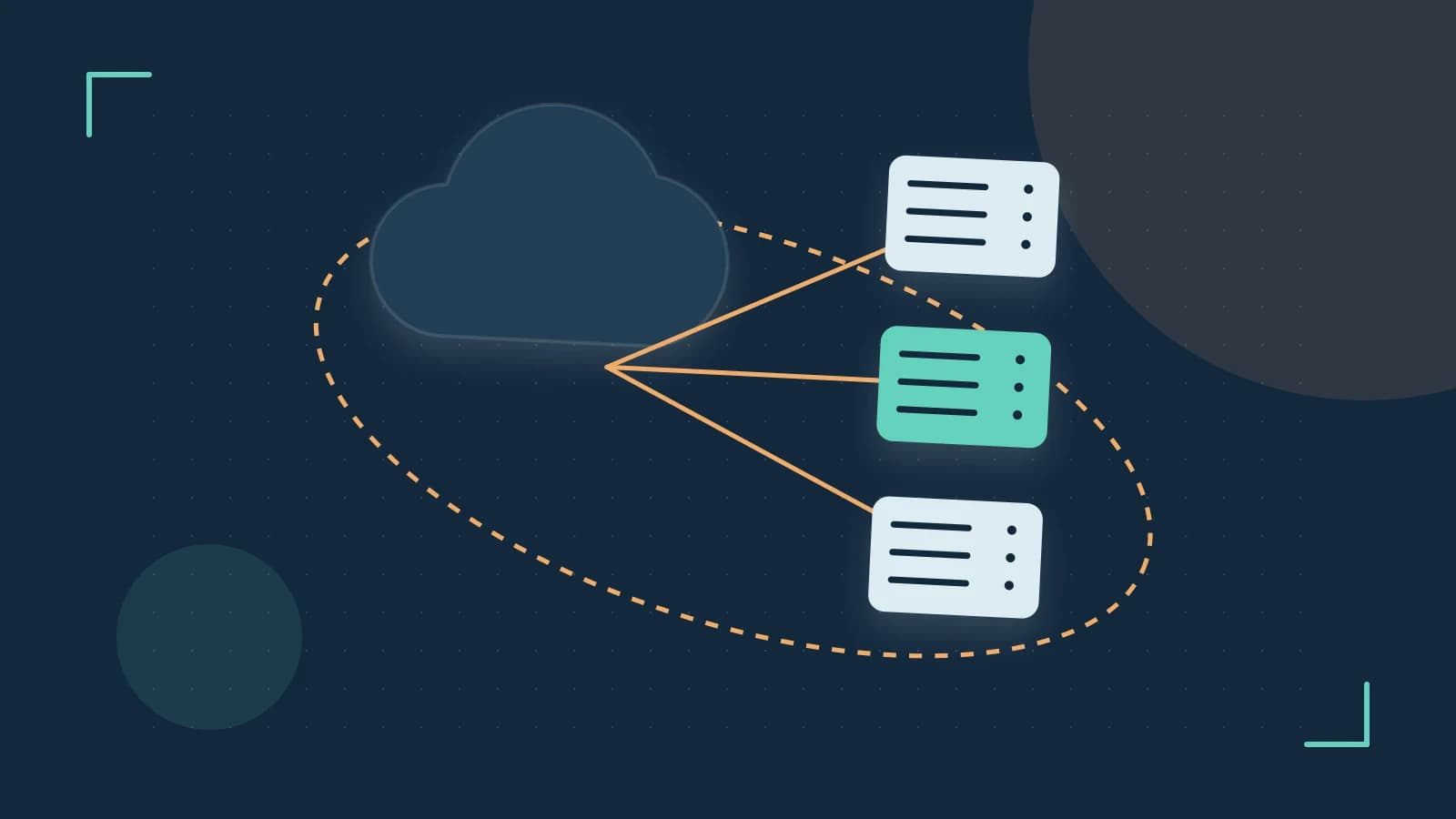
Problem: Node upgrades stall because pods disappear too fast
When you upgrade a Kubernetes node, the control plane tries to evict all pods from that node before taking it offline. If your application cannot tolerate losing too many instances at once, the drain operation will pause indefinitely, blocking the upgrade and potentially delaying security patches.
What a Pod Disruption Budget does
A PodDisruptionBudget (PDB) object tells the scheduler the minimum number of replicas that must stay available during voluntary disruptions such as node drains, scaling down a Deployment, or API‑initiated evictions. You express this minimum either as an absolute count (minAvailable) or as a percentage (minAvailable with a % suffix). The scheduler will only evict a pod if, after the eviction, the remaining healthy pods still meet the budget; otherwise it postpones the eviction and records a FailedEviction event.
PDBs work with controllers that manage replica sets—Deployments, ReplicaSets, and StatefulSets—but they do not protect against involuntary disruptions like node crashes, kernel panics, or network partitions.
How PDB interacts with a node drain
- You run
kubectl drain --ignore-daemonsets --delete-emptydir-data(requirescluster-adminor equivalent RBAC permissions). - The drain controller attempts to evict each pod on the node.
- For each eviction request, the scheduler checks the PDB of the pod’s controller.
- If evicting the pod would drop the available replica count below the PDB’s
minAvailable, the scheduler rejects the eviction, returnsFailedEviction, and the drain controller waits. - Once enough pods have been rescheduled elsewhere and the PDB is satisfied, the drain proceeds.
Worked example: guarding a five‑replica Deployment
Assume you have a Deployment named web-app with five replicas in the production namespace.
# 1. Create the Deployment (if not already present)
kubectl create deployment web-app --image=nginx:1.25 --replicas=5 -n production

# 2. Expose it via a Service (optional, for testing)
kubectl expose deployment web-app --port=80 --target-port=80 -n production

# 3. Apply a PDB that requires at least three replicas available
cat <<EOF | kubectl apply -f -
apiVersion: policy/v1
kind: PodDisruptionBudget
metadata:
  name: web-app-pdb
  namespace: production
spec:
  minAvailable: 3
  selector:
    matchLabels:
      app: web-app
EOF

# 4. Verify the PDB is active
kubectl get pdb web-app-pdb -n production

# 5. Choose a node to drain (replace  with an actual node)
kubectl drain  --ignore-daemonsets --delete-emptydir-data
During the drain, watch the events of a pod being evicted:
kubectl get pods -n production -w
You should see the drain pause after two pods have been evicted (leaving three running). The third eviction attempt will be blocked, and you’ll find a FailedEviction event:
kubectl describe pod <pod-name> -n production | grep -i "FailedEviction"
Once you cordon the node or manually reschedule a pod elsewhere, the drain will resume and finish.
Trade‑offs and limitations
- Operational friction: Setting
minAvailabletoo high (e.g., equal to the replica count) can block node upgrades, cluster autoscaler scale‑downs, or evenkubectl deleteoperations. Review PDBs whenever you change replica counts. - No protection against sudden loss: If a node crashes, the PDB cannot prevent downtime; combine PDBs with anti‑affinity rules or
podTopologySpreadConstraintsto spread replicas across failure domains. - Only voluntary disruptions: The scheduler respects PDBs during API‑initiated evictions, but not during hardware failures.
Actionable closing
To use PDBs safely:
- Start with a modest budget—for a Deployment with
nreplicas, tryminAvailable: ceil(n/2). - Monitor drains with
kubectl get events --field-selector reason=EvictionFailedto spot overly restrictive budgets. - Automate checks: a simple CI step can run
kubectl get pdb -A -o yamland verify that nominAvailableequals the replica count. - Combine PDBs with node‑affinity or topology spread constraints for higher resilience against involuntary node loss.
By aligning your PDB with the real availability needs of your service, you let Kubernetes perform maintenance without sacrificing uptime.
 kubernetes
0 replies
A thoughtful contribution can make all the difference. Be the first to share one.